Start from the symptom
Viking range wall oven controls not responding.
On a Viking touch-control wall oven, a long beep followed by a word on the display is a printed error: MODEL, RTD, PROBE, LATCH or KEYBOARD. Only PROBE has a home fix, which is to plug the meat probe in and press OFF. If the whole oven is dead, check power and the MANUAL/TIMED switch.
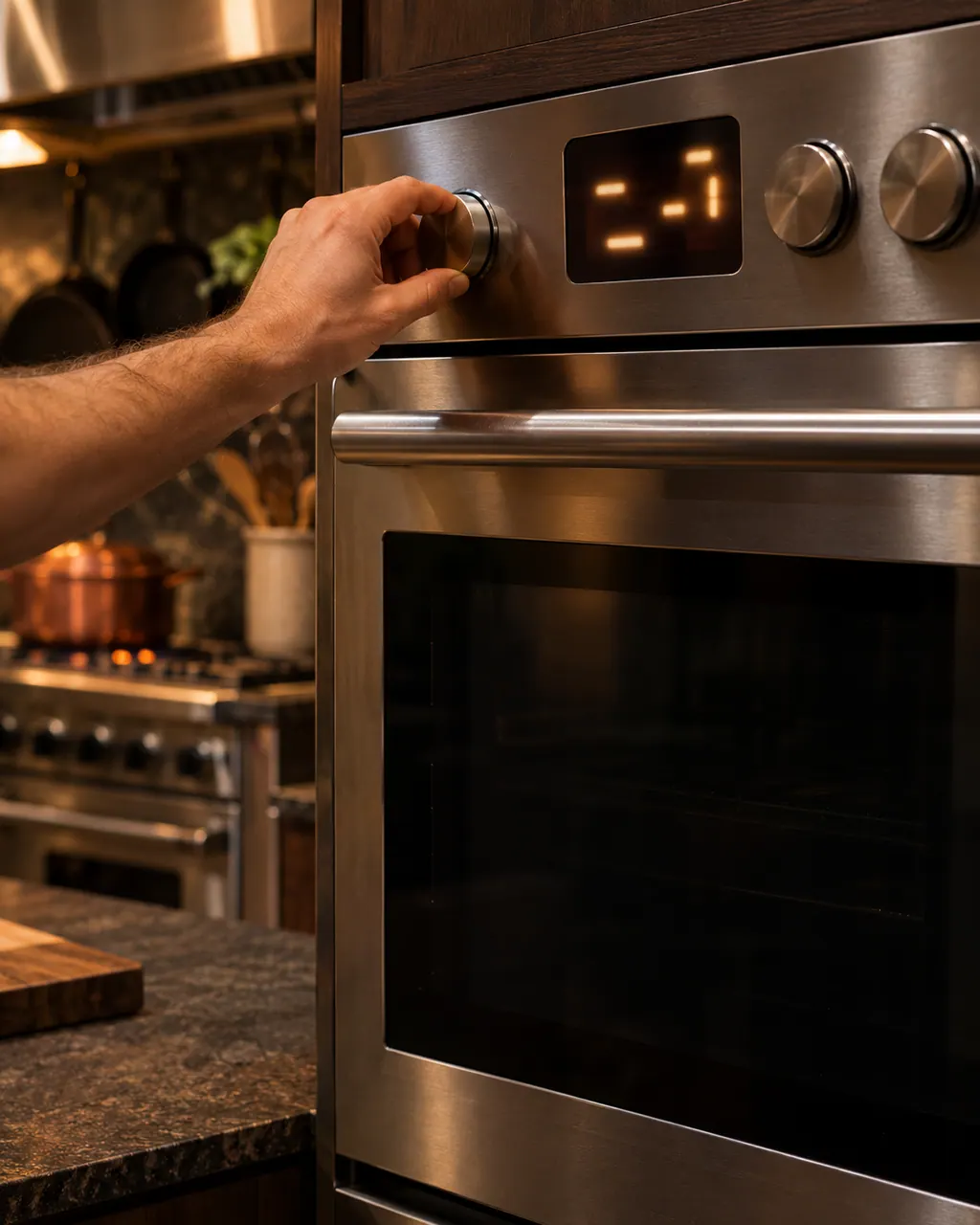
Start with safe observations.
Turn the appliance off and unplug it before any check you can make yourself. Beware of standing water and sharp edges. Never touch a wet plug or live wiring, take off service panels, or go beyond what your series' guide allows.
- 1
Read the message after the beep
These ovens give a long beep, then show the error word. Note which one appears, because the table gives each its own action.
- 2
PROBE ERROR
The meat probe may not be plugged in. Plug it in, press the OFF key to exit and clear the message. If the message stays with the probe connected, the table calls for service.
- 3
MODEL, RTD and LATCH ERROR
MODEL ERROR means an incorrect model number has been installed. RTD ERROR means the RTD is open or shorted. LATCH ERROR means the control cannot lock or unlock the door latch. All three need a technician.
- 4
KEYBOARD ERROR
Viking says no connection exists between the keyboard and the control. There is no reset step in the table, so book a visit.
- 5
Nothing responds at all
On the 5 and 7 Series ovens, first check the breaker. If the oven lights are on, make sure the MANUAL/TIMED switch is in the MANUAL position.
- 6
After a power cut
Viking's manual says not to try to use the oven during a power failure; it will not function. Wait for power, then check the breaker and fuses.
Systems a technician may investigate.
The parts below connect to this symptom. Seeing it does not establish that any one of them is the culprit.
If the display adds a code.
Read the related care guide.
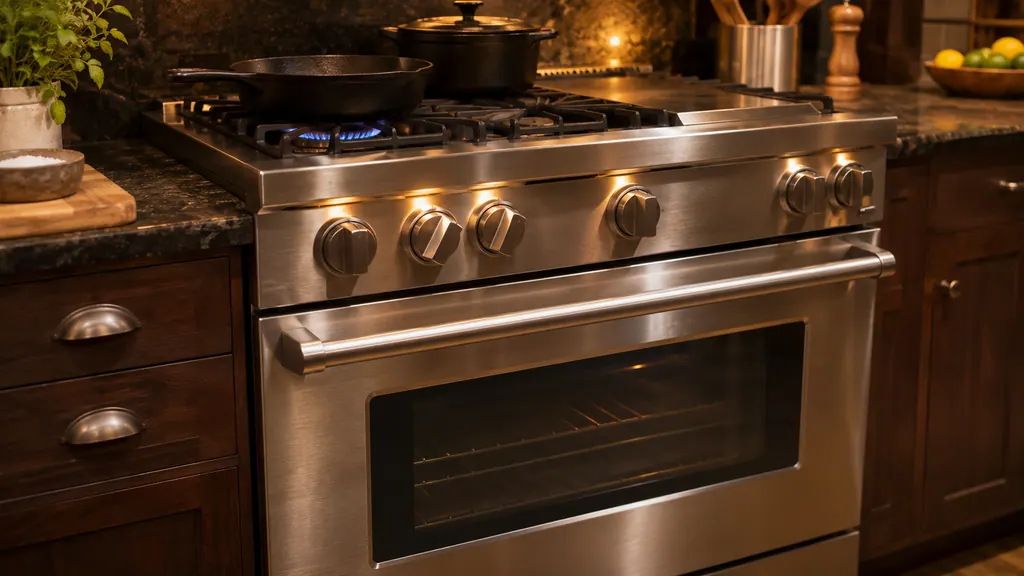
Viking oven door stuck shut after you canceled self-clean?
If you stopped a self-clean on a Viking 7 Series dual fuel range in its first 30 seconds, the latch may not have fully engaged and the door can stay locked. Turn the oven selector and temperature knobs to SELF-CLEAN until the bezel pulses yellow, then turn both to OFF. The door is free when the solid yellow light goes out. [1]
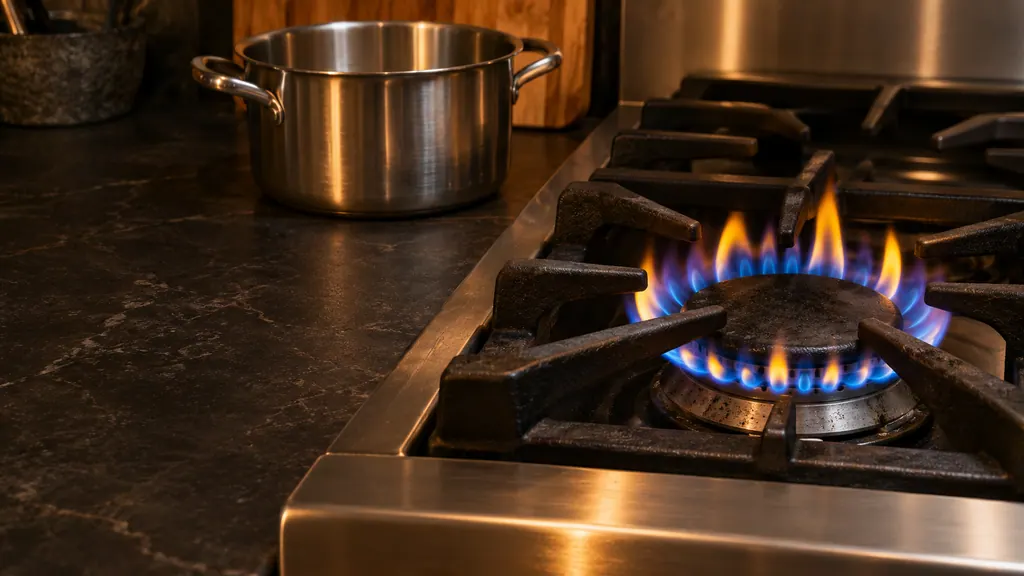
Yellow flame on a Viking burner? Check the ports first.
On a Viking gas range, a burner that lights but shows a large, distorted or yellow flame is usually one of three things in the manual: clogged burner ports, the wrong type of gas, or air shutters that are not set correctly. You can clean clogged ports with a straight pin; gas type and shutter settings are for a qualified technician. [1][2]
When observation becomes a service request.
Leave internal testing to a technician.
Any MODEL, RTD, LATCH or KEYBOARD ERROR shows.
PROBE ERROR returns with the probe plugged in.
The oven stays dead after the breaker, fuses and MANUAL/TIMED switch are checked.
Arrange a diagnosticSources and model boundaries.
The Viking wall oven controls not responding guidance rests on these references. Choose the manual that fits your own series.
- Use & Care / Professional Built-In Electric Touch Control Single and Double Ovens
- Viking Use & Care Manual / Professional & Designer Series Built-In Electric Touch Control Single and Double Ovens
- Use & Care / Professional Built-In Electric Single and Double Ovens / VSOE130 / VSOE527 / VSOE530
Rely on the guide for your precise series, and read how we research these pages.
What does PROBE ERROR mean on a Viking wall oven?
It means the meat probe is open or shorted, or just not plugged in. Plug it in and press OFF to clear the message. If it returns while the probe is connected, book us.
Is there a reset for MODEL ERROR or KEYBOARD ERROR?
Viking prints none. MODEL ERROR means the wrong model number is installed, and KEYBOARD ERROR means the keyboard is not connected to the control. Both are service jobs.
My oven display is blank. What did Viking print for that?
For 5 and 7 Series ovens, check the power at the breaker; if the oven lights work, check that the MANUAL/TIMED switch is set to MANUAL. If lights are out, have an electrician verify power.
Will pressing buttons repeatedly clear an error?
Only PROBE ERROR has a printed clear step: press OFF. The others stay until the cause is repaired, so repeated presses just hide how the display behaved when you call.
Viking codes, symptoms, parts, visits
From the message to your next move.
MODEL ERROR
MODEL ERROR on a Viking touch-control wall oven says an incorrect model number has been installed. Viking's table tells you to call a service agency. Write the message down and book a visit.
Viking range burner will not light
A Viking range burner that will not light usually comes down to power, the gas valve, or a dirty igniter. Viking's printed table separates the causes by what you see: no spark, spark but no flame, endless sparking, or a yellow flame. With a gas smell, leave the knobs alone and phone your gas supplier.
Meat probe and PROBE ERROR
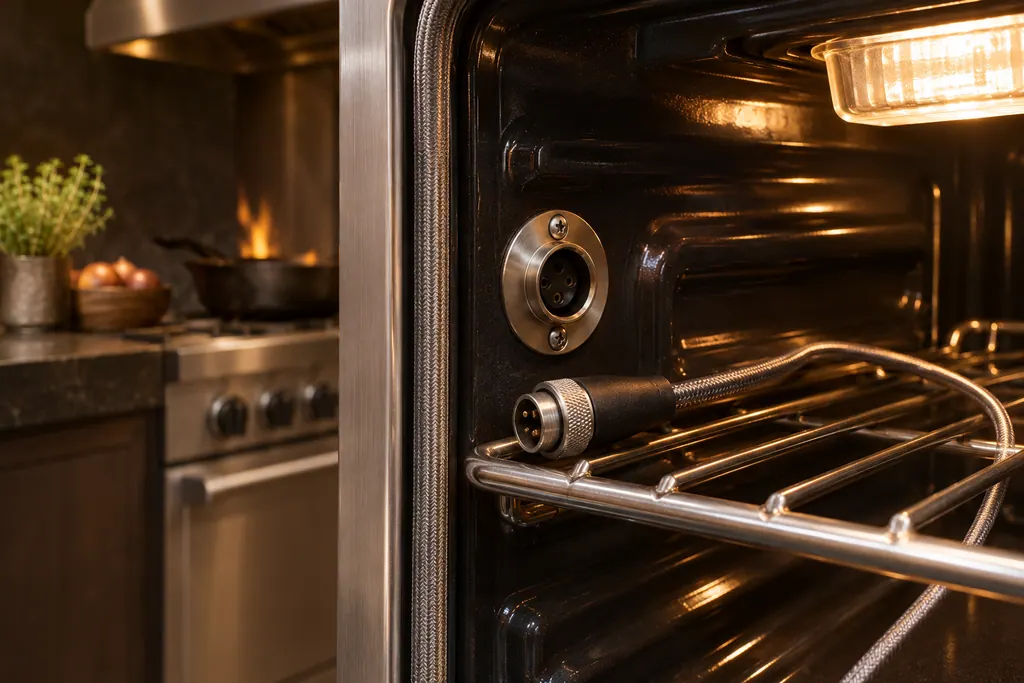
On a Viking touch-control wall oven, the meat probe plugs into a jack in the oven. PROBE ERROR means the probe is open or shorted. The F20813 manual’s first step is simple: the probe may not be plugged in, so plug it in, press OFF to clear the message, and call for service only if the error persists.
Range repair
Book a diagnostic for your series at the appliance itself.
Find your metro
Office particulars and the entry details to give us.