On this page
- A cycle canceled within 30 seconds, before the latch fully engages, may leave the door locked. 1
- Both knobs to SELF-CLEAN until the bezel pulses yellow, then both to OFF. 1
- The door is unlocked when the solid yellow bezel light goes out. 1
- A full cycle runs about 3-1/2 hours and needs about 30 minutes more before the latch releases. 1
- Self-clean appears on the dual fuel VDR and CVDR models in the manual. 1
Why does the oven door stay locked after I canceled self-clean?#
The latch locks as part of the cycle, and a cancel inside the first 30 seconds can land before it has fully engaged. The Viking manual says the door may then stay locked and gives a knob sequence to free it. 1
That detail sits in the backlit knob chapter and again in the self-clean chapter of the same manual. Both repeat the sentence word for word, so it is not an oversight. 1 The sequence is the answer for this one situation, and it does not turn into a general door override.
| What you see | What the manual says | What to do |
|---|---|---|
| Canceled in the first 30 seconds, door locked | Latch may not have fully engaged 1 | Use the yellow-bezel sequence below |
| Cycle running or just stopped, oven hot | Latch releases once a safe temperature is reached 1 | Wait; do not force the door |
| Oven will not start self-clean | Door is not shut tight enough for the latch to lock 1 | Close the door fully and start again |
| Red backlight, rings flashing | Error display 1 | Book a visit |
Which Viking ovens does this apply to?#
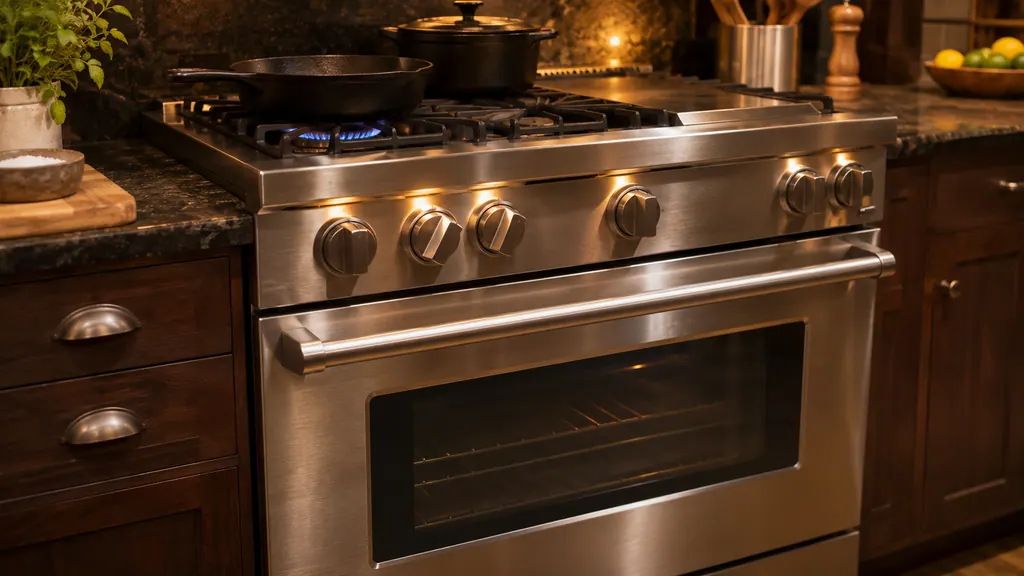
The cycle is described for the VDR and CVDR dual fuel models. The same manual covers gas VGR ranges and VRT rangetops, but its oven function chart lists SELF CLEAN only in the dual fuel column. 1
So a gas-only 7 Series range has no cleaning cycle to cancel, and a locked door on one of those has another cause. The manual also notes that on a double-oven model only one oven can run a cleaning cycle at a time. If you start the second while the first is cleaning, only the selector knob indicator lights, the temperature knob stays dark because the door has not locked, and the rings do not pulse. 1
What does a normal self-clean look like on the knobs?#
The 7 Series has lit knobs, and the manual describes what they do during a cycle. The bezel backlight turns yellow, the knob rings fade in over about two seconds, and the rings pulse until the oven first reaches its temperature. 1
After that the rings stay solid until the knobs are turned off. Once the door unlocks, the rings go back to the usual blue until you turn the knobs to OFF by hand. 1 Knowing that pattern helps you read the canceled case: if the rings are pulsing, the oven is still heating; if they are solid blue and the cycle is over, the latch is working to release.
A normal run has these stages, in the manual's order:
- Close the door fully, turn the oven selector knob clockwise to SELF CLEAN, and turn the temperature knob to the clean setting stop. The clean light comes on. 1
- Within 30 seconds the automatic latch engages and the oven indicator light comes on. 1
- The cycle runs about 3-1/2 hours. A fan sounds for the whole run, and about 30 more minutes are needed before the latch lets go. 1
- Turn both knobs to OFF. Open the door only when the oven is completely cool, then remove the ash with a damp cloth. 1
For a point of contrast, the 3 Series gas range manual lists about 2-1/2 hours for its own cycle, so a time from one series does not carry to another. 2
How do I free the door after a canceled cycle?#
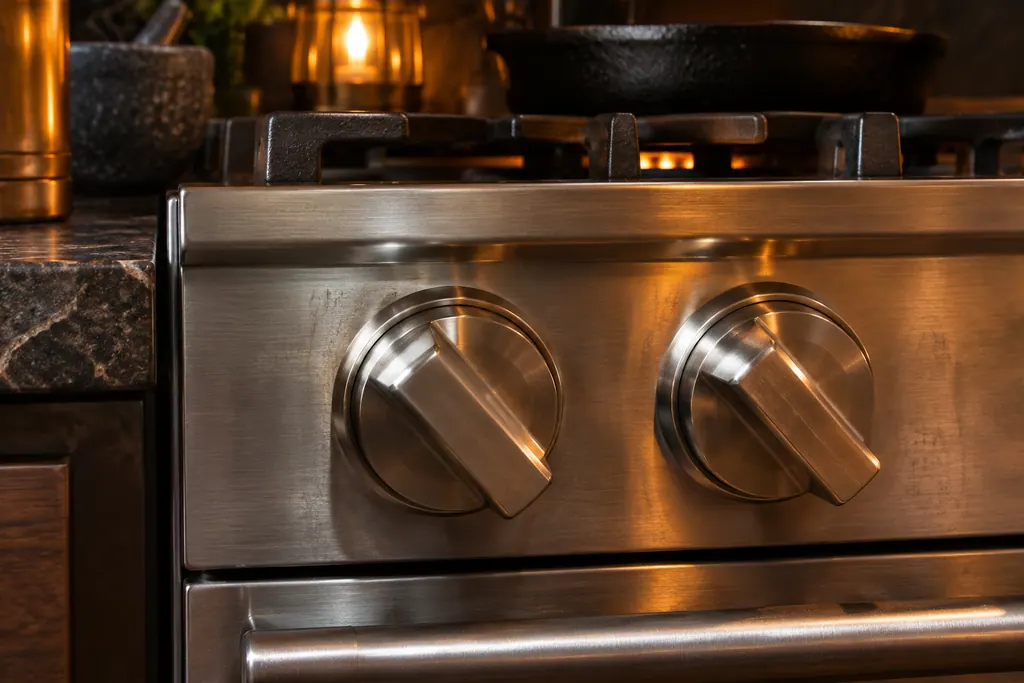
Turn the selector knob and the temperature knob to SELF-CLEAN, hold them until the bezel pulses yellow, then turn both to OFF. The bezel goes solid yellow, and the door is unlocked when that yellow disappears. 1
- 1
- 2
- 3
- 4
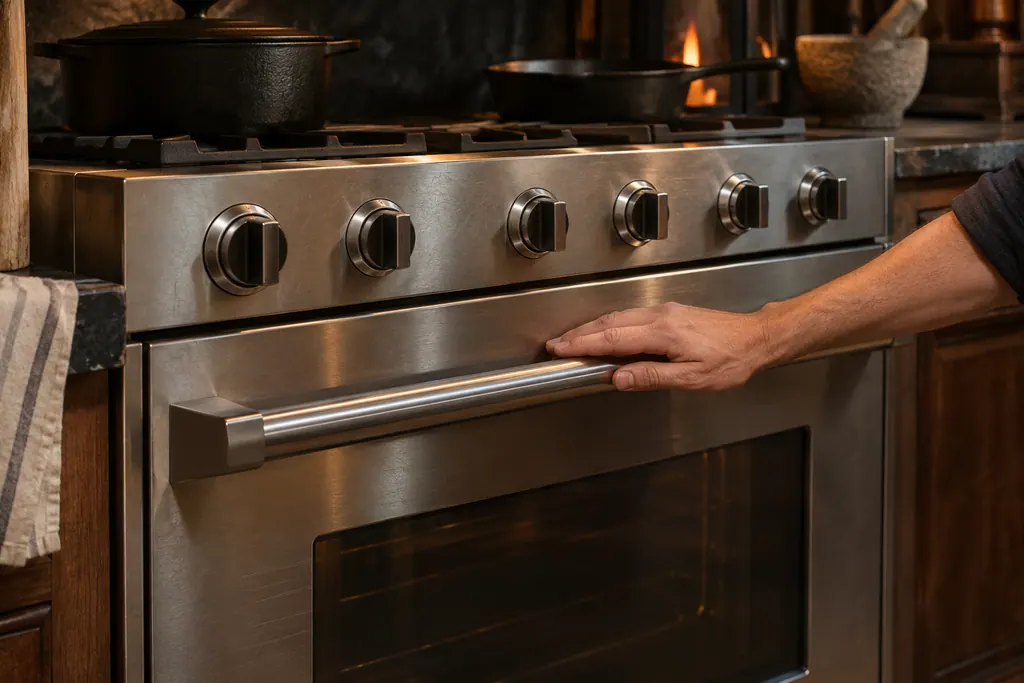
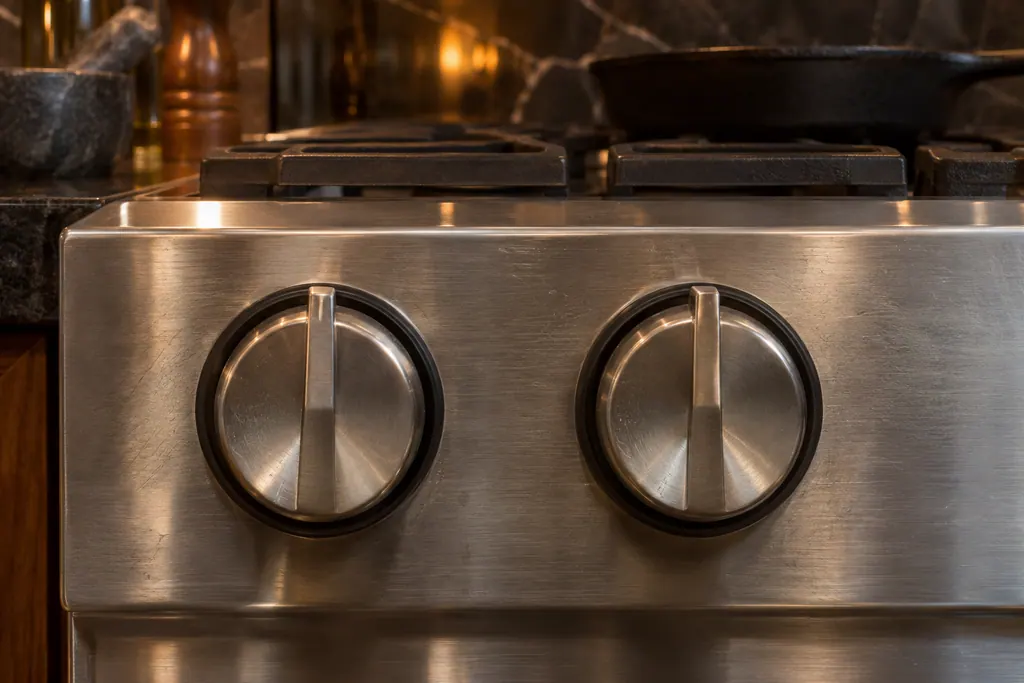
Give it patience between steps. The manual describes the sequence in one breath, so there is no printed timing for each stage. If nothing changes, do not repeat it many times in a row; stop and read the next section.
What if the oven was hot when I stopped it?#
Then the lock is doing its job and no reset is needed. To cancel a running cycle, turn both the temperature knob and the function selector to OFF. The latch releases on its own once the oven drops to a safe temperature. 1
The troubleshooting table covers a door that refuses to open too: the oven is still in self-clean mode, and a hot oven releases the latch when it is safe. 1 After a full cycle, plan on roughly 30 minutes beyond the cycle time. Do not lever the door, and do not spray anything at it. The latch stops the door opening while the cavity is at cleaning temperature on purpose.
How should I prepare the oven before the next cycle?#
Take out the racks and everything else inside, wipe large spills off the floor and sides, and hand-clean the door up to the gasket, the frame, and about 2 inches inside the frame. The manual forbids foil or liners and oven cleaners. 1
Soil in those hand-clean areas bakes on during the cycle and is hard to remove afterward, so a quick wipe with detergent and hot water saves effort. 1 The first few cycles may smoke or smell as the insulation binder cures, and the manual asks for good kitchen ventilation during each cycle. 1
Why will the oven not start self-clean at all?#
The table lists two causes. The door is not shut tightly enough for the automatic latch to lock, or the temperature knob was not turned all the way to the clean stop. 1 The same row set blames a knob that was not rotated all the way past clean when the oven comes out dirty. 1
Both are quick checks. Look for an oven rack edge, a cloth or a door gasket fold that stops the door from seating, close it firmly, and turn the temperature knob until it stops. If the oven still does not start, the symptoms page for self-clean problems lists the other things we check.
Does red mean the lock is jammed?#
No, red is a different message. The manual says an error code turns the backlight red and flashes the rings on the affected knob a set number of times, and it prints no table for those counts. 1 Yellow is the self-clean color.
Because no owner action is printed for a red display, the sensible step is to note which knob ring flashes and how many times, then book a visit. Our backlit knobs entry and the red backlight row explain what the manual does and does not say. The night-light button can cycle the bezel between blue, white and off, but the manual says the error display still works with the light turned off. 1
What details help a technician with a locked oven door?#
Say which model and which oven, when you started the cycle, how soon you canceled it, what color the bezel showed and whether you tried the yellow-bezel sequence. Send a picture of the rating plate if you can.
- Did you cancel within the first 30 seconds?
- Did the bezel pulse yellow when you used the sequence?
- Is the glow red, or are rings flashing?
- Has the oven been fully cool for at least 30 minutes?
More on this symptom is on our oven door page, and the range service page lists the models we repair.
Sources#
- Use & Care / Professional Freestanding Ranges / Built-In RangetopsViking Range, LLC (official manual PDF) · form 066424-000 · PDF p.11 (self-clean knob lighting, canceled-cycle note, error code), p.12 (oven functions), p.31 (self-clean cycle), p.33 (troubleshooting)
- Use & Care / 3 Series / Freestanding 30” Gas / Self-Clean Sealed Burner RangeViking Range, LLC (official manual PDF) · form F21184B EN · PDF p.21 (3 Series gas self-clean cycle length)