Start from the symptom
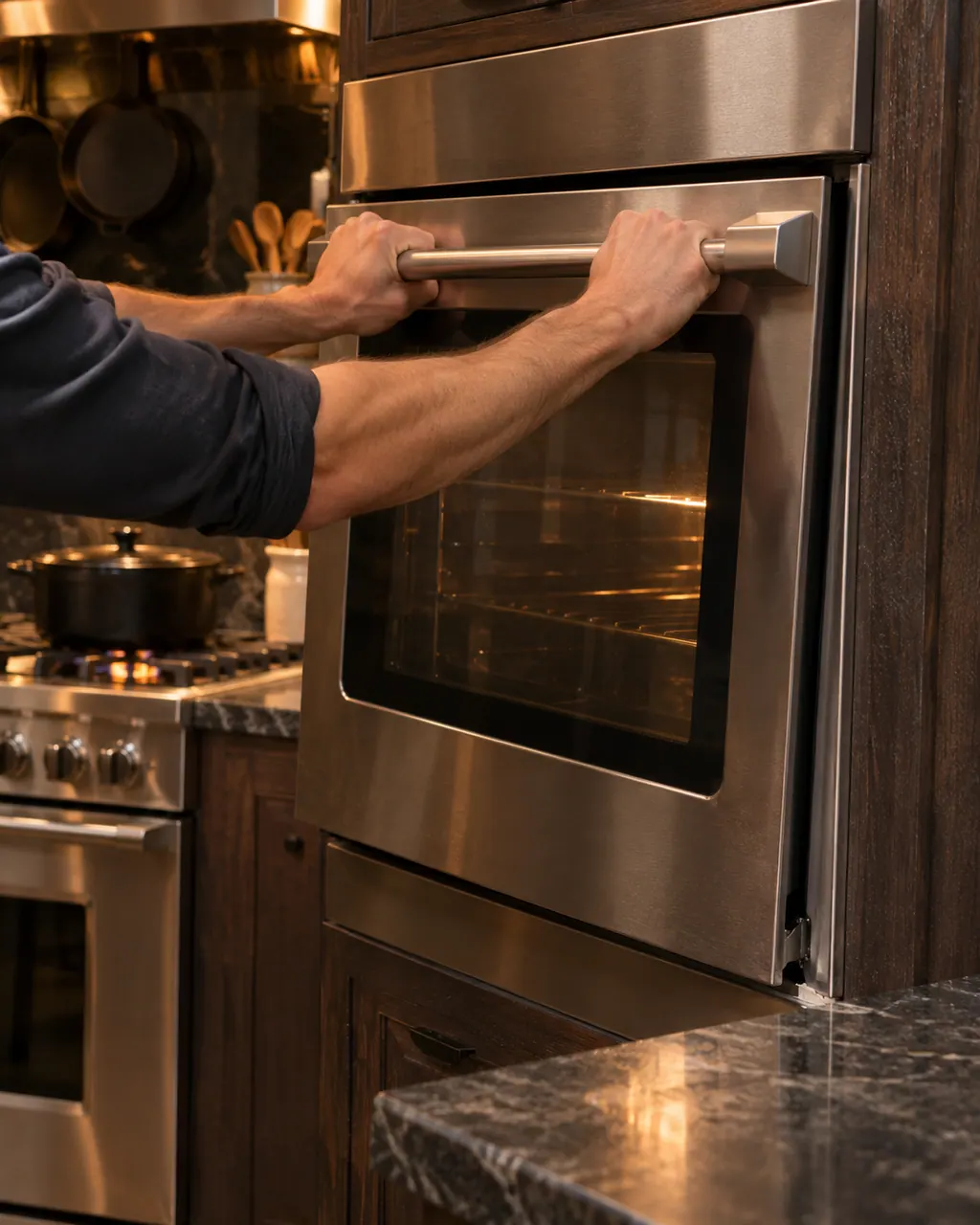
Viking range oven door stays shut.
When a Viking oven door stays shut, self-clean has nearly always locked it on purpose. Viking says the latch releases once the oven drops to a safe temperature. On a 7 Series range, a cycle canceled in its first 30 seconds can leave the door locked; the knob sequence below frees it.
Start with safe observations.
Turn the appliance off and unplug it before any check you can make yourself. Beware of standing water and sharp edges. Never touch a wet plug or live wiring, take off service panels, or go beyond what your series' guide allows.
- 1
Check whether self-clean is still running
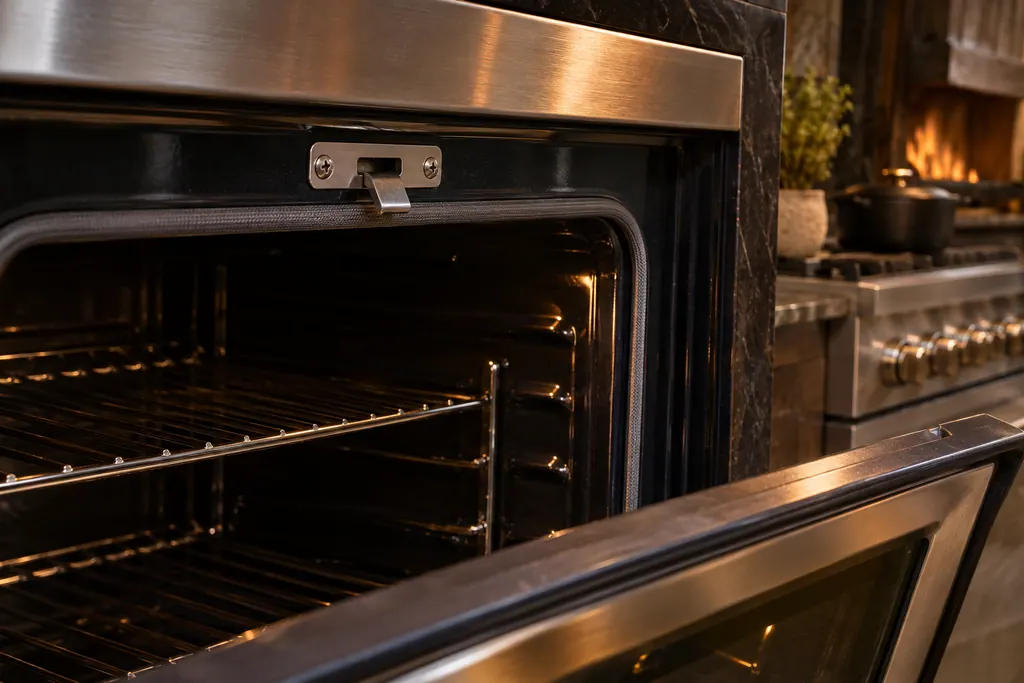
The table says the door will not open while the oven is in self-clean. If the oven is hot, the latch lets go by itself once it reaches a safe temperature.
- 2
Cancel the cycle the right way
Turn both the temperature knob and the function selector knob to OFF. The latch releases when the temperature is safe, then wipe out the ash once the oven is fully cool.
- 3
Allow for the cool-down
A full cycle runs about 2-1/2 hours on the 3 Series gas range and about 3-1/2 hours on the 5 and 7 Series electric wall ovens. Each needs roughly 30 more minutes before the latch disengages.
- 4
7 Series: a canceled start
If you cancel before the latch fully engages in the first 30 seconds, the door may be locked. Turn both knobs to SELF-CLEAN until the bezel pulses yellow, then both to OFF. The door is free when the solid yellow goes out.
- 5
Door will not lock for self-clean
If the oven refuses to start a self-clean, the table says the door is not shut tightly enough for the automatic latch to lock. Close it fully and try again.
- 6
Touch-control wall ovens
A LATCH ERROR means the control cannot lock or unlock the door latch. Viking prints a service call and no reset. Do not force the door.
Systems a technician may investigate.
The parts below connect to this symptom. Seeing it does not establish that any one of them is the culprit.
If the display adds a code.
Read the related care guide.
Viking oven door stuck shut after you canceled self-clean?
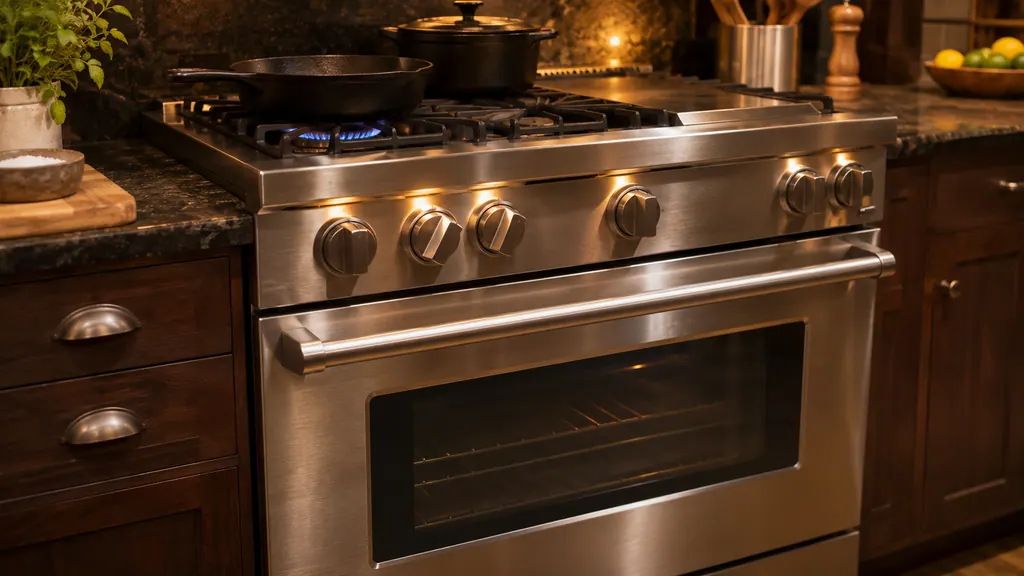
If you stopped a self-clean on a Viking 7 Series dual fuel range in its first 30 seconds, the latch may not have fully engaged and the door can stay locked. Turn the oven selector and temperature knobs to SELF-CLEAN until the bezel pulses yellow, then turn both to OFF. The door is free when the solid yellow light goes out. [1]
Yellow flame on a Viking burner? Check the ports first.
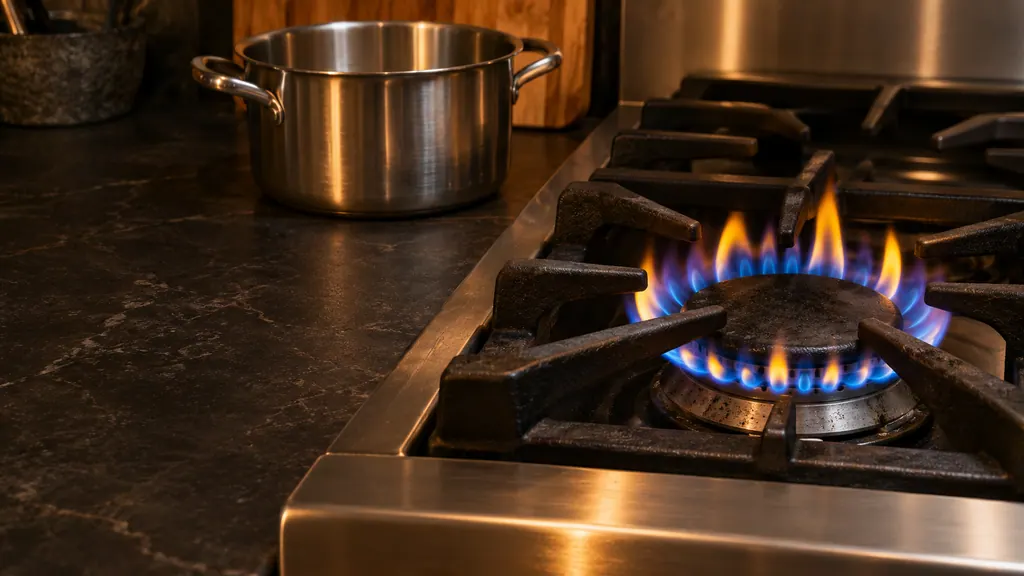
On a Viking gas range, a burner that lights but shows a large, distorted or yellow flame is usually one of three things in the manual: clogged burner ports, the wrong type of gas, or air shutters that are not set correctly. You can clean clogged ports with a straight pin; gas type and shutter settings are for a qualified technician. [1][2]
When observation becomes a service request.
Leave internal testing to a technician.
The oven is cold, self-clean is off, and the door still will not open.
LATCH ERROR shows on the display of a touch-control wall oven.
Arrange a diagnosticSources and model boundaries.
The Viking oven door stays shut guidance rests on these references. Choose the manual that fits your own series.
- Use & Care Manual / 3 Series Built-In Electric 30” Single and Double Ovens / RVSOE330 / RVDOE330
- Use & Care / Professional Freestanding Ranges / Built-In Rangetops
- Use & Care / Professional Built-In Electric Single and Double Ovens / VSOE130 / VSOE527 / VSOE530
- Use & Care / 3 Series / Freestanding 30” Gas / Self-Clean Sealed Burner Range
- Use & Care / Professional Built-In Electric Touch Control Single and Double Ovens
Rely on the guide for your precise series, and read how we research these pages.
Why won't my Viking oven door open after cleaning?
The self-clean latch stays engaged until the oven cools to a safe temperature. Viking's table says the latch releases by itself once that happens, so waiting is the fix.
How long does the door stay locked after self-clean?
Viking prints about 2-1/2 hours of cycle plus 30 minutes of cool-down for the 3 Series gas range, and 3-1/2 hours plus 30 minutes for the 5 and 7 Series electric ovens.
The 7 Series door is locked and the knobs are off. What now?
If you canceled in the first 30 seconds, turn both knobs to SELF-CLEAN until the bezel pulses yellow, then to OFF. The door unlocks when the solid yellow bezel disappears.
Is it all right to force a stuck door?
No. The latch is there so the door cannot open at cleaning temperatures. Forcing it can damage the latch, and a LATCH ERROR needs a technician.
Viking codes, symptoms, parts, visits
From the message to your next move.
LATCH ERROR
LATCH ERROR on a Viking touch-control wall oven means the control cannot lock or unlock the door latch. The table lists a service call and no reset. Do not force the door; book a visit.
Viking range burner will not light
A Viking range burner that will not light usually comes down to power, the gas valve, or a dirty igniter. Viking's printed table separates the causes by what you see: no spark, spark but no flame, endless sparking, or a yellow flame. With a gas smell, leave the knobs alone and phone your gas supplier.
Oven door latch and self-clean lock
A Viking self-cleaning oven locks its door with a latch for the cycle. On the 7 Series the guide says the door releases once the oven is at a safe temperature, and if a cycle is canceled in the first 30 seconds the door may stay locked until you turn both knobs to SELF-CLEAN and then OFF. Touch-control wall ovens print LATCH ERROR.
Range repair
Book a diagnostic for your series at the appliance itself.
Find your metro
Office particulars and the entry details to give us.