Inside the appliance
Oven door latch and self-clean lock. In plain English.
A Viking self-cleaning oven locks its door with a latch for the cycle. On the 7 Series the guide says the door releases once the oven is at a safe temperature, and if a cycle is canceled in the first 30 seconds the door may stay locked until you turn both knobs to SELF-CLEAN and then OFF. Touch-control wall ovens print LATCH ERROR.
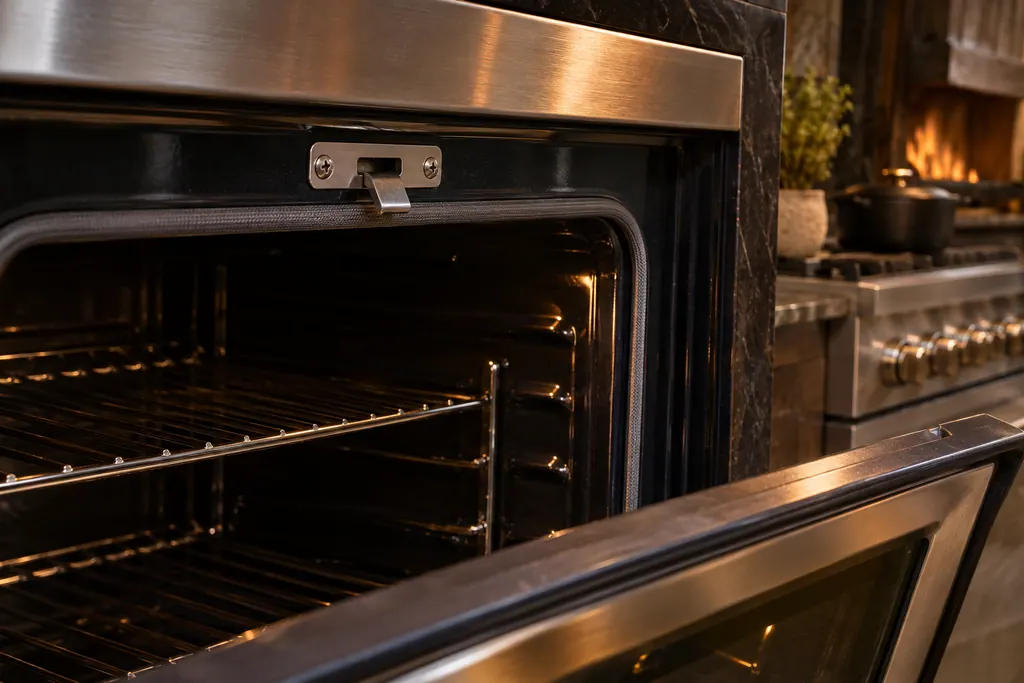
Where it fits.
Oven door latch and self-clean lock in the appliance
At the top of the oven door opening, where the door hook engages the lock.
The photo shows the kind of component. It cannot tell you which replacement fits your series.
The signs that this system wants attention.
Oven door latch and self-clean lock trouble can turn up together with a drop in performance or a code that keeps coming back. Testing is required before anyone decides this component is to blame.
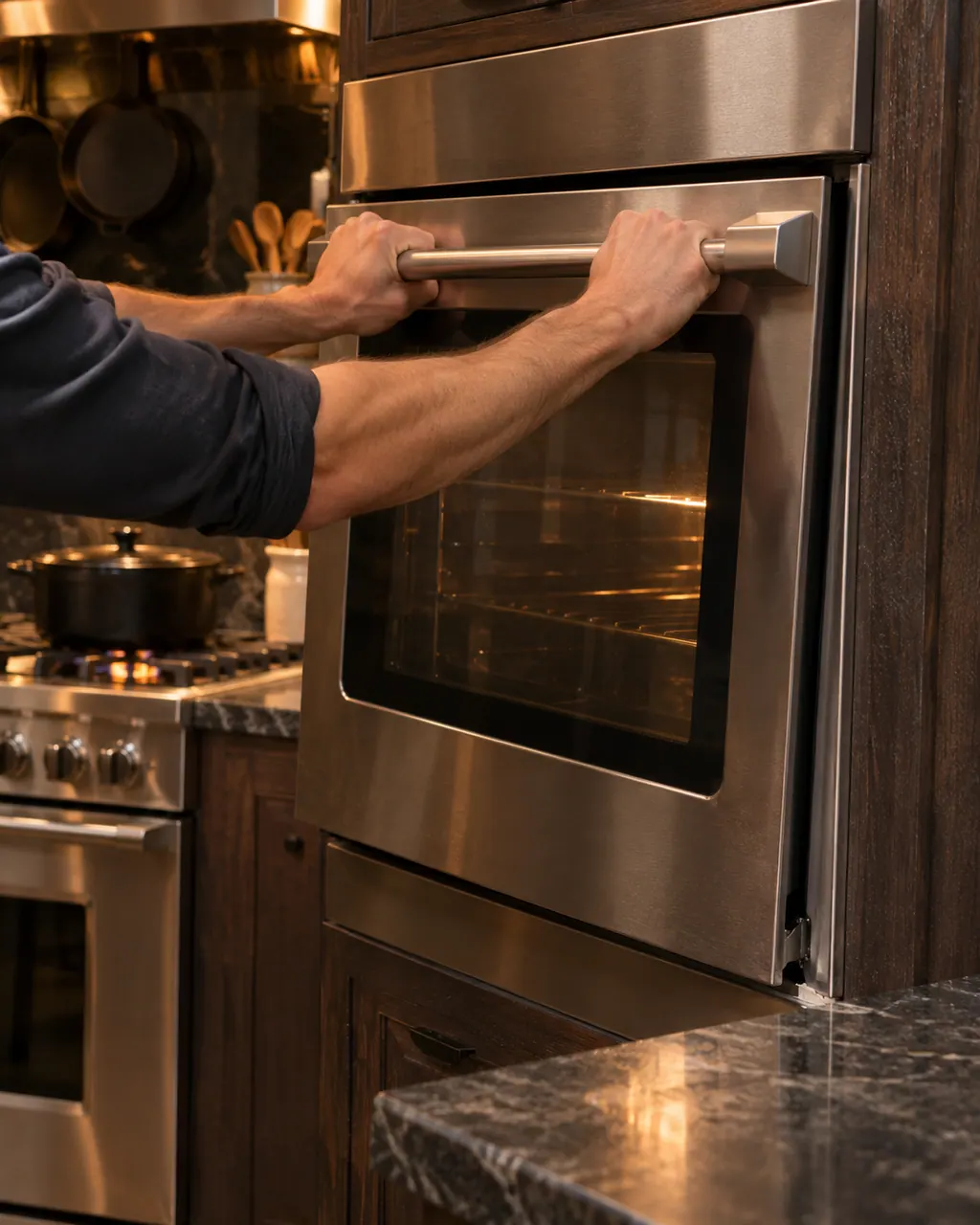
Viking oven door stays shut
When a Viking oven door stays shut, self-clean has nearly always locked it on purpose. Viking says the latch releases once the oven drops to a safe temperature. On a 7 Series range, a cycle canceled in its first 30 seconds can leave the door locked; the knob sequence below frees it.
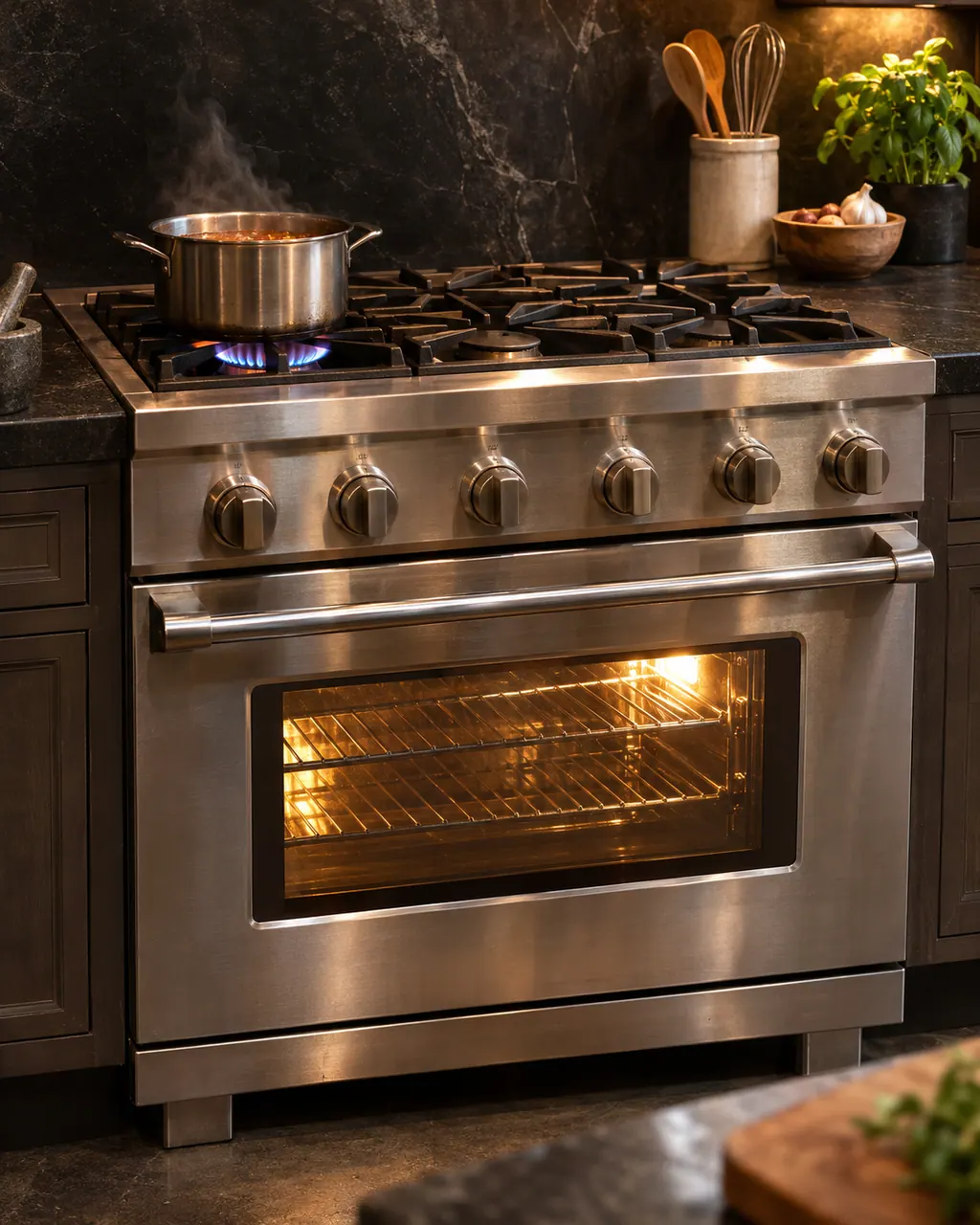
Viking self-clean problems
If a Viking oven will not start self-clean, the manual's first check is the door: it must be shut tightly enough for the latch to lock. If the oven comes out still dirty, the temperature knob was not turned all the way past clean until it stopped. Smoke and odor in the first cycles are normal.
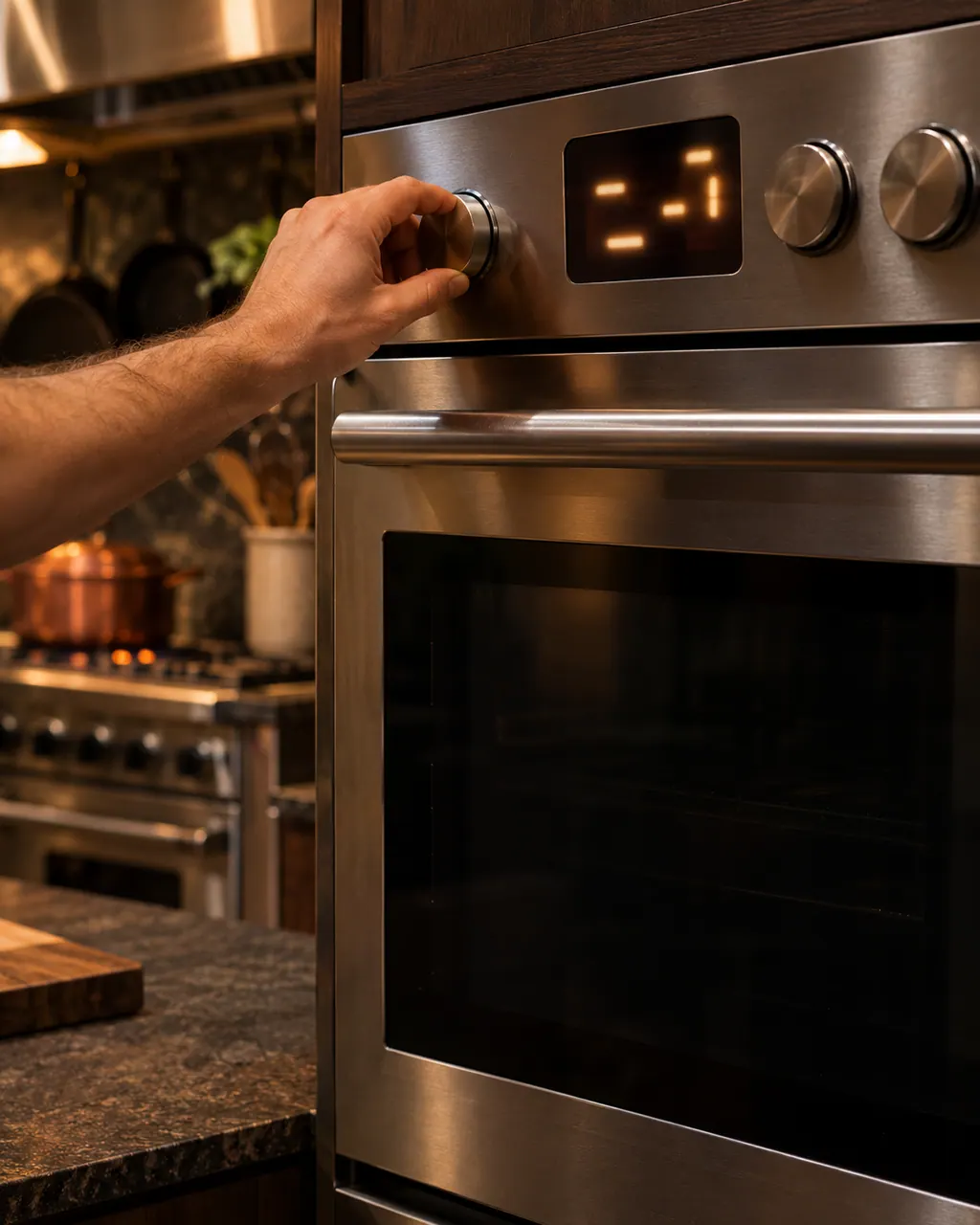
Viking wall oven controls not responding
On a Viking touch-control wall oven, a long beep followed by a word on the display is a printed error: MODEL, RTD, PROBE, LATCH or KEYBOARD. Only PROBE has a home fix, which is to plug the meat probe in and press OFF. If the whole oven is dead, check power and the MANUAL/TIMED switch.
Owner care, within the model instructions.
Turn the appliance off and unplug it before any check you can make yourself. Beware of standing water and sharp edges. Never touch a wet plug or live wiring, take off service panels, or go beyond what your series' guide allows.
- 1
Let the oven cool
The 7 Series table says that if the oven is hot, the door latch releases when a safe temperature is reached.
- 2
Close the door fully
A 3 Series or 7 Series oven that will not start self-clean may have a door not shut tight enough for the latch to lock.
- 3
Follow the unlock steps
After a self-clean canceled in the first 30 seconds, turn both knobs to SELF-CLEAN until the bezel pulses yellow, then to OFF. The yellow light fades once the door is unlocked.
- 4
Read LATCH ERROR
On the F20813 touch-control wall oven, LATCH ERROR means the control cannot lock or unlock the door latch.
Cleaning or replacement?
Leave internal testing to a technician.
The door stays locked after the oven is cool and the unlock steps are done.
LATCH ERROR comes back.
The oven will not start self-clean with the door fully closed.
Arrange a diagnosticSee the neighboring components.
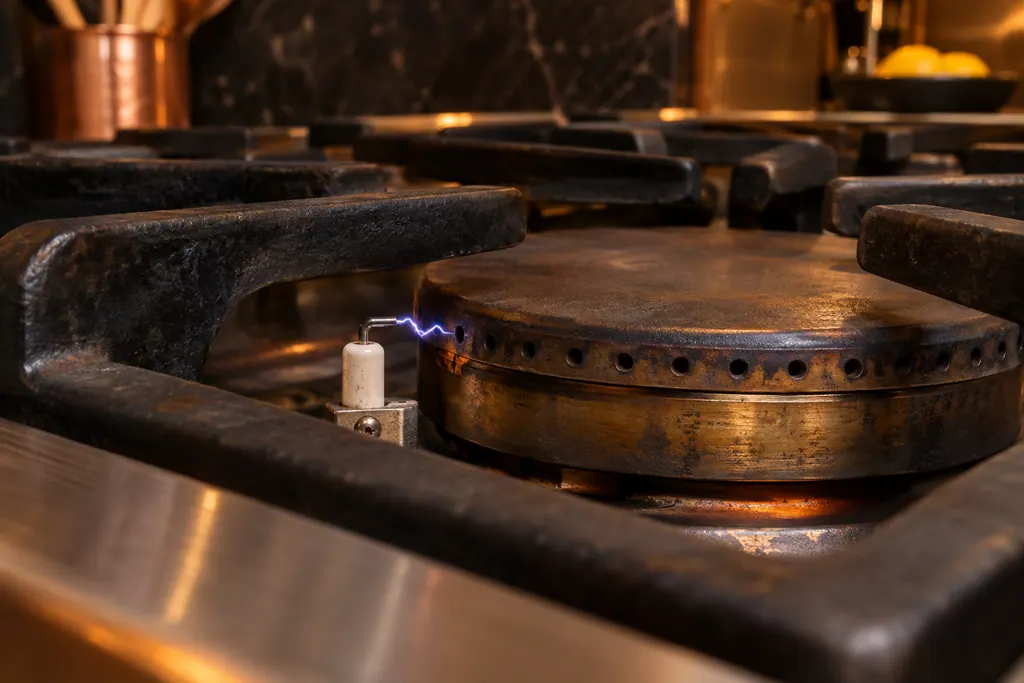
Igniters and sealed burners
A Viking gas range lights each burner with an igniter that clicks and sparks as the knob turns. The 3 Series and 7 Series troubleshooting tables list a tripped circuit or blown fuse for igniters that do nothing, a closed gas valve or interrupted supply for sparks without flame, and wet or dirty igniters for constant clicking.
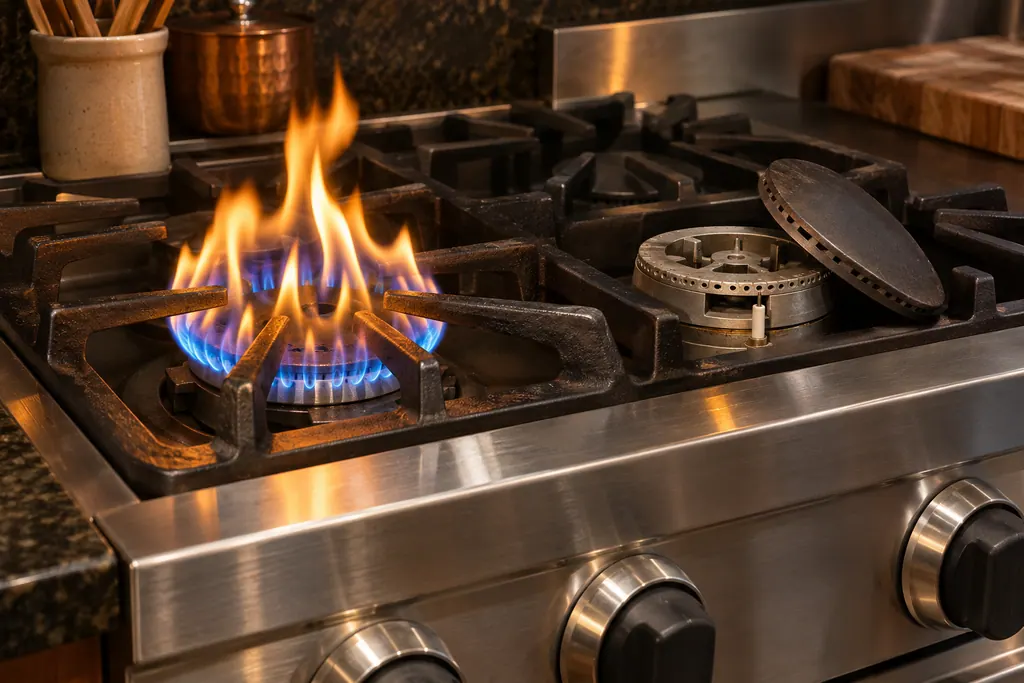
Burner ports and air shutters
When a Viking gas burner lights but the flame is large, distorted or yellow, the 3 Series and 7 Series troubleshooting tables list three causes: clogged burner ports, the wrong type of gas, or air shutters that are not adjusted properly. The first is a cleaning job; the other two belong with a technician.
Sources and model boundaries.
The Oven door latch and self-clean lock guidance rests on these references. Choose the manual that fits your own series.
- Use & Care / Professional Freestanding Ranges / Built-In Rangetops
- Use & Care / Professional Built-In Electric Touch Control Single and Double Ovens
- Use & Care / 3 Series / Freestanding 30” Gas / Self-Clean Sealed Burner Range
Rely on the guide for your precise series, and read how we research these pages.
Why will my Viking oven door not open?
If the oven is still in self-clean or hot, the door stays latched until a safe temperature is reached. Let it cool, then try again.
What does LATCH ERROR mean?
The F20813 manual says the control cannot engage or release the door latch. The manual’s remedy is service, so book a visit.
What if I canceled self-clean early?
The 7 Series guide says the door may be locked. Turn both knobs to SELF-CLEAN until the bezel pulses yellow, then to OFF, and wait for the yellow to fade.
Why does self-clean refuse to start?
The tables list a door not shut tight enough for the latch to lock. Close it firmly and try again; if it still refuses, book a visit.
Viking codes, symptoms, parts, visits
From the message to your next move.
LATCH ERROR
LATCH ERROR on a Viking touch-control wall oven means the control cannot lock or unlock the door latch. The table lists a service call and no reset. Do not force the door; book a visit.
Viking range burner will not light
A Viking range burner that will not light usually comes down to power, the gas valve, or a dirty igniter. Viking's printed table separates the causes by what you see: no spark, spark but no flame, endless sparking, or a yellow flame. With a gas smell, leave the knobs alone and phone your gas supplier.
Range repair
Book a diagnostic for your series at the appliance itself.
Find your metro
Office particulars and the entry details to give us.