Start from the symptom
Viking oven error message on the display.
Viking touch-control ovens print a short list of errors: MODEL, RTD, PROBE, LATCH and KEYBOARD. Only PROBE has an owner step: seat the probe in its jack, then press OFF. The steam-convection oven asks you to cycle power for 10 seconds and note the F number. Book a technician for the rest.
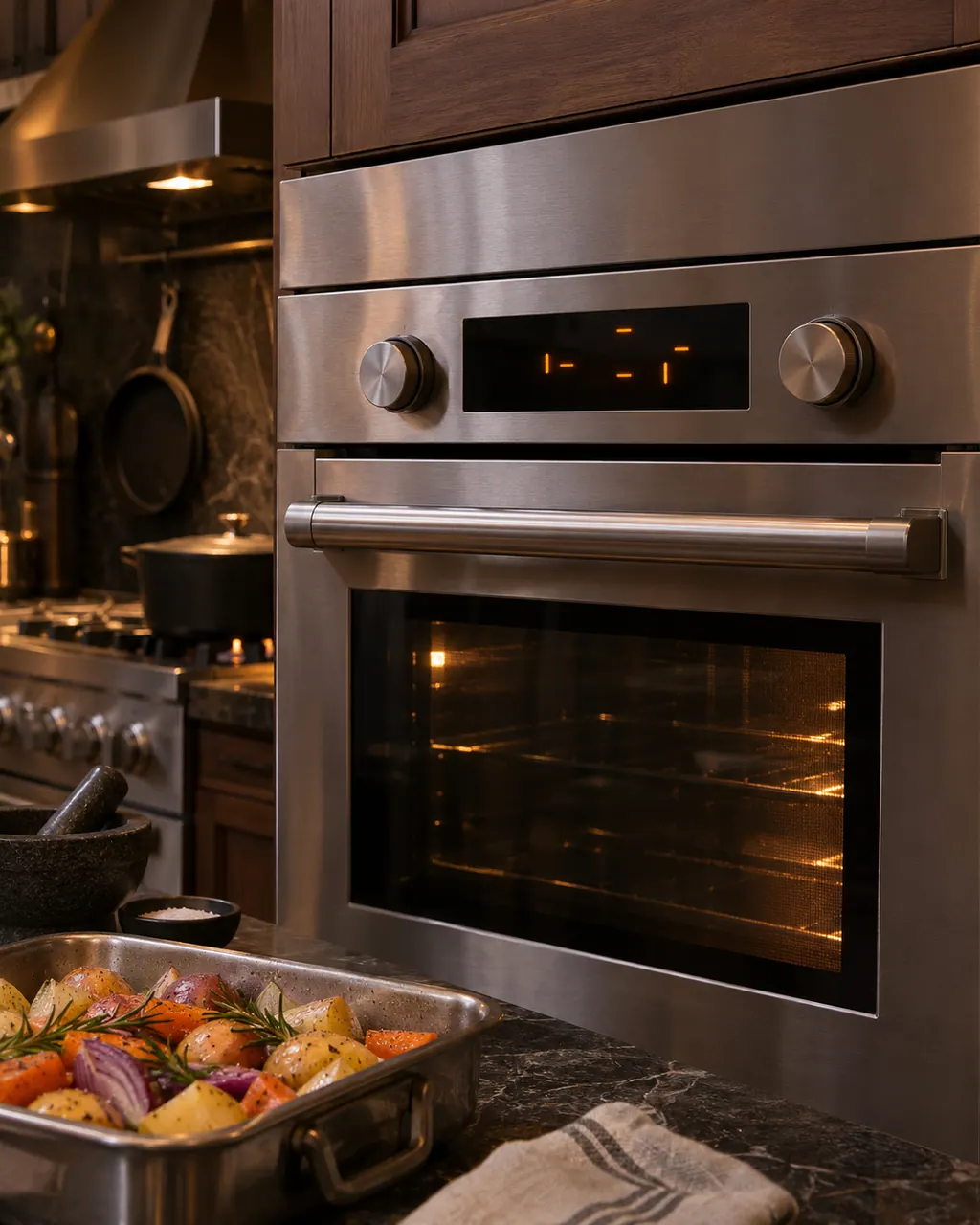
Start with safe observations.
Turn the appliance off and unplug it before any check you can make yourself. Beware of standing water and sharp edges. Never touch a wet plug or live wiring, take off service panels, or go beyond what your series' guide allows.
- 1
Read the message
On a touch-control wall oven the message appears after a long beep. Write down the exact words before you do anything else.
- 2
PROBE ERROR
The manual’s first idea is that the meat probe is simply not seated in its jack. Seat it, then press OFF to dismiss the message. A probe that is seated and still triggers the message is open or shorted.
- 3
LATCH ERROR
The oven could not drive the door latch to lock or unlock. The manual gives no owner step, and you should not force the door.
- 4
RTD, MODEL, KEYBOARD
RTD ERROR means the temperature sensor is open or shorted. MODEL ERROR points to the wrong model setting. KEYBOARD ERROR means the keyboard has no connection to the control. All three need service.
- 5
Other F number
On the MVSOC steam-convection oven, remove power and turn it back on after 10 seconds. If it persists, note the code number from the event log and book a visit.
Systems a technician may investigate.
The parts below connect to this symptom. Seeing it does not establish that any one of them is the culprit.
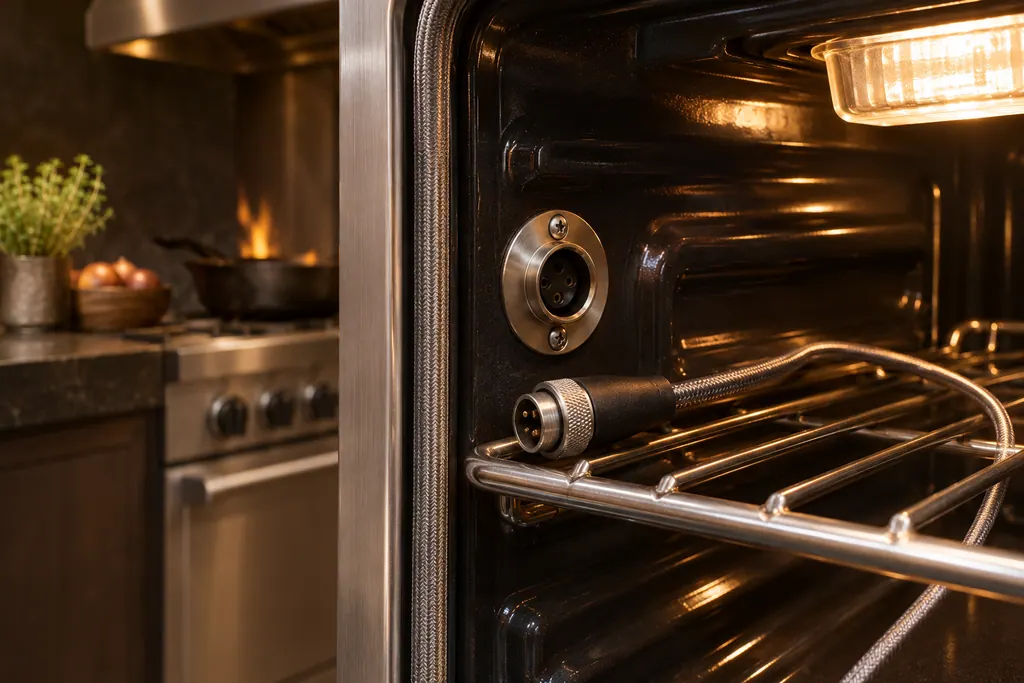
Meat probe and PROBE ERROR
On a Viking touch-control wall oven, the meat probe plugs into a jack in the oven. PROBE ERROR means the probe is open or shorted. The F20813 manual’s first step is simple: the probe may not be plugged in, so plug it in, press OFF to clear the message, and call for service only if the error persists.
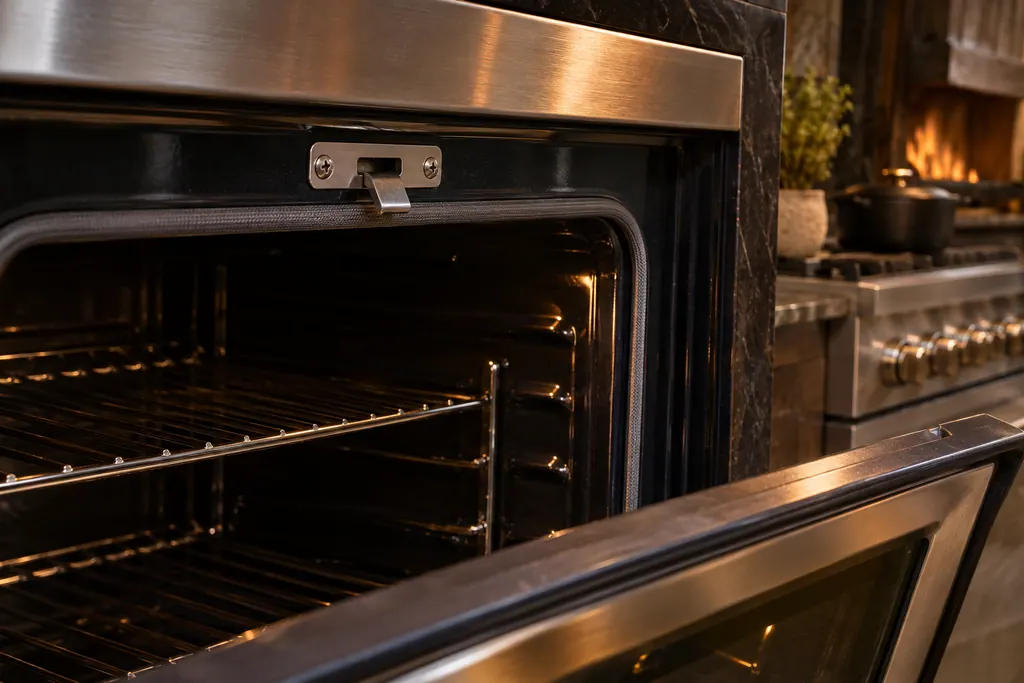
Oven door latch and self-clean lock
A Viking self-cleaning oven locks its door with a latch for the cycle. On the 7 Series the guide says the door releases once the oven is at a safe temperature, and if a cycle is canceled in the first 30 seconds the door may stay locked until you turn both knobs to SELF-CLEAN and then OFF. Touch-control wall ovens print LATCH ERROR.
If the display adds a code.
Follow the care guide that came with this appliance.
When observation becomes a service request.
Leave internal testing to a technician.
The display shows LATCH, RTD, MODEL or KEYBOARD ERROR.
PROBE ERROR keeps coming back with the probe seated.
An F number is back after power has been off for ten seconds.
The oven display stays off after the breaker is reset.
Arrange a diagnosticSources and model boundaries.
The Viking oven error message on the display guidance rests on these references. Choose the manual that fits your own series.
- Use & Care / Professional Built-In Electric Touch Control Single and Double Ovens
- Installation + User Guide / RVL - 30" Convection Steam Oven / MVSOC6301BG | MVSOC6301SS
Rely on the guide for your precise series, and read how we research these pages.
What does PROBE ERROR mean?
The probe circuit is open or shorted. Start simply: the probe may be out of its jack. Seat it, press OFF to wipe the message, and call us if it reappears.
Can I clear a LATCH ERROR myself?
The latch will not lock or unlock under control, and the manual lists no owner step. Book a technician and leave the door alone.
What is the EVENT LOG?
On the MVSOC steam-convection oven the log lists past error numbers. If an F error persists after a 10-second power cycle, note the code number from it and give it to the technician.
What does MODEL ERROR mean?
The manual ties it to a wrong model number being set in the control. That is a setup matter for a technician, not an owner reset.
Viking codes, symptoms, parts, visits
From the message to your next move.
PROBE ERROR
PROBE ERROR on a Viking touch-control wall oven means the meat probe is open or shorted. The probe may simply be unplugged: plug it in, or press OFF to clear the message. If the probe is plugged in and the message stays, book a visit.
Viking oven light not working
The Viking manuals give two causes for an oven light that will not come on: a burned-out bulb or an oven that has lost power entirely. Look at the breaker, then switch the power off before changing the halogen bulb, and handle the new one with a soft cloth. Call us if it stays dark.
Oven door latch and self-clean lock
A Viking self-cleaning oven locks its door with a latch for the cycle. On the 7 Series the guide says the door releases once the oven is at a safe temperature, and if a cycle is canceled in the first 30 seconds the door may stay locked until you turn both knobs to SELF-CLEAN and then OFF. Touch-control wall ovens print LATCH ERROR.
Oven repair
Book a diagnostic for your series at the appliance itself.
Find your metro
Office particulars and the entry details to give us.