Inside the appliance
Control panel and button lights. In plain English.
Buttons on a Viking built-in dishwasher panel light up only once you select them. Pressing START wakes the unit; the wash begins once the door latches inside a 4-second window. A START button that blinks means standby after a mid-cycle door opening; blinking cycle buttons mean look up the flash pair.
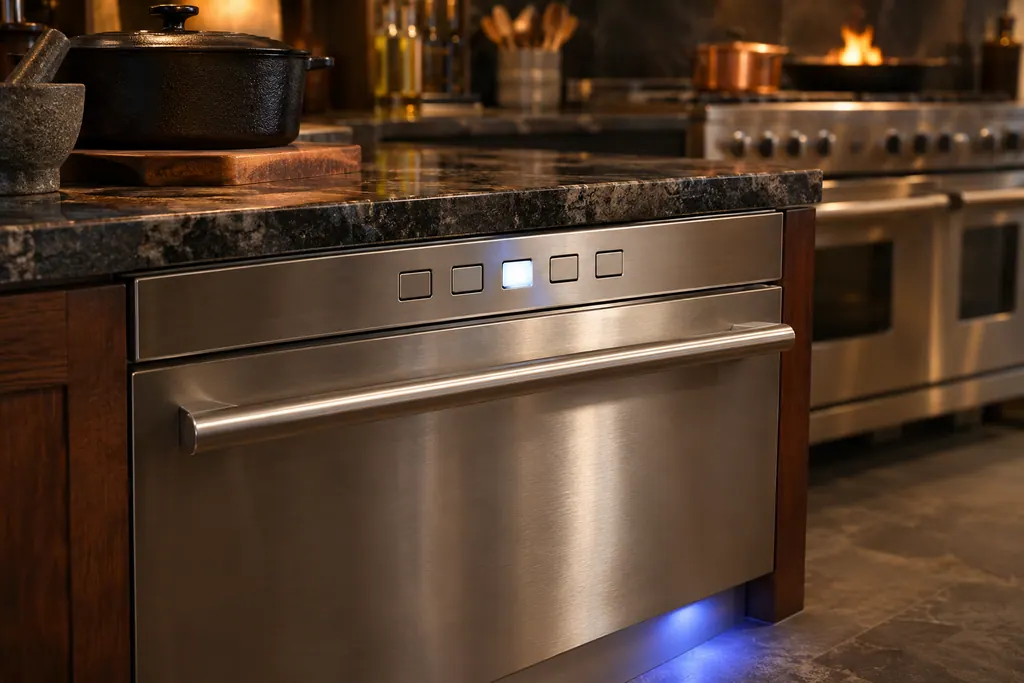
Where it fits.
Control panel and button lights in the appliance
On the dishwasher; the manual also describes a blue Power On light at the bottom middle of the kickplate during a cycle.
The photo shows the kind of component. It cannot tell you which replacement fits your series.
The signs that this system wants attention.
Control panel and button lights trouble can turn up together with a drop in performance or a code that keeps coming back. Testing is required before anyone decides this component is to blame.
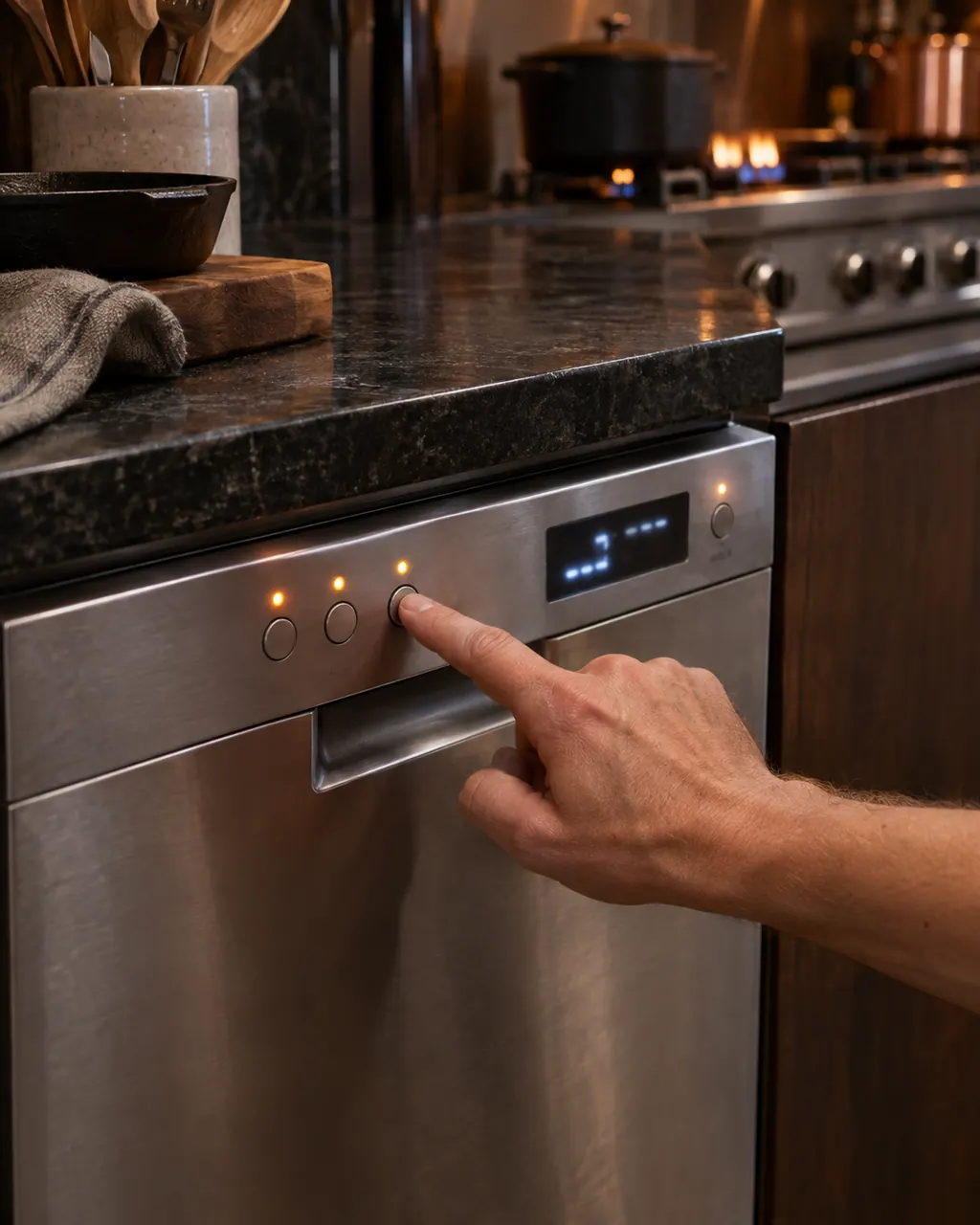
Owner care, within the model instructions.
Turn the appliance off and unplug it before any check you can make yourself. Beware of standing water and sharp edges. Never touch a wet plug or live wiring, take off service panels, or go beyond what your series' guide allows.
- 1
Press START first
Cycle and Option buttons light only after selection, so a dark panel is expected. Press START, then latch the door inside the window.
- 2
Mind the 4 seconds
Once START lights, the door has 4 seconds to latch before the cycle can begin.
- 3
Restart after an interruption
Opening the door mid-run puts the unit in Standby and START blinks. Press START and latch the door inside the window.
- 4
Count the flashes
Blinking cycle buttons point to the chart. Note the POTS/PANS count, then the NORMAL WASH count.
- 5
Reset
The chart's reset is a 4-second hold on START.
Cleaning or replacement?
Leave internal testing to a technician.
The panel stays dark after START with the door closed.
The same flash pair returns after a reset.
The buttons do not respond at all.
Arrange a diagnosticSee the neighboring components.
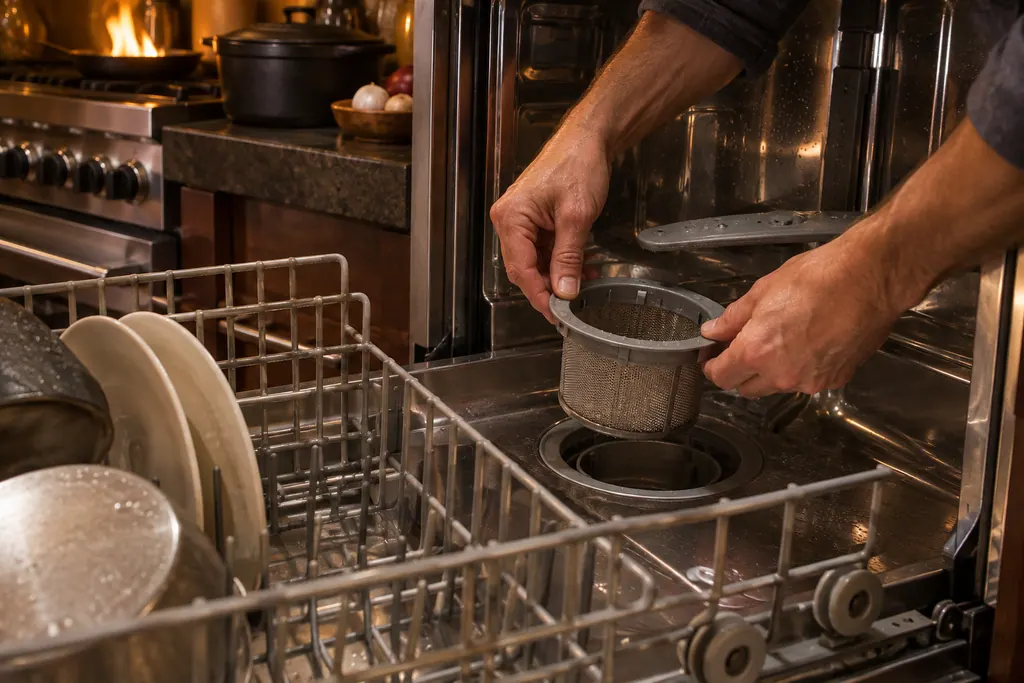
Filters and the coarse strainer
A Viking 451 or 324 Series dishwasher keeps a coarse strainer, a fine filter and a primary filter in its base, under the lower rack. Viking says never to run the machine without the filters in place. You lift out and empty the strainer, can twist out the fine filter, and should leave the primary filter alone.
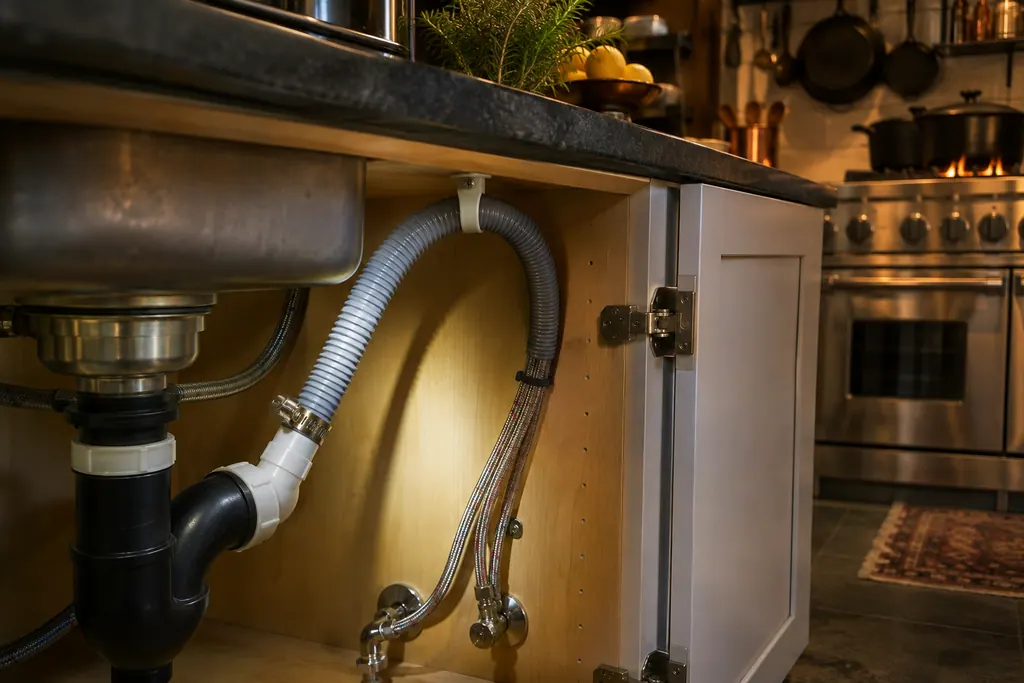
Drain hose and high loop
The drain hose carries wash water out of a Viking built-in dishwasher toward the plumbing under your sink. The 451 Series chart lists a clogged or kinked hose when the machine will not drain, and asks for a cone fitting cut to an inner diameter of at least 3/4 inch. The 324 Series chart adds a high loop.
Sources and model boundaries.
The Control panel and button lights guidance rests on these references. Choose the manual that fits your own series.
- 451 Series Built-In Dishwashers Use & Care
- 324 Series Built-In Dishwashers Use & Care
Rely on the guide for your precise series, and read how we research these pages.
Why is my Viking dishwasher panel dark?
Cycle and Option buttons light only after you select them. Press START, then latch the door inside the window.
Why does START blink?
The door was opened after the cycle began, and the unit is in Standby. Press START and latch the door inside 4 seconds.
How do I reset it after a flash pair?
Hold START for 4 seconds and try again. The chart refers you to service when the pair keeps coming back.
Can I silence the beep?
Hold Rinse/Hold for 10 seconds. The manual adds that error beeps cannot be disabled.
Viking codes, symptoms, parts, visits
From the message to your next move.
3-1
3-1 means the POTS/PANS light flashes three times and the NORMAL WASH light flashes once. Viking's chart calls it UI-MC Comm Error, a communication error between the user interface and the motor control, and prints only a reset.
Viking dishwasher not cleaning well
A Viking dishwasher that leaves dishes dirty or cloudy is, per Viking's chart, mostly a loading, detergent or filter matter. Check the filters and strainer first, then the wash arms, rinse agent and detergent amount. Odor and slow drying have their own entries, covered below.
Dishwasher repair
Book a diagnostic for your series at the appliance itself.
Find your metro
Office particulars and the entry details to give us.