On this page
- L on the timer and above each control means the child lock is on. 1
- Key Lock stops key changes during cooking; only Key Lock and main power still work. 1
- Key Lock plus Pause unlocks the child lock for cooking; it resumes after a power off and on. 1
- Key Lock plus Pause, release, then Pause disables the child lock until you activate it again. 1
- Touch and hold the controls for a few seconds; tapping does not work reliably. 1
What does the L mean on a Viking induction cooktop?#
The L means the child lock is on. The manual says an L appears on the timer display and above each control when the unit is locked. It is not a code, and nothing is broken. The cooktop is waiting for you to unlock it. 1
Viking's 6 Series electric and induction cooktops use touch controls and a slide for each element. They give a clean glass surface and fast response, and they also make it easy for a child, a pet or a stray sleeve to press a key. The locks exist for that reason, and there are two of them, which confuses many owners. This guide separates them. Our short entry on the display is the L code, and the glossary has the child lock entry.
How do Key Lock and child lock differ?#
Key Lock freezes what you have set while you cook. Its LED stays lit, the controls keep running in their previous modes, and only Key Lock itself and the main power button still respond. The child lock is a separate state that shows an L and blocks the cooktop from being used. 1
| Key Lock | Child lock | |
|---|---|---|
| Display | Key Lock LED stays lit | L on the timer and above each control |
| Purpose | Stop the settings being changed while cooking | Lock the unit until you unlock it for cooking |
| Effect on cooking | Elements keep their modes; you cannot change them | The manual's unlock step is described as unlocking the unit for cooking operations |
| What still works | Key Lock button and main power button | Key Lock plus Pause sequence |
| How to clear it | Press Key Lock again until the LED goes out | Key Lock and Pause together (unlock for cooking) or the disable sequence |
The Key Lock button is the quick everyday one. Press it to lock the keys, and press it again until the LED goes out to release them. 1 The child lock is the one that shows the L, and it needs the two-button sequences below.
How do I turn the child lock on?#
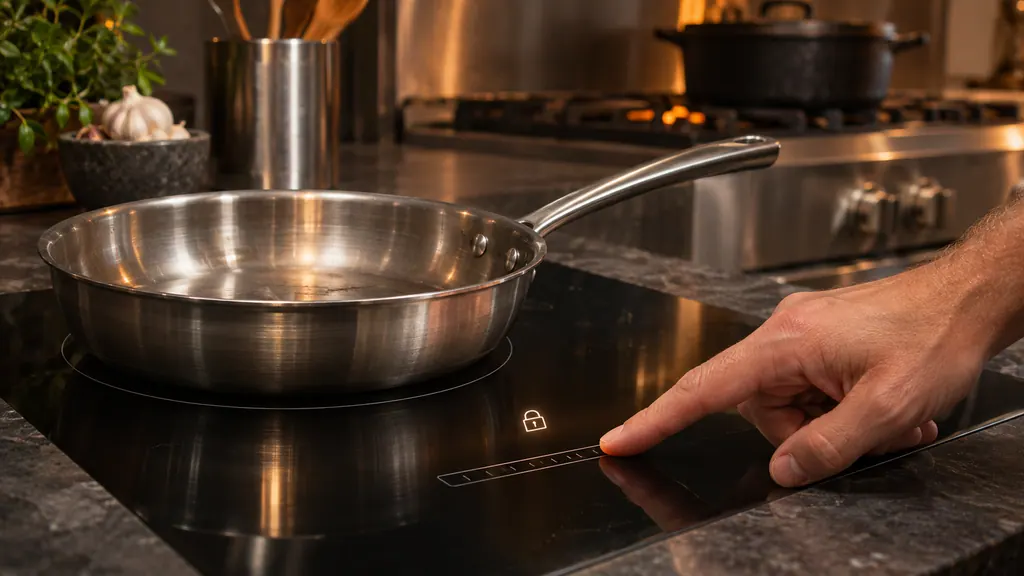
Switch the main power on and make sure every cooking element is off. Press Key Lock and Pause together, release them, then press Key Lock again. An L appears on the timer and above each control, which shows the unit is locked. 1
- 1
- 2
- 3
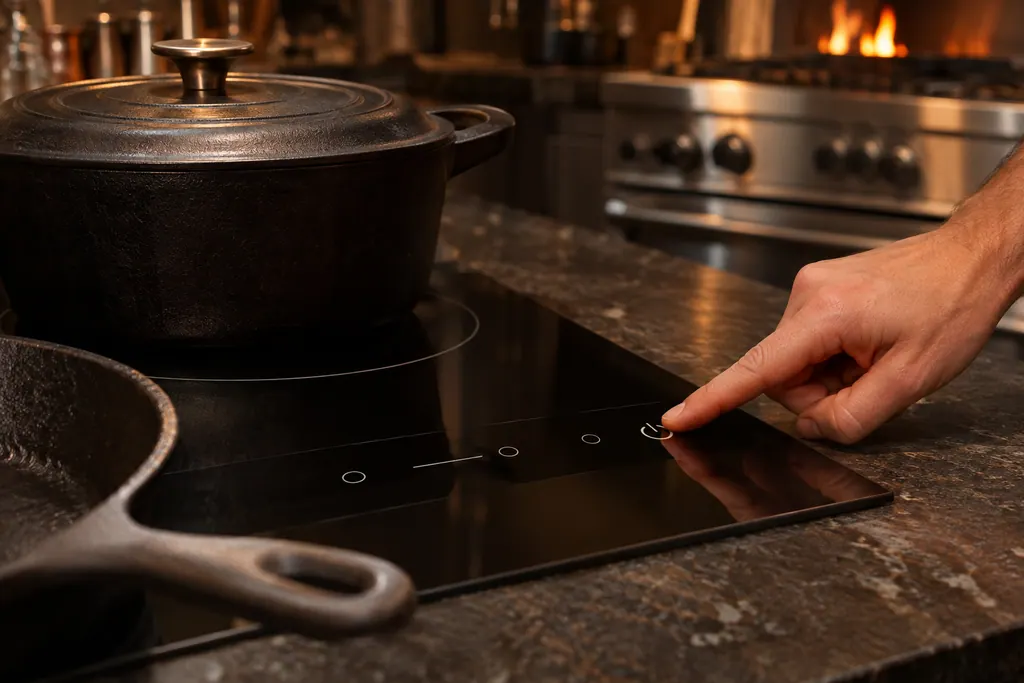
The reason for the "all elements off" rule is practical: the child lock is meant for an idle cooktop. If you want to protect settings while food is cooking, use Key Lock instead. 1
How do I free the cooktop for cooking?#
Press Key Lock and Pause together. The manual says this unlocks the unit for cooking operations. It also warns that the child lock resumes if the cooktop is powered off and then back on, so you will see the L again the next time you start it. 1
- 1
- 2
- 3

This is the answer for most owners who see an L on a cooktop they have not locked on purpose. A power cut, a breaker reset or turning off at the wall brings the lock back, which is why it can seem to appear on its own. 1
How do I disable the child lock for good?#
Press Key Lock and Pause together, release them, then press Pause again. The manual says this disables the child lock until you activate it again with the steps for turning it on. After this, a power cycle no longer brings the L back. 1
Whether to disable it is your call. A household with small children usually leaves it enabled and unlocks it for each use. A household without them may prefer to turn it off. Either way, the same three keys do the work, and you can reverse it later with the activation steps. 1
Why do the controls ignore me?#
The manual's notice says you must touch and hold the controls for a few seconds, and that they do not function properly if you just tap and release. A lock sequence that seems not to work is often a tap that was too short. 1
A few other things can look like a lock. The Pause function stops all functions of the cooktop and flashes the display above each element slide. You cancel it by pressing Pause and then sliding a finger along the scrolling light above the far right scale. Pause has a maximum time limit of 10 minutes, after which the cooktop shuts off, and there is a 6 second delay between turning the main power on and activating Pause. 1
Other cooktop behaviors that are not locks include the pot detection symbol: if cookware is detected the symbol shows and a power setting can be chosen; if it is not, the symbol flashes and no power can be set. The residual heat display shows after you turn a level off, as long as the glass is above 149 F (65 C). 1
What if the display or keys are wet or dirty?#
Wipe the glass clean with the cooktop cool and off, using the ceramic cleaner or hot soapy water on a soft cloth the manual describes, and dry it before you try again. Do not use a steam cleaner, which the manual warns against. 1
If the keys still do nothing, see our touch controls entry for the part and the F-code display.
Which cookware works while I am at it?#
On induction, the pan must have a magnetic base. The manual says to use flat, heavy magnetic-bottom cookware with straight sides, 5 to 12 inches across; most induction cookware works if a magnet sticks to the bottom. Pottery, glass, aluminum, copper, bronze and footed pans are not suitable. 1
If the pot is not detected, the symbol flashes and the power setting cannot be set, which can look like a lock. Center a suitable pan on the element and try again. The highest setting, P, is a power booster for boiling, and only 2 elements can use it at once. 1
When is a locked cooktop beyond a quick fix?#
Reach out when the L stays on after the printed unlock steps, the controls respond to nothing while you touch and hold, or the cooktop shuts itself off. Those are different from a lock that behaves as described.
Our cooktop repair page lists the glass-top work we handle.
What do I record about the lock?#
Record the display reading and which keys you pressed.
- Is it an L, a lit Key Lock LED or something else?
- Which sequence did you try, and for how many seconds did you hold the keys?
- Does the cooktop turn on at all, and did a power cut happen first?
- Is the glass clean, dry and cool?
Sources#
- Use & Care MANUAL / 6 SERIES / Built-In Electric Cooktops / Built-In Induction CooktopsViking Range, LLC (official manual PDF) · printed codes 060121-000 and (050120) · PDF p.9-13 (Surface Operation, Key Lock, Pause, Child Lock, cooking tips, cleaning)