Inside the appliance
Key lock and child lock (L). In plain English.
A Viking 6 Series cooktop has a Key Lock button that freezes the settings while the elements keep running, and a Child Lock that shows L on the timer and above each control. Unlock it by pressing Key Lock and Pause together. The lock returns after power is switched off and on unless you disable it.
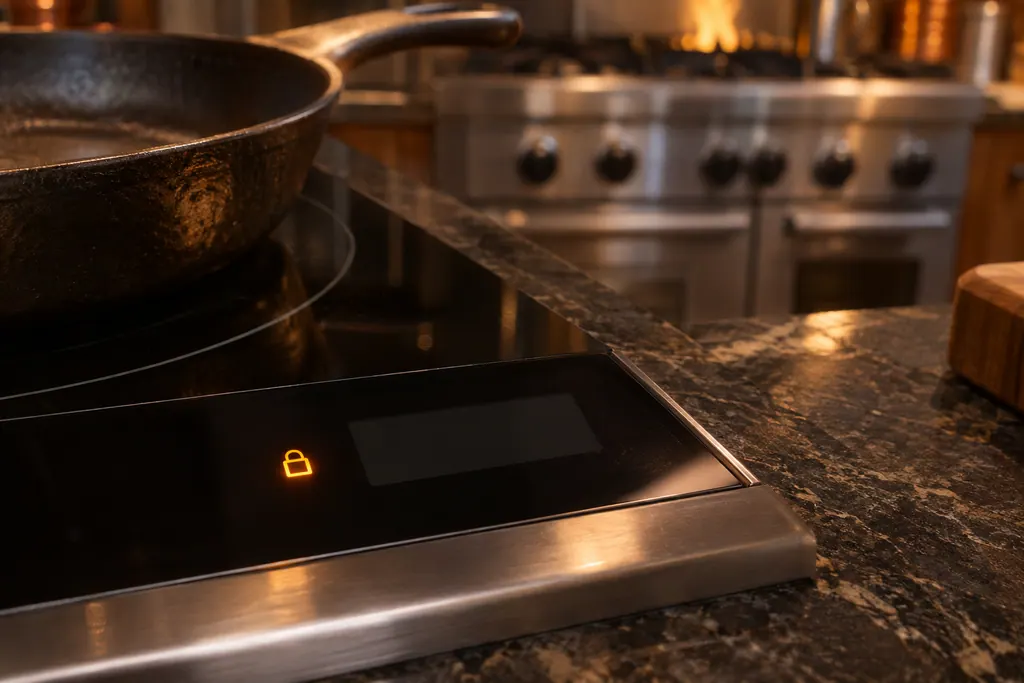
Where it fits.
Key lock and child lock (L) in the appliance
On the touch panel at the front of the cooktop: the Key Lock and Pause buttons.
The photo shows the kind of component. It cannot tell you which replacement fits your series.
The signs that this system wants attention.
Key lock and child lock (L) trouble can turn up together with a drop in performance or a code that keeps coming back. Testing is required before anyone decides this component is to blame.
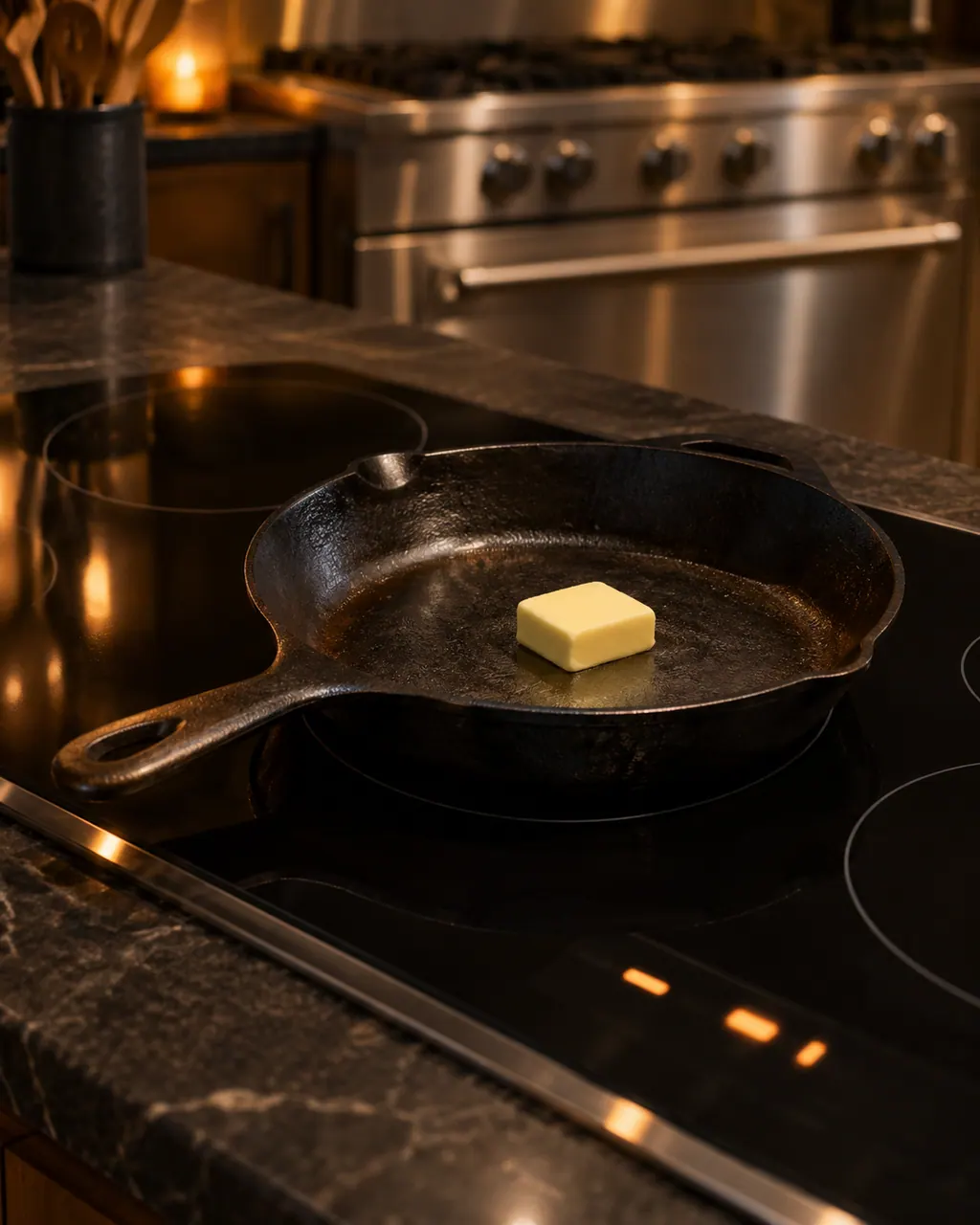
Owner care, within the model instructions.
Turn the appliance off and unplug it before any check you can make yourself. Beware of standing water and sharp edges. Never touch a wet plug or live wiring, take off service panels, or go beyond what your series' guide allows.
- 1
Read the L
L on the timer and above each control means child lock is on.
- 2
Unlock for cooking
With the main power on, press Key Lock and Pause together. This unlocks the unit for cooking.
- 3
Know it returns
The guide says child lock resumes after the cooktop is powered off and on again.
- 4
Disable it
Press Key Lock and Pause together, release, and press Pause again. That disables it until you activate it again.
Cleaning or replacement?
Leave internal testing to a technician.
L remains after you press Key Lock and Pause together.
The controls respond to nothing at all with the main power lit.
The cooktop shuts off on its own before you cancel the pause function.
Arrange a diagnosticSee the neighboring components.
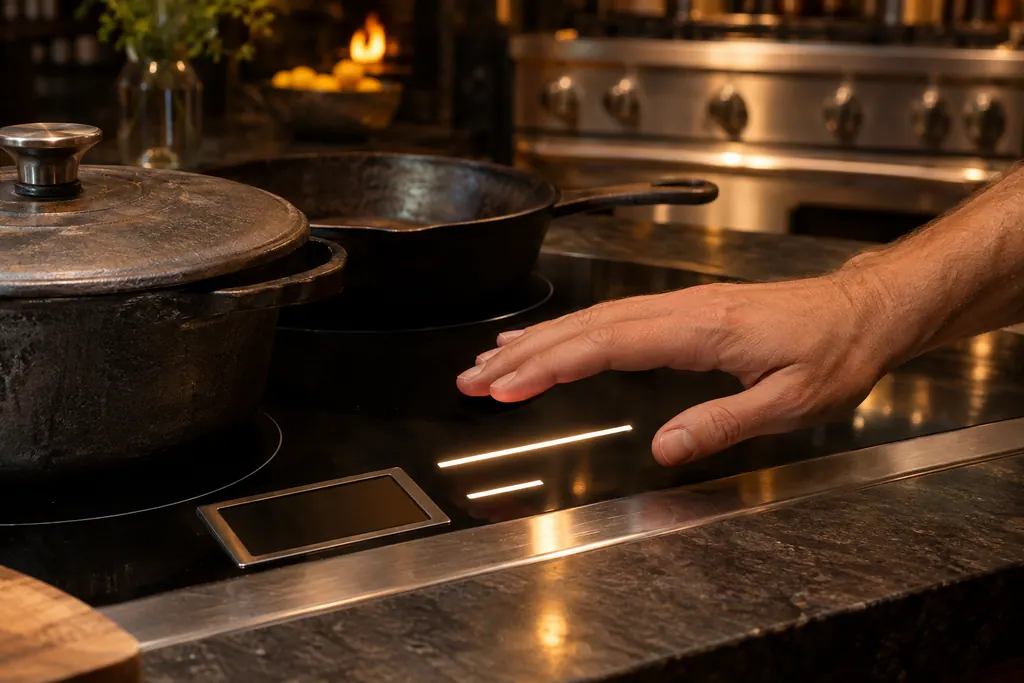
Touch controls and the F-code display
Viking Designer electric cooktops run on touch controls. A control panel that finds an electronics problem stops all heating elements and shows F plus a second letter on the timer display. The F20699 table lists 14 of them, from key and keyboard errors to temperature sensor and relay errors. On the 6 Series induction cooktops you must hold a touch for a few seconds.
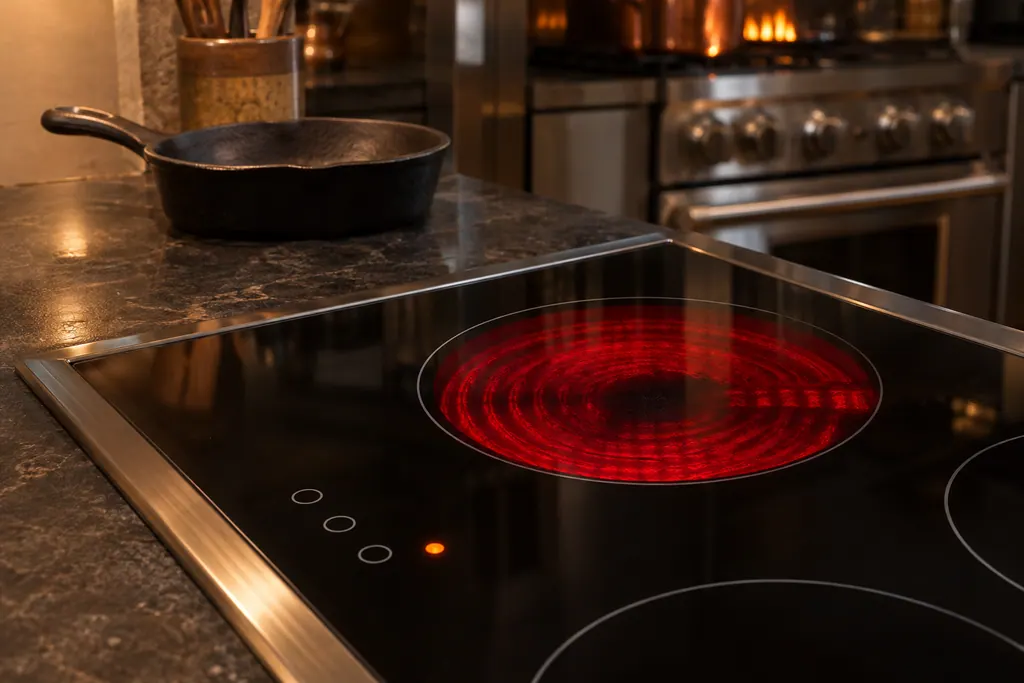
Hot surface indicator lights
Each element on a Viking Designer touch-control cooktop has a HOT SURFACE indicator light. It comes on with the zone and remains lit until the glass cools to a safe-to-touch temperature, about 150 degrees F. The light can stay on long after the zone is off, and a zone run on full power for over 5 minutes takes about half an hour to cool.
Sources and model boundaries.
The Key lock and child lock (L) guidance rests on these references. Choose the manual that fits your own series.
- Use & Care MANUAL / 6 SERIES / Built-In Electric Cooktops / Built-In Induction Cooktops
Rely on the guide for your precise series, and read how we research these pages.
What does L mean on my Viking cooktop?
It shows child lock is active. All cooking elements must be off to switch it on, and it locks the controls.
How do I unlock it?
Press Key Lock and Pause together. This unlocks cooking, but child lock returns after the power is switched off and on.
How do I turn child lock off for good?
Press Key Lock and Pause together, release, then press Pause again, per the 6 Series guide.
Does Key Lock stop cooking?
No. The elements continue in the previously set modes, but settings cannot be changed until you unlock.
Viking codes, symptoms, parts, visits
From the message to your next move.
L
L on the timer and above each control of a Viking 6 Series cooktop means the child lock is on. It is not an error. Press Key Lock and Pause together to unlock it for cooking.
Viking gas cooktop burner won’t light
Viking’s guides split a dark burner by what the igniter does. Silence means the igniter has no electricity. Clicking without a flame means gas is not arriving. Work out which one you have, try the matching steps below, and call a technician when the burner never catches.
Cooktop repair
Book a diagnostic for your series at the appliance itself.
Find your metro
Office particulars and the entry details to give us.