What it means
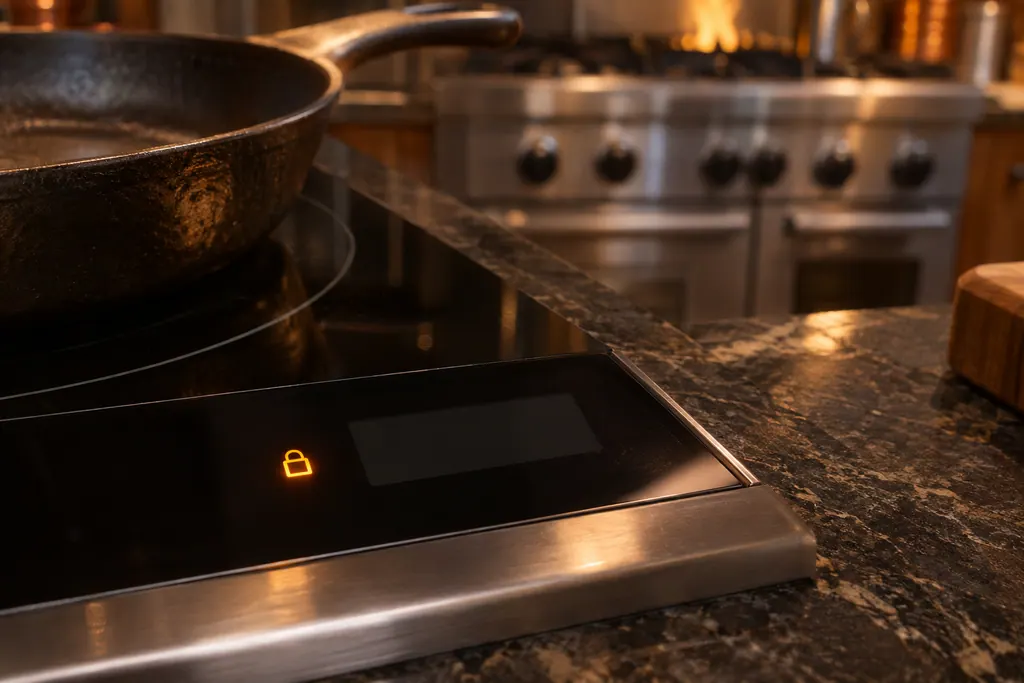
L on the timer and above each control of a Viking 6 Series cooktop means the child lock is on. It is not an error. Press Key Lock and Pause together to unlock it for cooking.
Viking cooktop L / Mode
L on the timer and above each control of a Viking 6 Series cooktop means the child lock is on. It is not an error. Press Key Lock and Pause together to unlock it for cooking.
Also shown as L
L on the timer and above each control of a Viking 6 Series cooktop means the child lock is on. It is not an error. Press Key Lock and Pause together to unlock it for cooking.
L is a lock indicator, not an F code.
L stays after you try to unlock, or the cooktop shows an F code as well.
Your Viking checklist, kept on this device only

L is a lock indicator, not an F code.
Together, to unlock for cooking.
It returns if the cooktop is powered off and on.
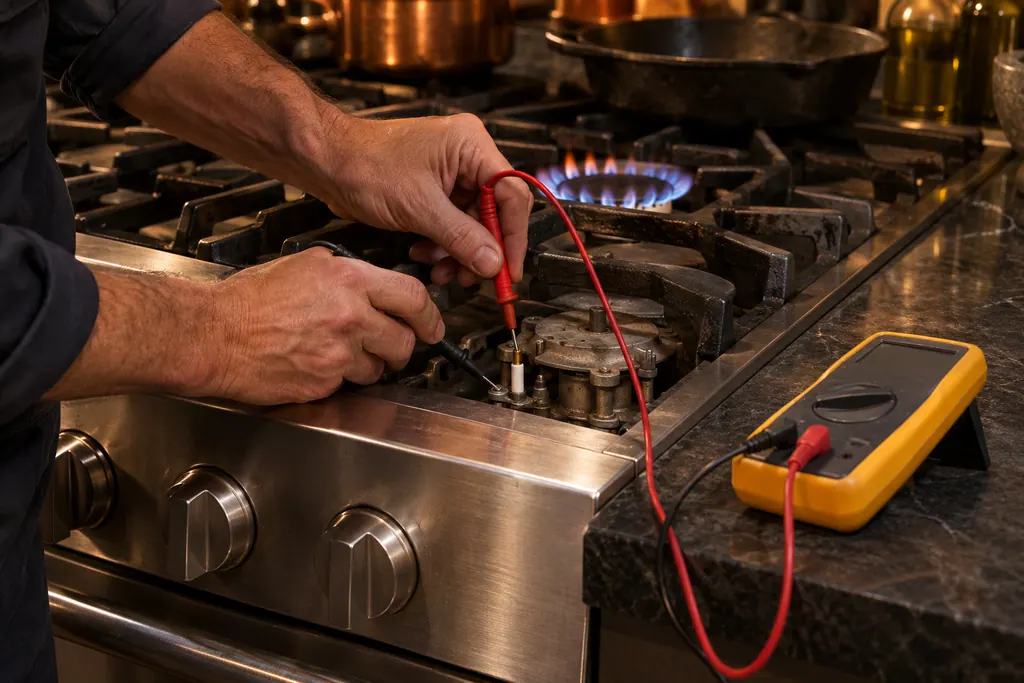
If L stays after unlocking, or an F code shows too, book a visit.
Pass along the model and the checks you ran, then open a visit request from this spot.
Book a visit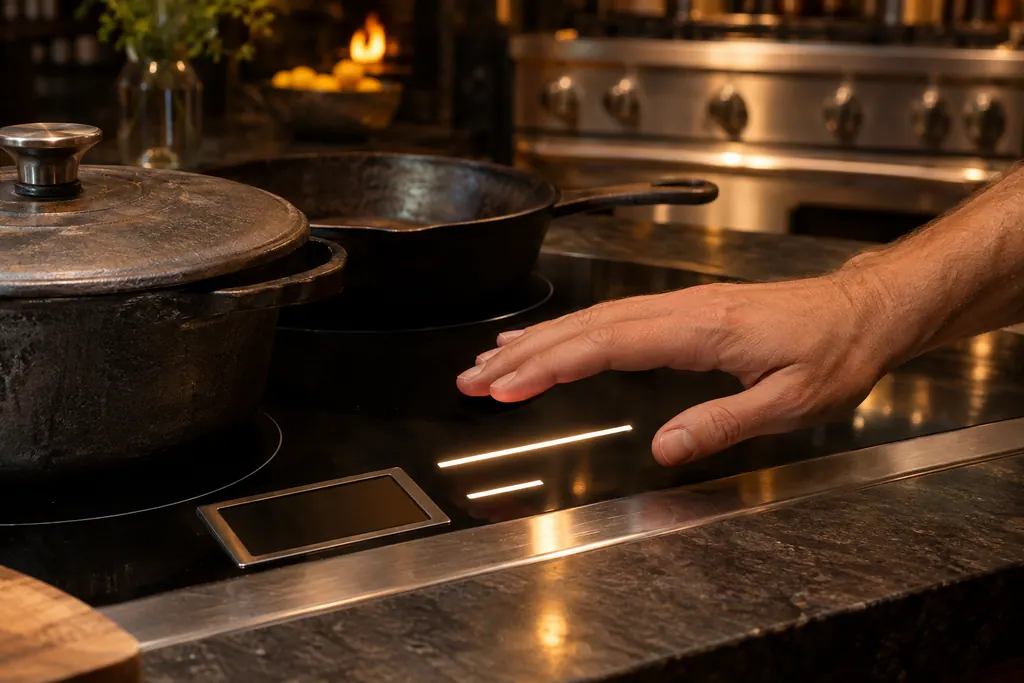
A simplified sketch, because the inside of a Viking differs by series. Tap a highlighted part for its photo and the matching test.
Component reference
A Viking 6 Series cooktop has a Key Lock button that freezes the settings while the elements keep running, and a Child Lock that shows L on the timer and above each control.
Read the definitionThe child lock is on.
Read the supporting manualPress Key Lock and Pause together.
Read the supporting manualYes, after the cooktop is powered off and on.
Read the supporting manualWith the main power on and all elements off, press Key Lock and Pause together, release, then press Key Lock again. L shows on the timer and above each control. To disable it altogether, press both together, release, then press Pause.
Read the supporting manualKey Lock locks the keys, keeps the LED lit and leaves cooking in the previously set modes. Only Key Lock and the main power button still work.
Read the supporting manualManufacturer document
Viking Range, LLC (official manual PDF)
printed codes 060121-000 and (050120) / PDF pp.9–10
Source: the Viking 6 Series built-in electric and induction cooktop use and care manual, p. 9.
The Key Lock leaves controls in their set modes but unchangeable. The child lock needs all elements off before it is activated.
Yes, the child lock uses Pause together with Key Lock. Pause on its own stops all functions for up to 10 minutes.
Yes, until you activate it again with the steps listed.
No.
Viking codes, symptoms, parts, visits
F5 on a Viking Designer touch-control cooktop is listed as a communication error. The control has two boards, and the error detection system checks that they talk to each other. All heating elements stop and F5 shows on the timer display.
Viking’s guides split a dark burner by what the igniter does. Silence means the igniter has no electricity. Clicking without a flame means gas is not arriving. Work out which one you have, try the matching steps below, and call a technician when the burner never catches.
A Viking 6 Series cooktop has a Key Lock button that freezes the settings while the elements keep running, and a Child Lock that shows L on the timer and above each control. Unlock it by pressing Key Lock and Pause together. The lock returns after power is switched off and on unless you disable it.
Book a diagnostic for your series at the appliance itself.
Office particulars and the entry details to give us.