Viking cooktop F5 / Control code

Viking cooktop
error F5

Cooktop / display reference

F5 on a Viking Designer touch-control cooktop is listed as a communication error. The control has two boards, and the error detection system checks that they talk to each other. All heating elements stop and F5 shows on the timer display.


Also shown as F5

Last reviewed

Cooktop / display reference
Meaning
F5 on a Viking Designer touch-control cooktop is listed as a communication error. The control has two boards, and the error detection system checks that they talk to each other. All heating elements stop and F5 shows on the timer display.
Who handles it
Book a visit
Related codes
Source
Viking Use & Care Manual / Designer Built-In Electric Cooktops

What Viking cooktop F5 means.

What it means

F5 on a Viking Designer touch-control cooktop is listed as a communication error. The control has two boards, and the error detection system checks that they talk to each other. All heating elements stop and F5 shows on the timer display.

What you can safely check

Write down F5 exactly, with the capital F and the digit 5.

When to call a technician

F5 appears on the timer display.

Your Viking checklist, kept on this device only

Safe checks, in order.

0 of 4 checks done
  1. Viking cooktop F5: Smooth black cooktop with a cast iron skillet on one zone and red lit control strip characters beside it, set in a dark stone counter with a range behind
    Illustration. Follow your model’s instructions.
    Before you begin

    Note the display

    Write down F5 exactly, with the capital F and the digit 5.

  2. Cooktops in a thoughtfully designed home
    Illustration. Follow your model’s instructions.
    Check 2

    Switch the cooktop off at the control

    Let the elements stand idle; the control has already stopped them.

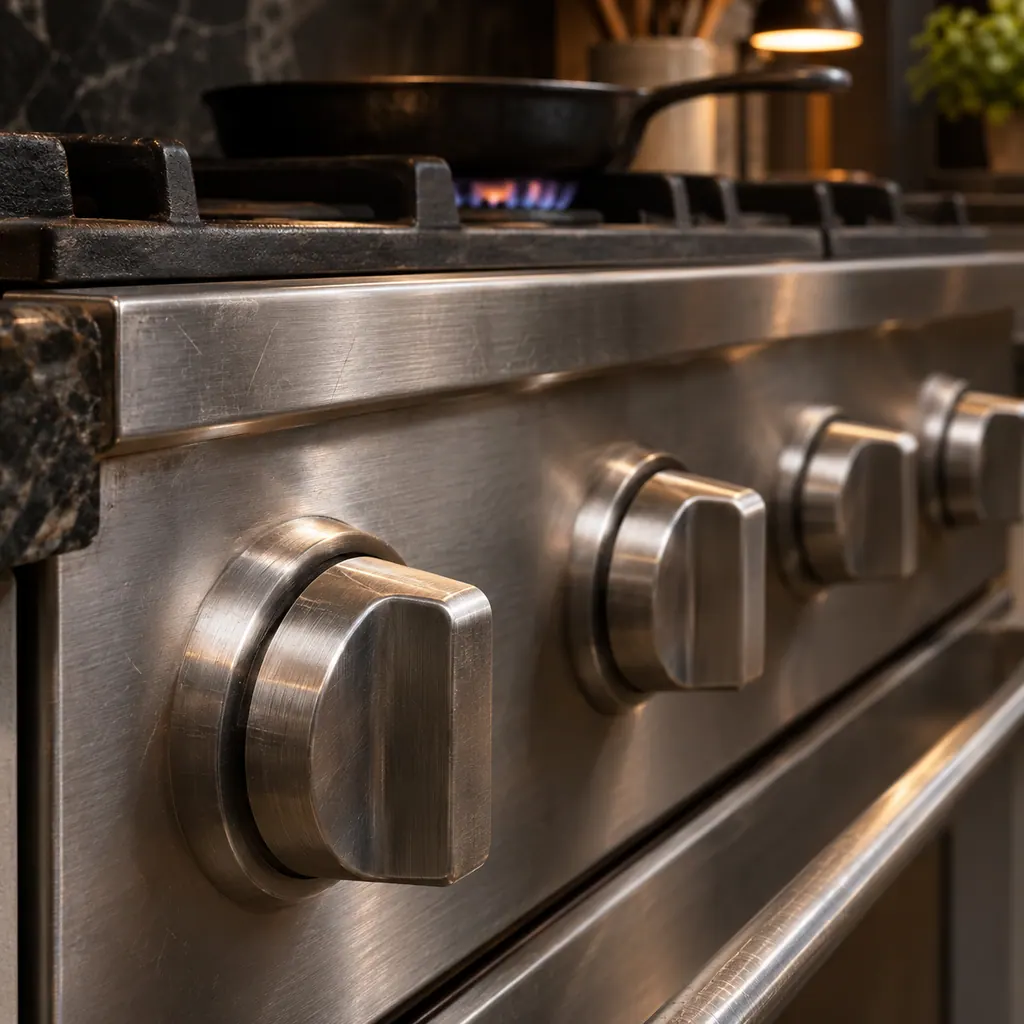
  3. Heavy metal control knobs on a professional-style range
    Illustration. Follow your model’s instructions.
    Check 3

    Try a restart

    Switch the supply off at the breaker for a minute and on again. The manual lists no reset, so this is our general step.

  4. A technician holds a tablet showing a blank checklist beside a stainless gas range with a skillet on a lit burner.
    Illustration. Follow your model’s instructions.
    Check 4

    Book a visit

    A communication problem between boards needs a technician.

Still showing F5?

Pass along the model and the checks you ran, then open a visit request from this spot.

Book a visit

Cooktop control.

Conceptual Cooktop sectionTouch panelUser interface boardPower boardWiring1234
  1. 2User interface board
  2. 3Power board
  3. 4Wiring

A simplified sketch, because the inside of a Viking differs by series. Tap a highlighted part for its photo and the matching test.

Parts behind the message.

A hand hovers over a black glass cooktop with two glowing slider lines and a small display, cast iron pans behind.

Component reference

Touch controls and the F-code display

Viking Designer electric cooktops run on touch controls.

Read the definition

A little more context.

What is a communication error here?

The manual says the detection system checks communication between the two boards of the control. F5 is the label for that check failing.

Read the supporting manual

How does F5 differ from the key and keyboard errors?

Those report the touch keys. F5 reports the link between boards.

Read the supporting manual

Why do all the elements stop?

The manual says the control stops all the heating elements as soon as any error is detected.

Read the supporting manual

The manual behind the message.

Manufacturer document

Viking Use & Care Manual / Designer Built-In Electric Cooktops

Viking Range, LLC (official manual PDF)

form F20699 EN (091509J) / PDF p.16

Source: the Viking Designer built-in electric cooktop use and care manual, Error Codes table on p. 16.

Here to help

Good questions.
Clear answers.

Talk to our team
Can I use any element with F5 showing?

No. The control stops all heating elements when an error is found.

Is F5 listed with a reset?

No. The manual gives no reset for any of its F codes.

Does a lock affect F5?

No. The key lock is a separate function, held for 2 seconds on LOCK.

What do I tell the technician?

The model, the exact letters on the timer display, and what you were doing.

Let’s take care of it.

The burner will not light.
Let us take a look.