What it means
Fb on a Viking Designer cooktop is listed as a keyboard error, a different row from the key errors FA, FC, FJ and FU. All heating elements stop and Fb shows on the timer display.
Viking cooktop Fb / Control code
Fb on a Viking Designer cooktop is listed as a keyboard error, a different row from the key errors FA, FC, FJ and FU. All heating elements stop and Fb shows on the timer display.
Also shown as Fb
Fb on a Viking Designer cooktop is listed as a keyboard error, a different row from the key errors FA, FC, FJ and FU. All heating elements stop and Fb shows on the timer display.
Capital F, lowercase b.
Fb appears on the timer display.
Your Viking checklist, kept on this device only
Capital F, lowercase b.

Hold LOCK for 2 seconds; locked keys are normal after start-up.
Dry the glass around the touch keys.

The manual lists no reset for Fb.
Pass along the model and the checks you ran, then open a visit request from this spot.
Book a visitA simplified sketch, because the inside of a Viking differs by series. Tap a highlighted part for its photo and the matching test.
Component reference
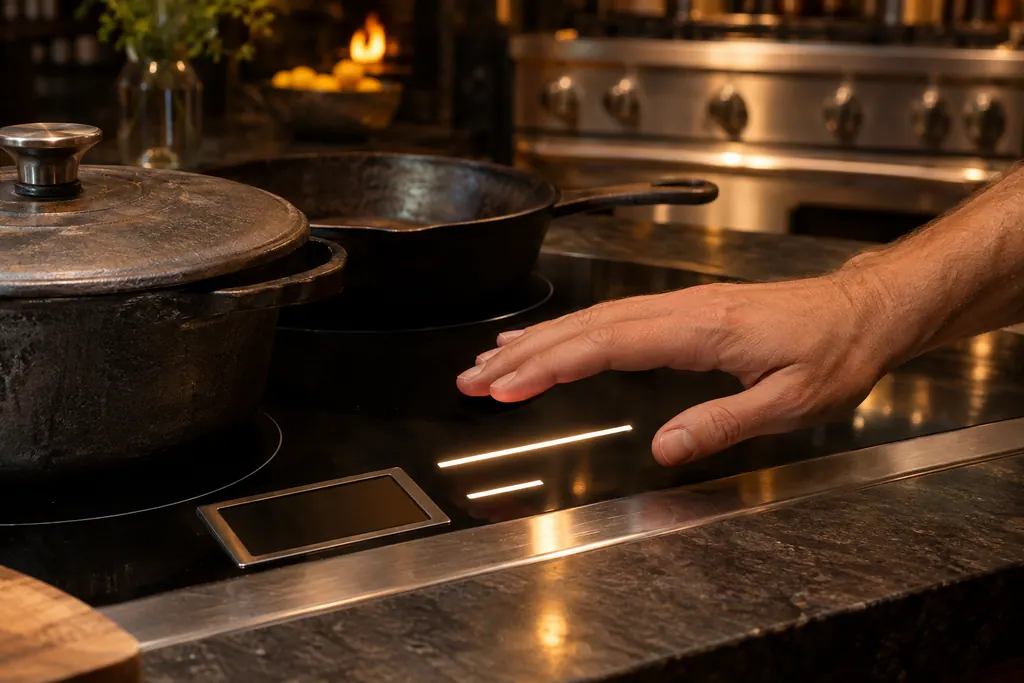
Viking Designer electric cooktops run on touch controls.
Read the definitionThe manual lists them separately: Fb and FL are keyboard errors, while FA, FC, FJ and FU are key errors. It does not explain the distinction.
Read the supporting manualKeyboard functionality, ambient light conditions, communication between boards, and control temperature.
Read the supporting manualFL is a keyboard error tied to ambient light. Fb has no such note.
Read the supporting manualManufacturer document
Viking Range, LLC (official manual PDF)
form F20699 EN (091509J) / PDF p.16
Source: the Viking Designer built-in electric cooktop use and care manual, Error Codes table on p. 16.
The manual prints a lowercase b for this code, so keep the case when you report it. Viking separates codes by letter case, as with Fc and FC.
Yes. All heating elements stop when Fb shows on the timer display, so nothing on the cooktop will heat until the code is dealt with.
None is listed. The manual gives no reset for Fb, so after checking the lock and drying the glass around the touch keys, a visit is the next step.
Book a visit whenever Fb shows on the timer display, since the manual lists no reset. Checking the lock and wiping the control area first costs nothing.
Viking codes, symptoms, parts, visits
FL on a Viking Designer cooktop is a keyboard error tied to ambient light. The control checks the light conditions around the keyboard. All elements stop and FL shows on the timer display.
Viking’s guides split a dark burner by what the igniter does. Silence means the igniter has no electricity. Clicking without a flame means gas is not arriving. Work out which one you have, try the matching steps below, and call a technician when the burner never catches.
Viking Designer electric cooktops run on touch controls. A control panel that finds an electronics problem stops all heating elements and shows F plus a second letter on the timer display. The F20699 table lists 14 of them, from key and keyboard errors to temperature sensor and relay errors. On the 6 Series induction cooktops you must hold a touch for a few seconds.
Book a diagnostic for your series at the appliance itself.
Office particulars and the entry details to give us.