On this page
- Each zone has a 38 F to 65 F range. 1
- The lower zone cannot be colder than the upper zone or more than 20 F above it. 1
- Blue light means you are setting the upper zone and white means the lower zone. 1
- HH and LL mean the compartment is above or below its setting for an extended time. 1
- Showroom Mode lights the display but the unit will not cool. 1
How do I set each zone's temperature?#
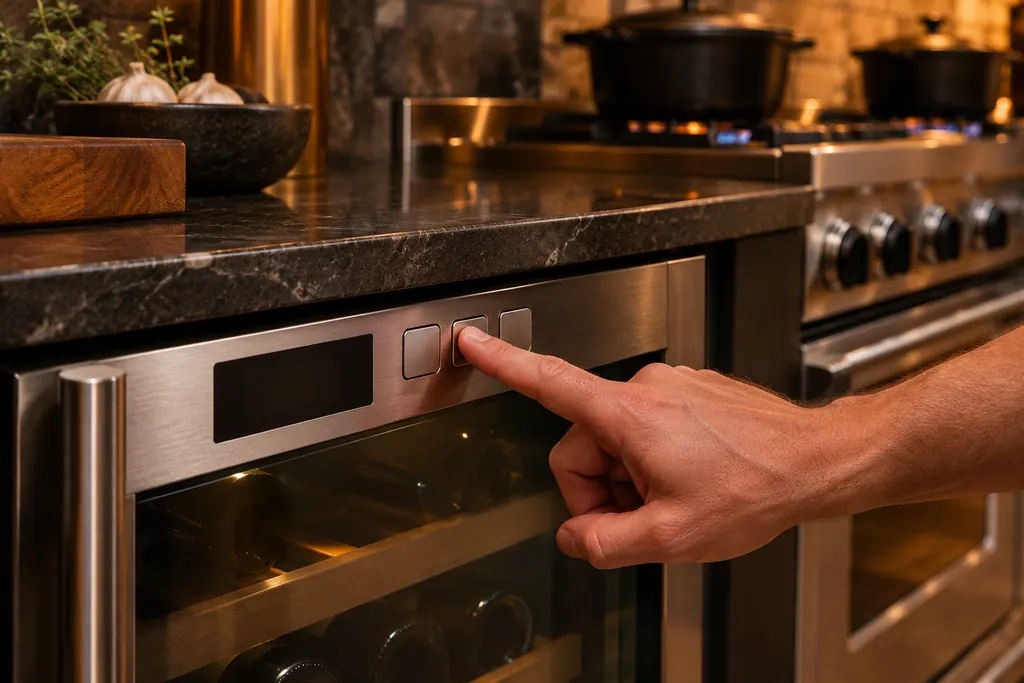
Press the plus or minus key to change the upper zone, then press the zone key to move to the lower zone and use plus or minus again. The upper and lower zones each run from 38 F to 65 F. The display shows the actual temperature inside, not the setting. 1
The control strip has a plus key, a minus key, a display, a light key, a power key and a zone key. The manual's control function guide describes each command in one line. 1
| What you want | What to press | Note |
|---|---|---|
| Turn on or off | Press and release the power key | Switches immediately |
| Set the upper zone | Press plus or minus and release | Light color shows blue |
| Switch to the lower zone | Press the zone key | Light color shows white |
| Toggle F and C | Hold plus and minus for 5 seconds | The display changes units |
| Keep the interior light on | Press and release the light key | Stays on for 12 hours, then the default returns |
- 1
- 2
- 3
- 4
- 5
The note under the first-use text is worth repeating. The temperature on the display is the real temperature inside. When it differs from your setting, the cellar is still moving toward it, and the time varies with the ambient temperature, the temperature of what you loaded and how often the door opens. 1
What are the limits between the two zones?#
The lower zone cannot be colder than the upper zone, and it cannot be more than 20 F above it. Each zone holds 38 F to 65 F. When you move the upper zone, the lower zone may adjust on its own to stay inside those limits. 1
The dual zone table on the next page of the manual gives the minimum and maximum lower zone for every upper setting. A few rows show the pattern.
| Upper zone setting | Lowest lower zone | Highest lower zone |
|---|---|---|
| 38 F | 38 F | 58 F |
| 45 F | 45 F | 65 F |
| 50 F | 50 F | 65 F |
| 58 F | 58 F | 65 F |
| 65 F | 65 F | 65 F |
From an upper setting of 45 F and above, the top of the lower range is 65 F, the same as the zone limit. At an upper setting of 65 F, both zones end up at 65 F. 1
Why did my lower zone move on its own?#
Because you moved the upper zone. If you warm the upper zone, the lower zone may no longer be allowed to sit colder, and the control raises it. If you chill the upper zone, the lower zone may be pulled down to stay within 20 F. The manual describes this as automatic adjustment. 1
The simple habit is to set the upper zone first and the lower second, then check both numbers once more.
What does the light color tell me?#
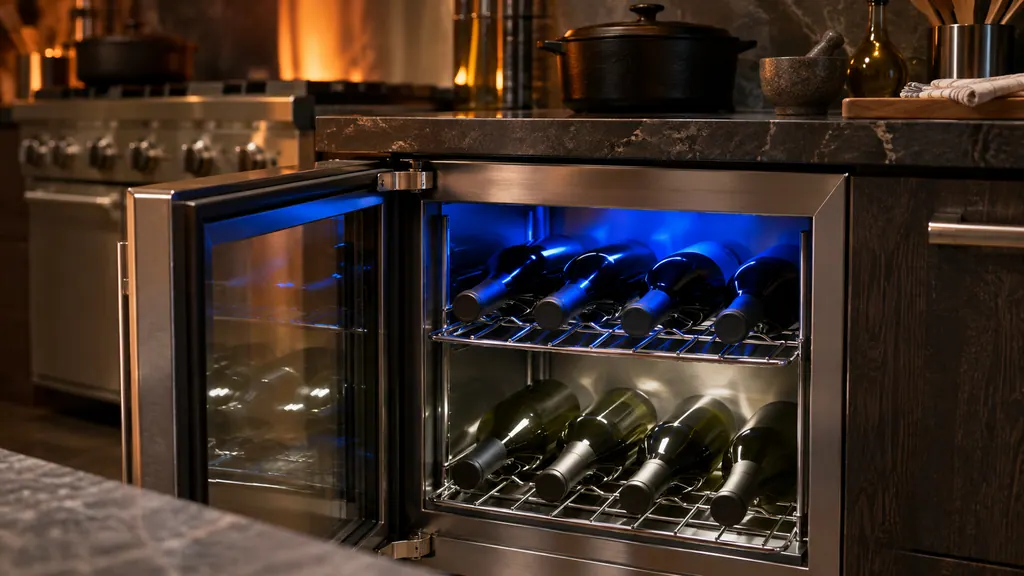
The interior light color shows which zone you are setting: blue is the upper zone and white is the lower zone, each 38 F to 65 F. Light color options are chosen separately with the light key, and a door-open and door-closed color pair is part of that choice. 1
To change the light, hold the zone key and press and release the light key to scroll through the options. The manual lists three: both white, both blue, or white with the door open and blue with the door closed. The light runs at full intensity with the door open and 50 percent with the door closed. 1
Pressing the light key alone leaves the interior light on for 12 hours. After 12 hours the default returns, and the light comes on when the door opens. 1
What do HH, LL and the door alert mean?#
HH shows when the compartment temperature has been above its setting for an extended time, and LL when it has been below. A door held open beyond 30 minutes sounds a tone every minute; closing it silences and resets the alert. 1
For HH and LL the manual says to contact the service department for further instructions, which for you means booking a visit if the message does not clear. Before you do, check that the door is shut and sealing, and that nothing blocks the grille. The troubleshooting table lists the likely causes of a cellar that is too warm: control set too warm, contents not yet stabilized, heavy use or long door openings, blocked airflow to the grille, or a door gasket that is not sealing. 1 Our code pages have the wording for HH and LL.
Why is the display lit but the cellar not cooling?#
Check for Showroom Mode. Holding the light key and the power key together for 5 seconds turns it on. The display is lit and the interior light works, but the unit will not cool. Repeating the command returns it to normal operation. 1
The manual prints this in bold: the unit will not cool in Showroom Mode. A retailer may have left a display unit in that mode, or the keys may have been pressed by accident. See Showroom mode in our library.
How do I keep the cellar running well?#
Keep the front grille clear, because the condenser breathes through it. Brush or vacuum lint and dirt from the grille area once or twice a year, wash the interior with gentle soap and water, and keep the unit away from heat sources and direct sunlight. 1
The energy tips are practical for a cellar. Minimize door openings, especially for 12 hours after a large load, keep the compartment relatively full, let warm items cool before loading, and plug the unit into a dedicated circuit. When serving temperatures are not needed, the manual suggests returning the zones to 55 F (13 C), which it calls the ideal red and white wine long-term storage temperature. 1
Shelf handling has a warning of its own: never remove a loaded shelf. Take the wine off first, extend the shelf to its stop, press the locking tabs on both sides and pull it straight out. 1
The wine cooler temperature zones entry covers the part in our glossary, and our wine cooler repair page lists the cooling jobs we do.
What do I write down about the cellar?#
Write down both set points, both displayed numbers, the light color and any message.
- What did you set for the upper and lower zones?
- Was the display showing HH, LL or an alert tone?
- Is Showroom Mode possible (display on, no cooling)?
- How long has the door been closed, and how full is the cellar?
Sources#
- Install/Use & Care MANUAL, Professional Undercounter Wine Cellar FWUI5242GViking Range, LLC (official manual PDF) · printed code (102824) · PDF p.16-17 (control function guide, dual zone table), p.20 (care, energy saving), p.22 (troubleshooting)