Inside the appliance
Oven light. In plain English.
A Viking Professional built-in electric oven has interior halogen lights, controlled by one switch on the control panel, which lights the upper and lower cavities together on a double oven. If one fails, the manual's causes are a burned-out bulb or a power problem. Change it only with the supply off at the panel.
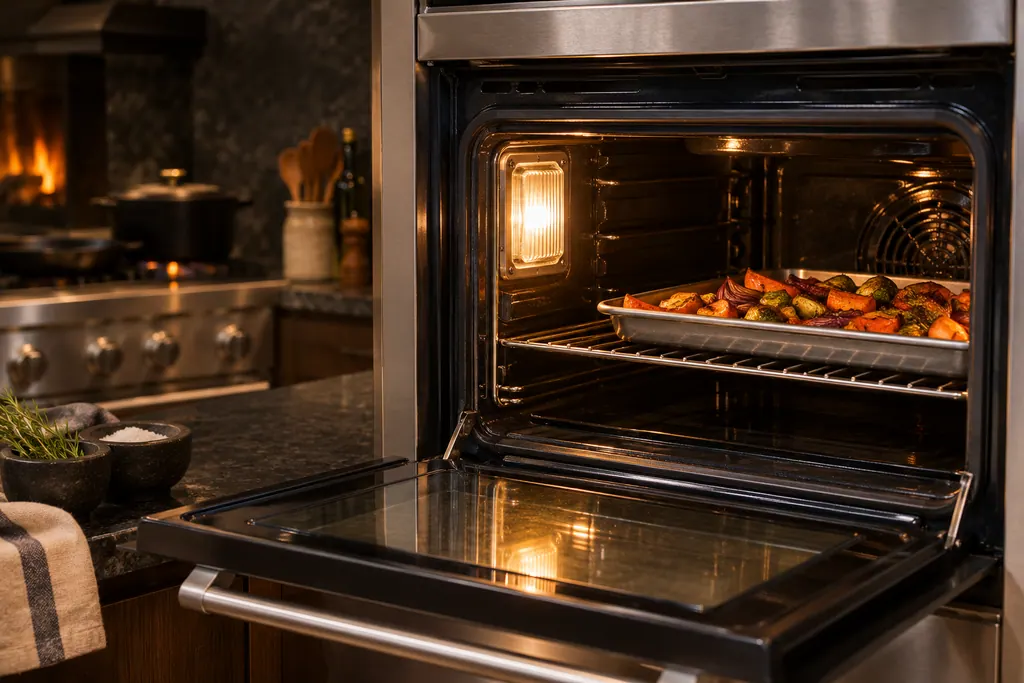
Where it fits.
Oven light in the appliance
Set into the oven side wall under a snap-on glass cover.
The photo shows the kind of component. It cannot tell you which replacement fits your series.
The signs that this system wants attention.
Oven light trouble can turn up together with a drop in performance or a code that keeps coming back. Testing is required before anyone decides this component is to blame.
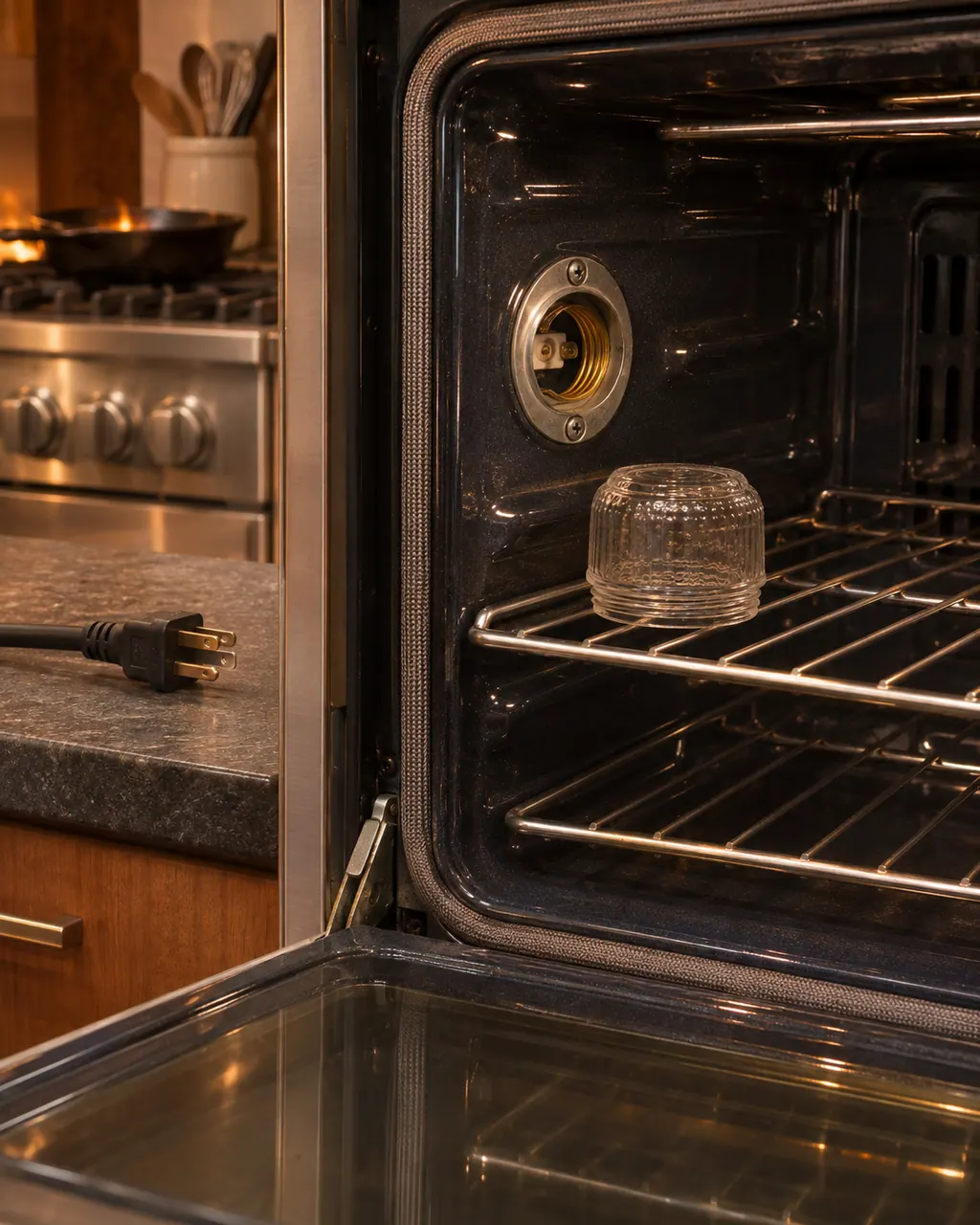
Viking oven light not working
The Viking manuals give two causes for an oven light that will not come on: a burned-out bulb or an oven that has lost power entirely. Look at the breaker, then switch the power off before changing the halogen bulb, and handle the new one with a soft cloth. Call us if it stays dark.
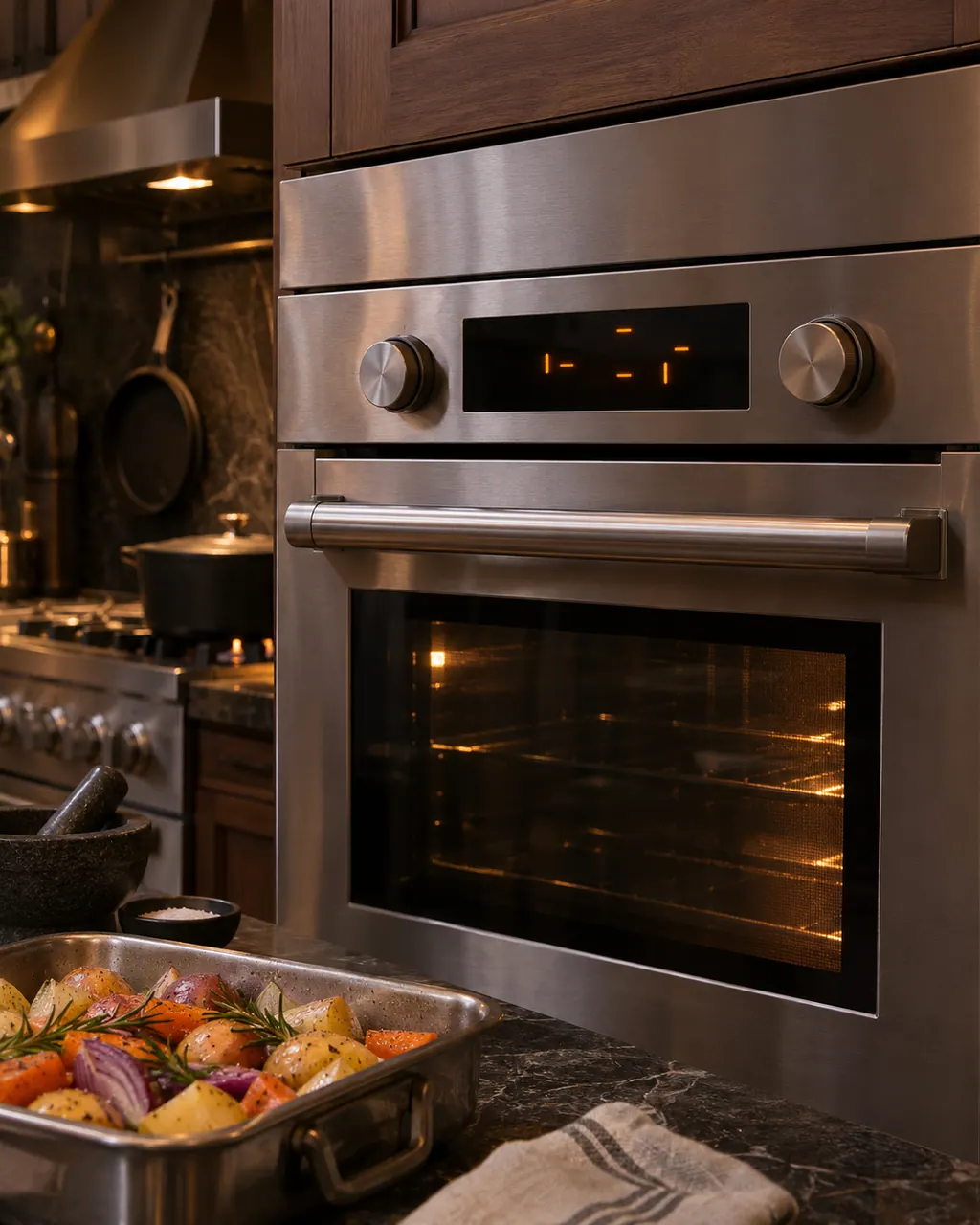
Viking oven error message on the display
Viking touch-control ovens print a short list of errors: MODEL, RTD, PROBE, LATCH and KEYBOARD. Only PROBE has an owner step: seat the probe in its jack, then press OFF. The steam-convection oven asks you to cycle power for 10 seconds and note the F number. Book a technician for the rest.
Owner care, within the model instructions.
Turn the appliance off and unplug it before any check you can make yourself. Beware of standing water and sharp edges. Never touch a wet plug or live wiring, take off service panels, or go beyond what your series' guide allows.
- 1
Try the light switch
Press the interior light switch on the control panel to turn the oven lights on and off.
- 2
Check the power
For a dead oven light the manual names a burned-out bulb, or an oven that is not connected to power.
- 3
Cut the power first
Turn the supply off at the fuse or circuit breaker, then change the bulb.
- 4
Keep skin off the halogen bulb
Keep bare hands off the bulb. Fit a halogen bulb that matches the volts and watts printed on the glass cover.
Cleaning or replacement?
Leave internal testing to a technician.
The new bulb stays dark.
The oven light and display are both dead.
Arrange a diagnosticSee the neighboring components.
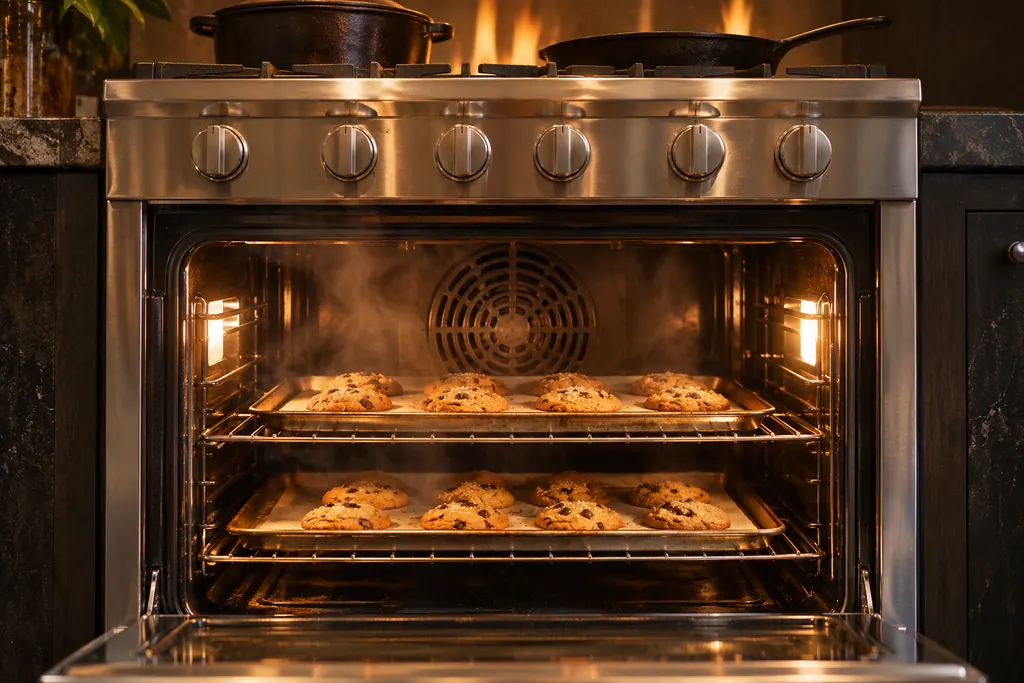
Convection fan (TruConvec)
On a Viking Professional electric oven, TruConvec uses a motorized fan in the rear of the oven to circulate air for even heat. Convection Roast uses a reversible fan at higher speed in each direction. The manual also expects a fan noise during the whole Self-Clean cycle. If it stays silent, call before cleaning again.
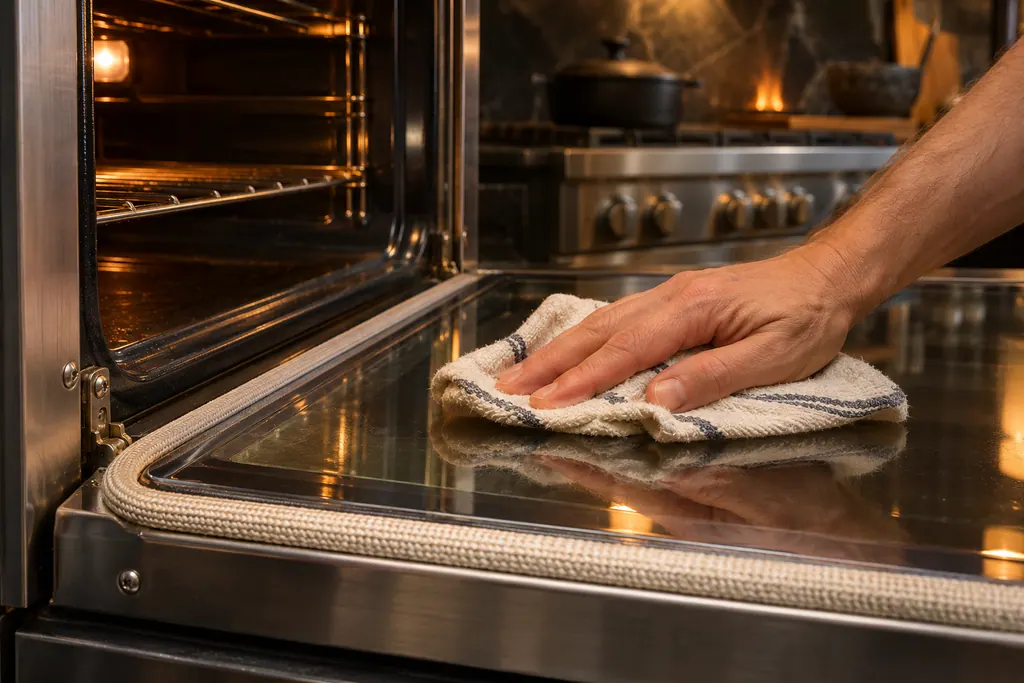
Door gasket
The door gasket on a Viking Professional electric oven is essential for a good tight seal. Cleaning it is off limits, and it must not be rubbed, damaged or shifted. Before Self-Clean you hand-wash the door up to the gasket, the frame, and 2 inches inside the frame, then rinse and dry.
Sources and model boundaries.
The Oven light guidance rests on these references. Choose the manual that fits your own series.
- Use & Care, Professional Built-In Electric Single and Double Ovens VSOE130 / VSOE527 / VSOE530
Rely on the guide for your precise series, and read how we research these pages.
How is the bulb changed?
Unsnap the glass cover with a screwdriver in the access groove, pull the bulb out, fit a halogen bulb, and snap the cover back on.
Which bulb do I buy?
Match the volts and watts listed on the glass cover.
Why did my new bulb fail?
The manual says oil from bare hands can harm the bulb. Handle it with a soft cloth.
Does one switch control both ovens?
On a double oven, yes. The manual says one switch controls both interior lights.
Viking codes, symptoms, parts, visits
From the message to your next move.
Viking oven light not working
The Viking manuals give two causes for an oven light that will not come on: a burned-out bulb or an oven that has lost power entirely. Look at the breaker, then switch the power off before changing the halogen bulb, and handle the new one with a soft cloth. Call us if it stays dark.
Oven repair
Book a diagnostic for your series at the appliance itself.
Find your metro
Office particulars and the entry details to give us.