What it means
WELCOME shows on a Viking microwave when it is first plugged in, and again when power returns after an interruption. Clear the screen with Stop/Clear, then set the clock again. Any program that was running is erased.
Viking microwave WELCOME / Power and supply
WELCOME shows on a Viking microwave when it is first plugged in, and again when power returns after an interruption. Clear the screen with Stop/Clear, then set the clock again. Any program that was running is erased.
Also shown as WELCOME
WELCOME shows on a Viking microwave when it is first plugged in, and again when power returns after an interruption. Clear the screen with Stop/Clear, then set the clock again. Any program that was running is erased.
The display then shows a colon, which is the cue to set the clock.
The message returns every day without a known power cut.
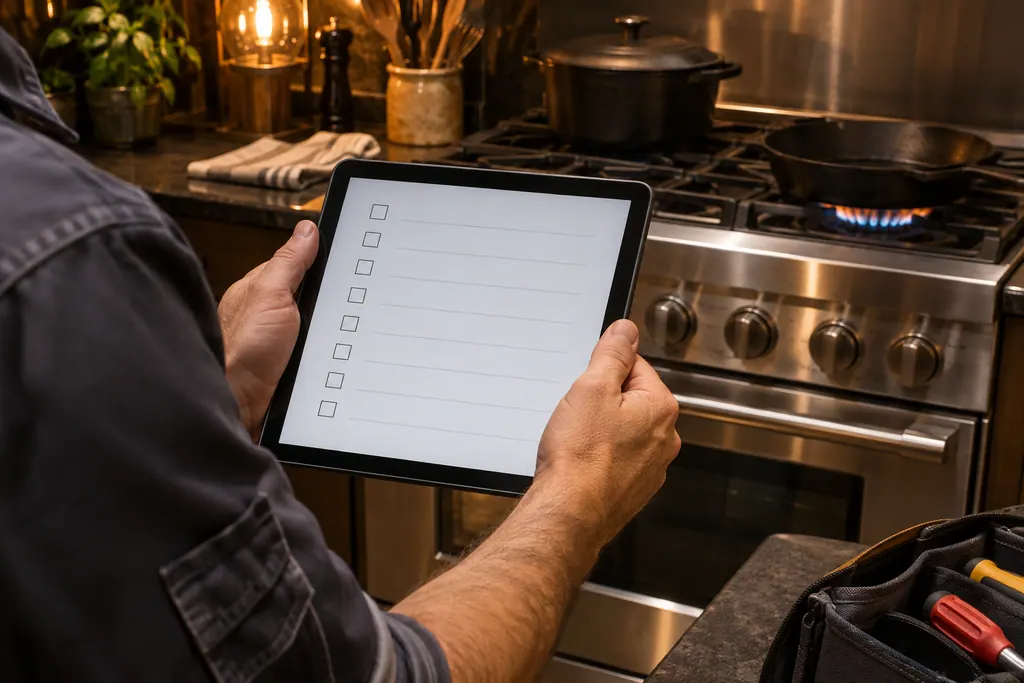
Your Viking checklist, kept on this device only
The display then shows a colon, which is the cue to set the clock.
On the VMOC506 touch Timer/Clock and the 2 pad, key the time and touch Timer/Clock to confirm. The VMDD5306 uses Timer/Settings twice and Start/+30 Sec.
If the message arrived mid-cook, the program is gone along with the time of day. Check the food and start over.
A message that keeps returning means power keeps dropping out. Check the outlet, the plug and the circuit breaker.
Pass along the model and the checks you ran, then open a visit request from this spot.
Book a visit
A simplified sketch, because the inside of a Viking differs by series. Tap a highlighted part for its photo and the matching test.
On first power-up, the microwave greets you and waits for you to clear the screen and set the clock.
Read the supporting manualYes. After an interruption the display shows the message intermittently until you touch Stop/Clear.
Read the supporting manualThe time of day, and any program that was running. The manual says a program interrupted during cooking is erased.
Read the supporting manualIt is reporting repeated power loss. Look at the supply side first, before suspecting the oven’s control.
Read the supporting manualManufacturer document
Viking Range, LLC (official manual PDF)
no edition code in the cached text / PDF p.13
Manufacturer document
Viking Range, LLC (official manual PDF)
no edition code in the cached text / PDF p.13
The VMOC506 prints WELCOME PRESS CLEAR AND PRESS CLOCK and the VMDD5306 prints WELCOME TOUCH CLEAR. The RVM320 uses a different welcome phrase.
Not by itself. Clear it, reset the clock, and book only if it recurs while the house power is steady.
The manual says it shows intermittently after power is reinstated, so it alternates with other display content until you clear it.
The program is erased, so the oven may not have finished. Check the food temperature before you serve it.
It shows a different greeting in the same place. The VMOC506 and the VMDD5306 are the models that print WELCOME.
Viking codes, symptoms, parts, visits
ERROR on a Viking microwave means the oven refused an entry or stopped a sensor program. A bad clock time, an out-of-range weight, or a sensor cycle that never detected steam all show it. Touch Stop/Clear and start the step again.
A Viking microwave that runs but does not warm food is first checked for demo mode, wrong controls and lost power, then with a one-cup water test. If the light, fan and turntable work and the water stays cold after a minute at full power, the heating itself needs a technician.
Book a diagnostic for your series at the appliance itself.
Office particulars and the entry details to give us.