What it means
A blinking filter clean icon on a Viking 5 Series downdraft means the blower has run 30 hours since the last reset. Wash the two grease filters, then touch and hold the icon for two seconds or more to reset it.
Viking hood Filter clean icon blinking / Filter reminders
A blinking filter clean icon on a Viking 5 Series downdraft means the blower has run 30 hours since the last reset. Wash the two grease filters, then touch and hold the icon for two seconds or more to reset it.
Also shown as Filter clean icon blinking
A blinking filter clean icon on a Viking 5 Series downdraft means the blower has run 30 hours since the last reset. Wash the two grease filters, then touch and hold the icon for two seconds or more to reset it.
Let the cooktop surface cool and switch the blower off before you open anything.
The icon blinks again right after a reset.
Your Viking checklist, kept on this device only
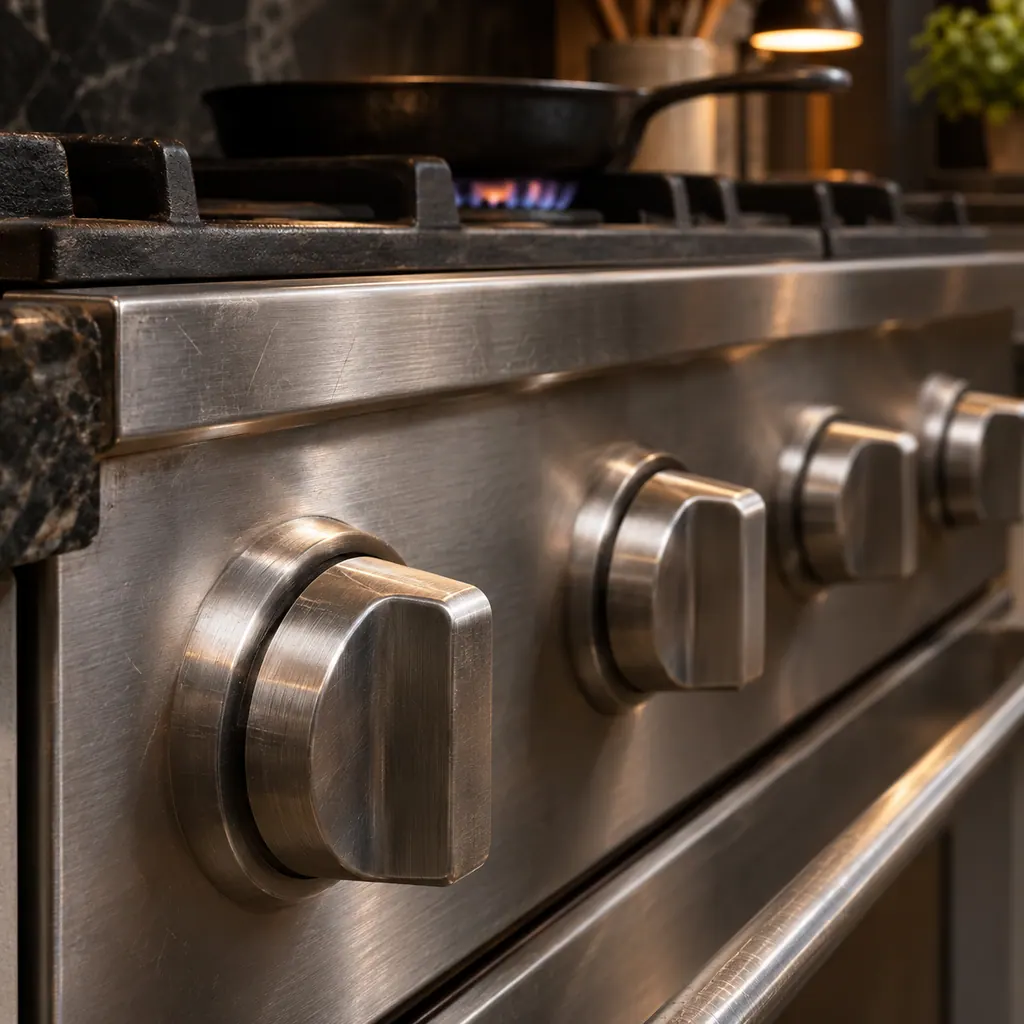
Let the cooktop surface cool and switch the blower off before you open anything.
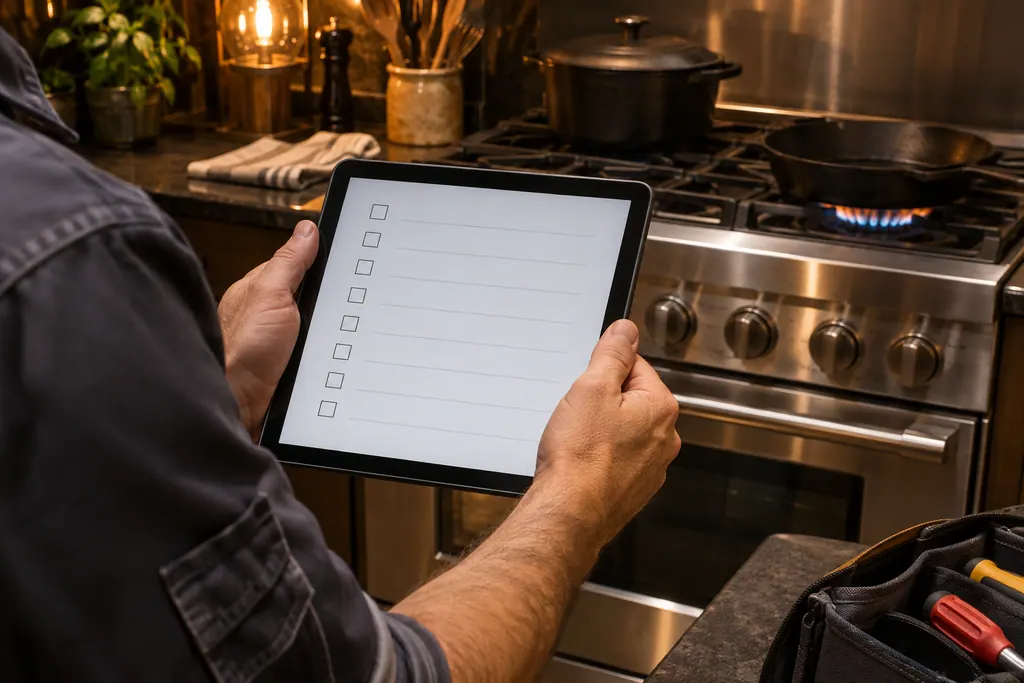
Remove the front panel and lift out the two grease filters.
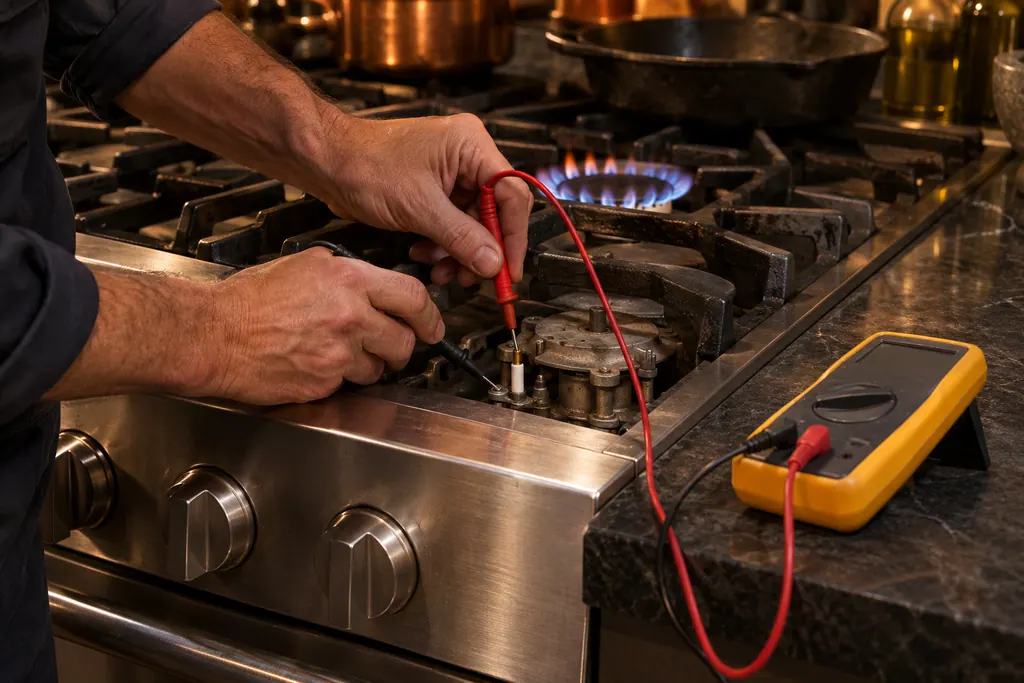
The guide says a mild detergent solution or a dishwasher. Let them dry, then put them back before you use the downdraft.
Touch and hold the icon for two seconds or longer. The indicator then goes out. If it blinks again straight away, tell us when you book.
Pass along the model and the checks you ran, then open a visit request from this spot.
Book a visit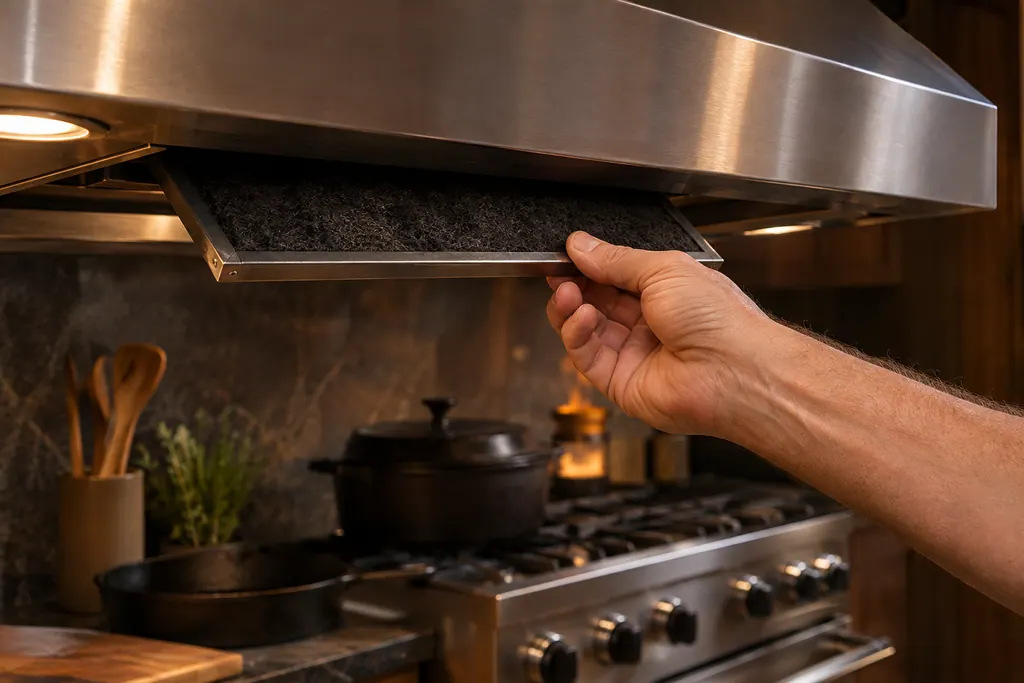
A simplified sketch, because the inside of a Viking differs by series. Tap a highlighted part for its photo and the matching test.
Component reference
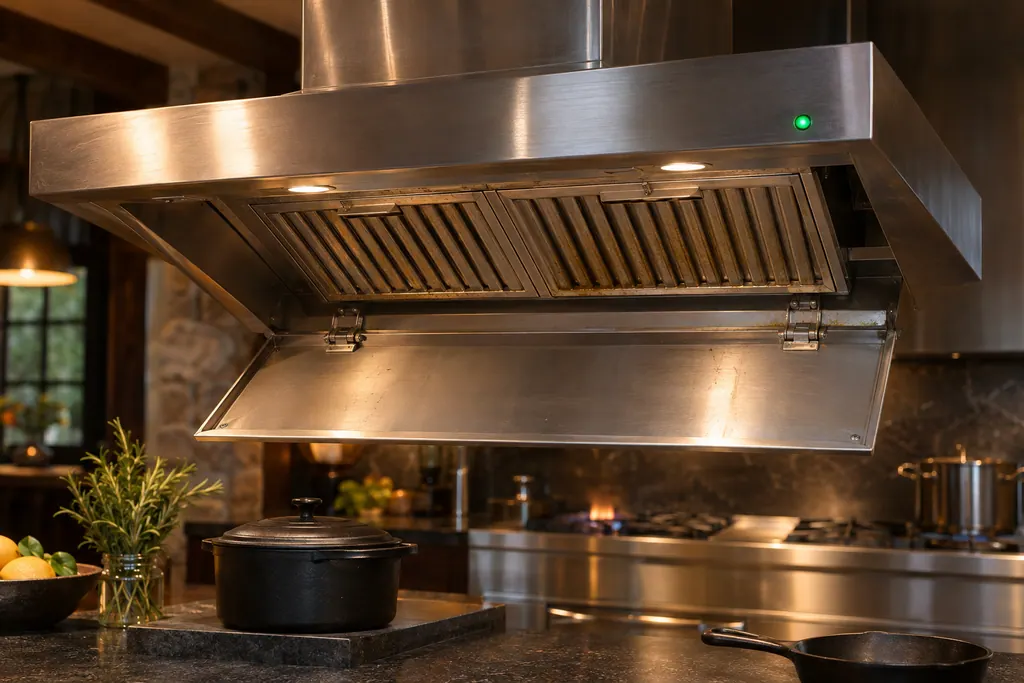
The RVL Pureline Pro ceiling hood counts cooking hours.
Read the definitionBlower running time. After 30 hours the filter clean icon blinks continuously until you reset it.
Read the supporting manualHold your finger on the icon for two seconds or longer, and the indicator goes out.
Read the supporting manualYes. A reset alone hides the reminder but leaves the grease where it was, which is what the icon exists to prevent.
Read the supporting manualThe two grease filters behind the front panel. The same page notes the inside of the chimney can be wiped with mild detergent, not abrasive pads.
Read the supporting manualManufacturer document
Viking Range, LLC (official manual PDF)
F21413O / PDF p.11, p.12
This is the VDD5300, VDD5360, VDD5450 and VDD5480 5 Series rear downdraft. The ceiling hood has a green LED instead of an icon.
No. It counts 30 hours of blower time and says nothing about the motor or the lights.
The guide allows either a dishwasher or a mild detergent solution. Let them dry before refitting.
No. It blinks continuously until you hold it for two seconds or more, or until the reset takes.
Probably the reset did not register. Hold the icon for the full two seconds; if it still comes back, let us know at booking.
Viking codes, symptoms, parts, visits
On a Viking Pureline Pro ceiling hood the green LED lights after 20 cooking hours to say the grease filter needs cleaning. Wash it by hand or in the dishwasher. Never run the hood without its grease filters.
A Viking hood that lets smoke and steam escape is usually clogged filters, too low a fan speed, a draft across the cooktop or a charcoal filter past its life. Clean the grease filters, raise the speed and replace a recirculating charcoal filter. Book a technician if the airflow stays weak.
The RVL Pureline Pro ceiling hood counts cooking hours. After 20 hours of cooking, a green LED on the hood tells you the grease filter needs cleaning. The guide says never to run the hood without the grease filters, because heavy contamination creates a fire risk.
Book a diagnostic for your series at the appliance itself.
Office particulars and the entry details to give us.