Start from the symptom
Viking microwave controls not responding.
On a Viking DrawerMicro or built-in microwave, controls that do nothing are often the control lock, a power interruption or demo mode. Hold the lock pad for 3 seconds, restore power and the clock, and cancel demo mode. Book a technician if the pads stay dead.
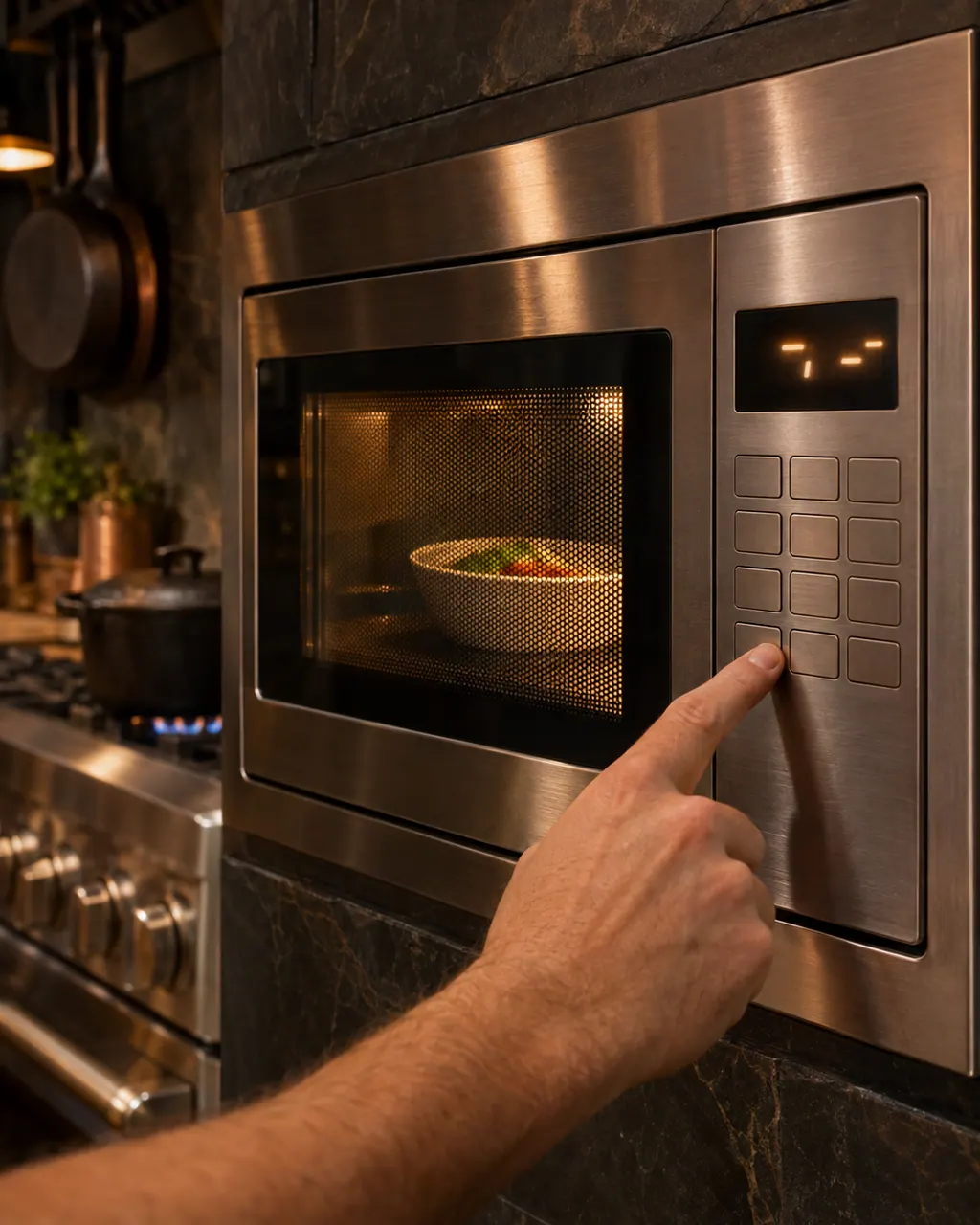
Start with safe observations.
Turn the appliance off and unplug it before any check you can make yourself. Beware of standing water and sharp edges. Never touch a wet plug or live wiring, take off service panels, or go beyond what your series' guide allows.
- 1
Control lock
The DrawerMicro guide lists Control Lock on as the cause when the touch controls will not operate. Touch and hold the lock pad for 3 seconds; LOCK OFF shows when it is released.
- 2
After a power cut
A display that flashes, or shows the touch-clear prompt, means the power was interrupted. Touch Clear and reset the clock; any program that was running must be set again. The lock also clears when power is lost.
- 3
Demo mode
A DrawerMicro in demo mode shows a fast-counting display and produces no heat. Cancel it by touching Setup/Help five times and Start, as the manual describes.
- 4
Whole oven dead
If part or all of the oven does not operate, the guide lists a cord not fully in the outlet, a power outage and a fuse or breaker that has failed. Tighten the plug and reset the breaker.
- 5
Steam from the vent
Steam from the right side of the vent during microwaving is normal. Do not treat it as a problem.
Systems a technician may investigate.
The parts below connect to this symptom. Seeing it does not establish that any one of them is the culprit.
If the display adds a code.
No code is tied straight to this topic.
Nothing else in our researched codes connects to this topic. Match the exact message to your series' manual, and do not swap in another code from the library.
See the research status
When observation becomes a service request.
Leave internal testing to a technician.
The pads stay dead after you unlocked the control and restored power.
The drawer or door does not open or close with the panel lit.
The light is out and the oven also does not operate.
The breaker opens whenever the microwave is plugged in.
Arrange a diagnosticSources and model boundaries.
The Viking microwave controls not responding guidance rests on these references. Choose the manual that fits your own series.
- Use & Care Manual / DrawerMicro™ Oven / VMOD5240 / CVMOD5240
- USE & CARE MANUAL / Microwave Oven / RVM320SS, CRVM320SS
Rely on the guide for your precise series, and read how we research these pages.
How do I unlock the DrawerMicro control pad?
Touch the Control Lock pad and hold it for 3 seconds. The display shows LOCK OFF. The lock clears on its own whenever power to the oven is interrupted.
The display keeps flashing. Is that a failure?
The guide lists a power failure. Touch Clear, reset the clock, and set the cooking function again if the oven was in use when power dropped.
Does the drawer open with the lock on?
The Control Lock deactivates the control panel and the automatic door mechanism, so the drawer will not open by pad while it is on.
Is steam from the vent a problem?
No. The guide says steam may come from the right side of the vent during microwaving.
Viking codes, symptoms, parts, visits
From the message to your next move.
Viking microwave not heating
A Viking microwave that runs but does not warm food is first checked for demo mode, wrong controls and lost power, then with a one-cup water test. If the light, fan and turntable work and the water stays cold after a minute at full power, the heating itself needs a technician.
Turntable and turntable support
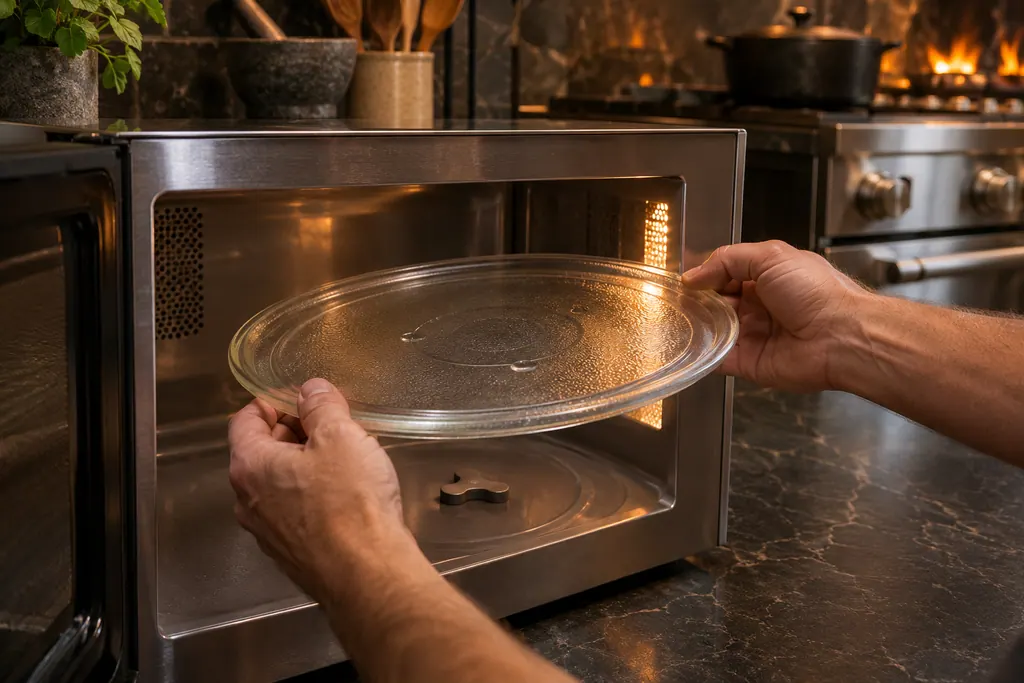
A Viking countertop or built-in microwave turns food on a removable turntable that sits on a support over a motor shaft. The guides say never to run the oven without the turntable and its support, and that it turns in either direction. The motor shaft is not sealed, so wipe up spills right away.
Microwave repair
Book a diagnostic for your series at the appliance itself.
Find your metro
Office particulars and the entry details to give us.