On this page
- The mica waveguide cover must be wiped clean at once and never removed; built-up splashes can smoke or catch fire. 123
- The turntable and support wash in mild sudsy water or on the dishwasher top rack. 12
- Never spray oven cleaners directly onto any part of the oven. 12
- A bent door, loose or broken hinges or latches, or damaged seals rule out using the microwave. 1
- A one-minute test with a cup of water checks light, fan, turntable and heat. 1
What inside a Viking microwave needs regular care?#
Four things: the turntable and its support, the mica waveguide cover, the interior walls and the door with its sealing surfaces. The RVM320SS manual covers them in one cleaning chapter, and the VMOC506 and VMOD manuals say nearly the same. 123
Before any of it, disconnect the power cord, or leave the door open to inactivate the oven while you clean. 13 Unlike a conventional oven, little heat reaches a microwave's interior surfaces, so spills do not bake on and wiping is easy. 13
| Part | Care in the manuals | Never |
|---|---|---|
| Turntable and support | Mild sudsy water or dishwasher (upper or top rack) 12 | Let water sit at the motor shaft 12 |
| Waveguide cover (mica) | Wipe spatter with a damp cloth at once 123 | Remove it 123 |
| Interior | Soft cloth, warm water; baking soda or mild soap 12 | Abrasives, scouring pads, sprayed oven cleaner 12 |
| Door and seals | Wipe the window; keep sealing surfaces clean 1 | Run the oven with damaged seals or latches 1 |
| Touch panel | Cloth dampened with water only, door open 12 | Scrub or use chemical cleaners 12 |
What is the waveguide cover, and why does it matter?#
It is a mica cover inside the oven cavity that needs special care. On the RVM320SS it is on the right side wall, and on the VMOD DrawerMicro it is on the inside top. The manuals say to wipe spatter off it right away and never remove it. 13
The reason given is practical. Keeping it clean assures good oven performance, and built-up splashes may overheat and cause smoke or possibly catch fire. 123 Use a damp cloth and take care, as the manuals ask. If you see a scorch mark, a crack or a smell of burning near the cover, stop using the oven and book a visit instead of picking at it. Our waveguide cover entry describes the part.
How do I wash the turntable?#
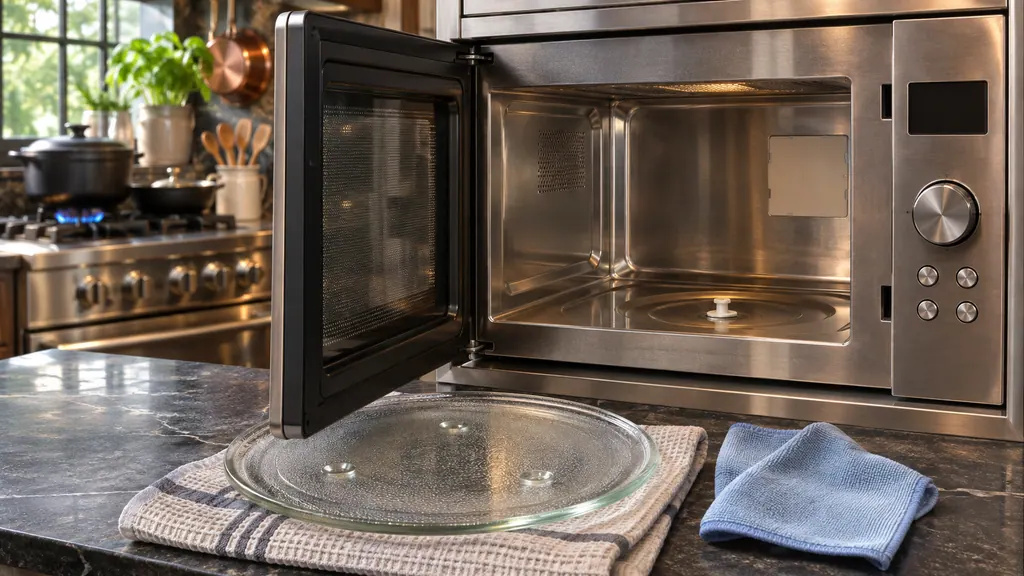
Lift the turntable and its support out, wash them in mild sudsy water, and use a mild cleanser and a non-abrasive sponge for stubborn marks. They are also dishwasher-proof on the upper rack. Wipe up any water at the motor shaft, because the shaft is not sealed. 1
- 1
- 2
- 3
- 4
- 5
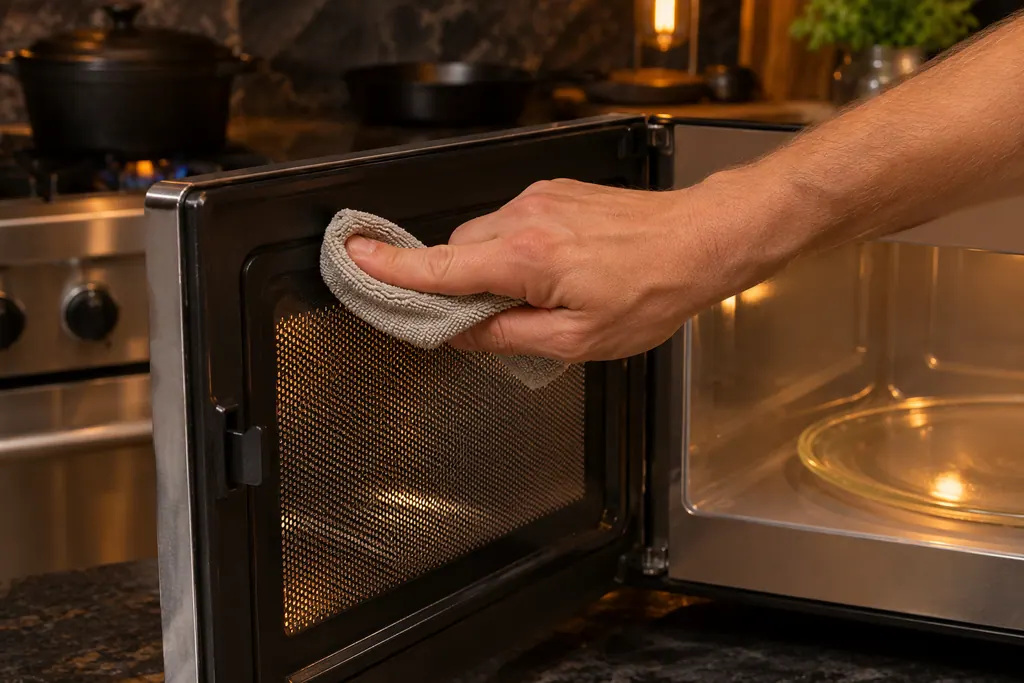
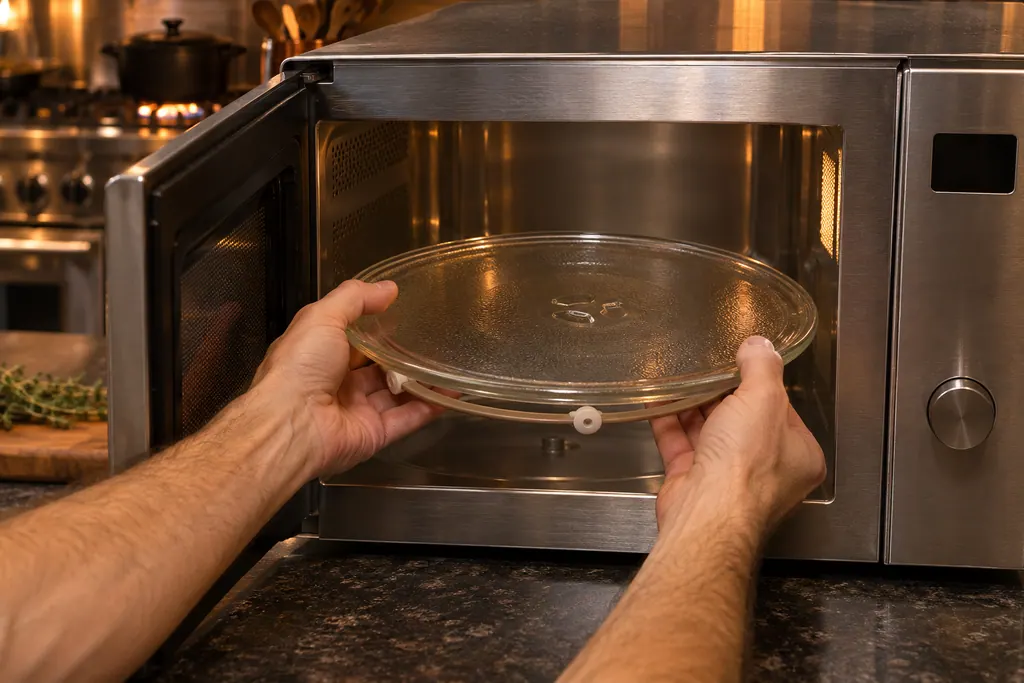
The VMOC506 manual adds a warning for its porcelain enamel turntable: foods with high acidity, such as tomatoes or lemons, can discolor it, so do not cook them directly on the turntable and wipe up spills at once. It names the top dishwasher rack for the turntable support. 2 Our turntable entry describes the part, and the troubleshooting check notes it is normal for the turntable to turn in either direction. 1
How do I clean the interior without damaging it?#
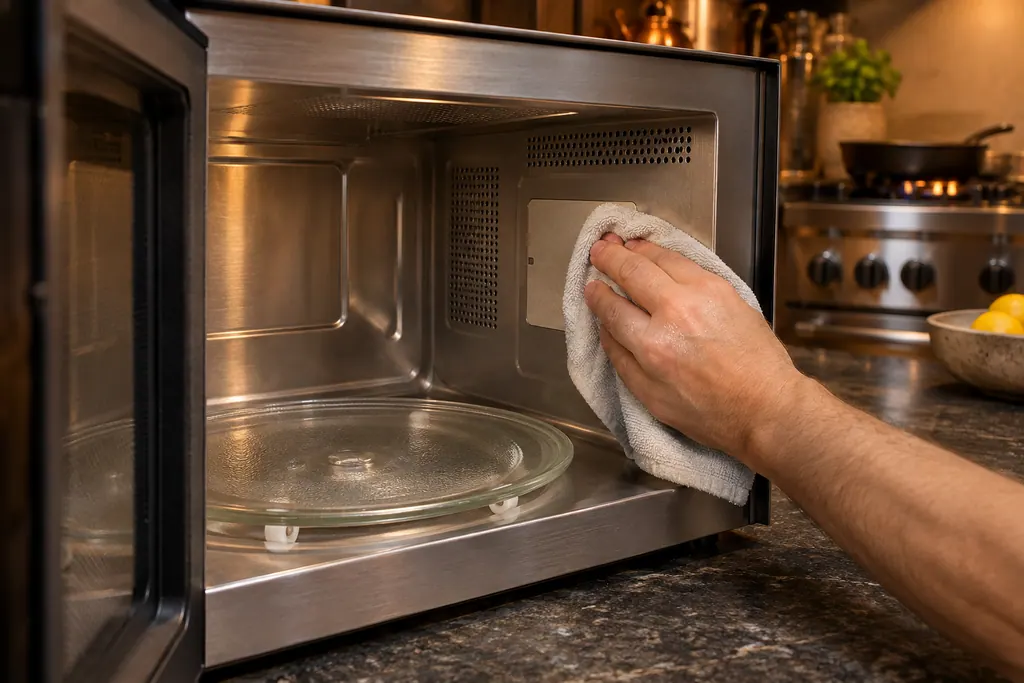
Use a soft cloth wet with warm water. For heavier soil use baking soda or mild soap, then rinse thoroughly with hot water. Do not use abrasive or harsh cleaners or scouring pads, and never spray oven cleaners onto any part of the oven. 12
The glass door edge could chip or break, so be careful there, and wipe the window on both sides with a damp cloth. 1 On the touch panel, open the door first, wipe with a cloth dampened only with water, dry it, then close the door and touch STOP/Clear. 12 The VMOD DrawerMicro adds a Control Lock to hold the drawer in place while you clean: touch and hold Control Lock for 3 seconds, and turn it off the same way. 3
On the VMOC506, which has convection, spatter after convection, mix or broil cooking is washed off right away with hot soapy water. Residual grease can be removed from the ducts and heater by running the oven at 450°F for 20 minutes with no food in it, with the room ventilated. 2 That is specific to the convection model.
What about the door seals and latches?#
Keep soil and cleaner residue off the sealing surfaces, and never place an object between the oven front and the door. If the door is bent, a hinge or latch is broken or loose, or the seals are damaged, the oven must stay switched off. 1
The manual states that only properly qualified service personnel should adjust or repair the oven. 1 A seal you can see is dirty can be wiped. A seal that is torn, a door that sits crooked or a latch that moves loosely is a visit. Our door seals and latches entry explains why.
How do I remove a cooking odor?#
Combine 1 cup of water, the grated peel and juice of one lemon, and several whole cloves in a 2-cup glass measuring cup. Boil for several minutes at 100% power, let it stand in the oven until it cools, then wipe the interior with a soft cloth. 123
The VMOD manual specifies a microwave-safe glass cup and leaving it in the DrawerMicro until the water cools. 3 This is the only odor method the manuals print.
What is the one-minute water test?#
It is the check the troubleshooting page asks you to do before calling for service. Put one cup of water in a glass measuring cup, close the door securely and run one minute at HIGH 100%. Then answer four questions. 1
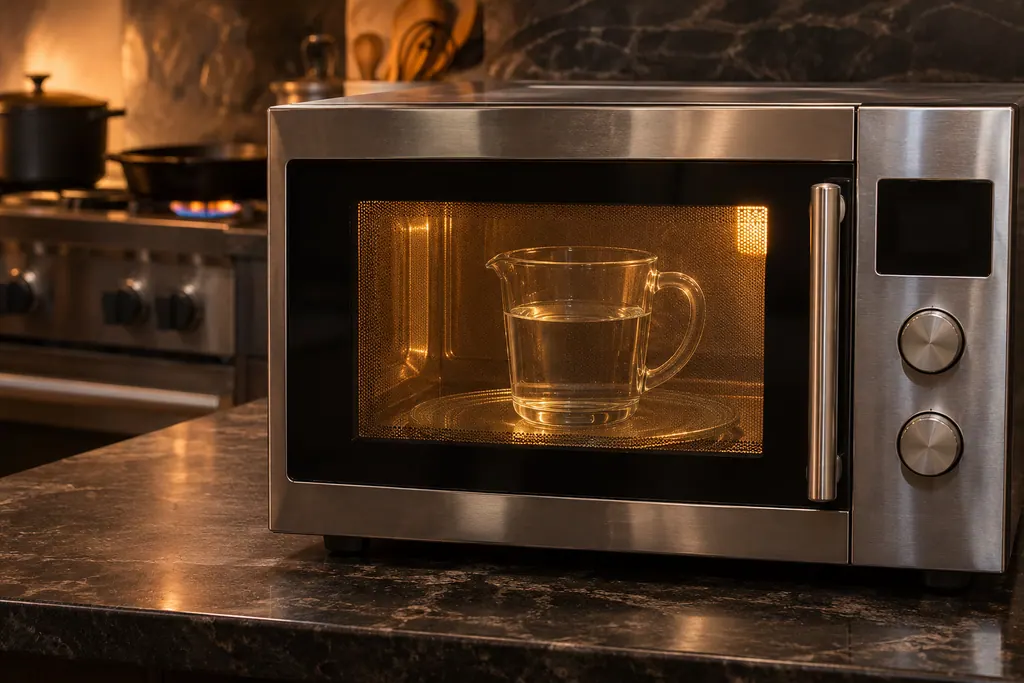
The questions are: does the oven light come on; does the cooling fan run (hold a hand over the left side of the louver); does the turntable rotate; and is the water warm. If any answer is NO, check the electrical outlet, the fuse and the breaker. 1 If those are fine, the manual says the oven should never be serviced by a do-it-yourself repair person. 1 At that point, book with us.
The timer is counting down far too fast. What now?#
Check Demonstration Mode. The RVM320SS manual says that a display counting down very rapidly may mean demo mode is on. Cancel it by touching Timer/Clock, the number 0 and STOP/Clear, or unplug the oven and plug it back in. 1
Demo mode is turned on with Timer/Clock, the number 0 and a three-second hold of START/Add-A-Minute, which shows DEMO ON, and it lets cooking be shown off with no microwave power. 1 So an oven that "runs" but never heats may simply be in demo mode, and the water test above would show a cold cup.
What helps a technician when the water test fails?#
Say the model, what the water test showed, whether the turntable turns, whether the fan runs, how the door closes, and whether anything smoked or smelled near the cover.
- Which of the four water-test answers was NO?
- Is the display counting down quickly, or showing DEMO ON?
- Are the seals clean and the latches firm?
- Did spatter build up on the waveguide cover?
The models we repair are named on our microwave service page.
Sources#
- USE & CARE MANUAL / Microwave Oven / RVM320SS, CRVM320SSViking Range, LLC (official manual PDF) · no edition code in the cached text · PDF p.6 (do not operate if damaged), p.24 (demonstration mode), p.25 (cleaning and maintenance), p.26 (troubleshooting)
- Installation / Use & Care Manual / Built-in / Freestanding / Convection Microwave Oven / VMOC506Viking Range, LLC (official manual PDF) · no edition code in the cached text · PDF p.27 (cleaning and care)
- Use & Care Manual / DrawerMicro™ Oven / VMOD5240 / CVMOD5240Viking Range, LLC (official manual PDF) · no edition code in the cached text · PDF p.25 (cleaning and maintenance)