On this page
- The message appears every 6 months and is a reminder, not an alarm. 1
- Power the unit off and wait about 30 minutes before reaching the condenser. 1
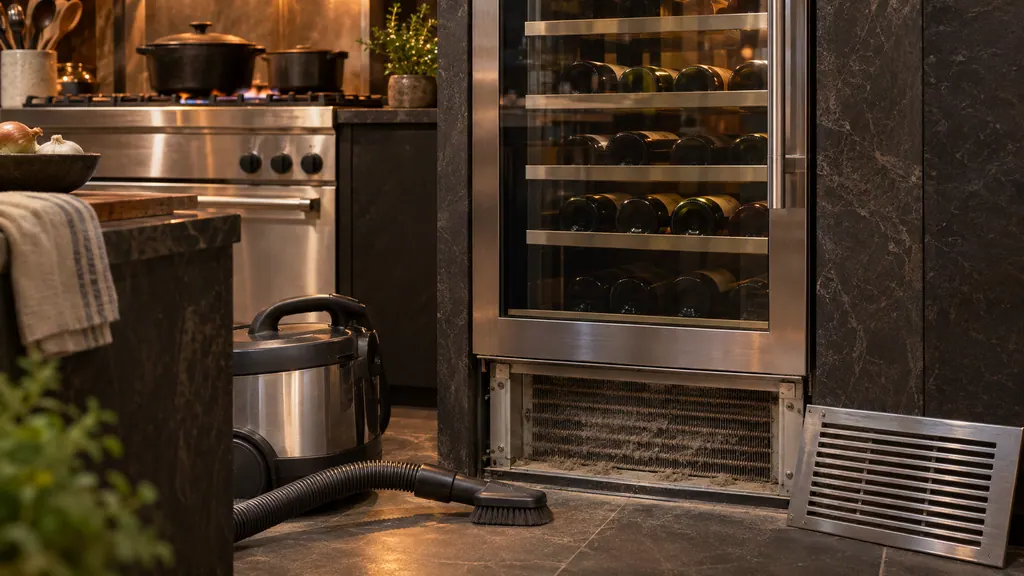
- The condenser is behind the lower front grille and is cleaned with a soft brush vacuum along the slits. 1
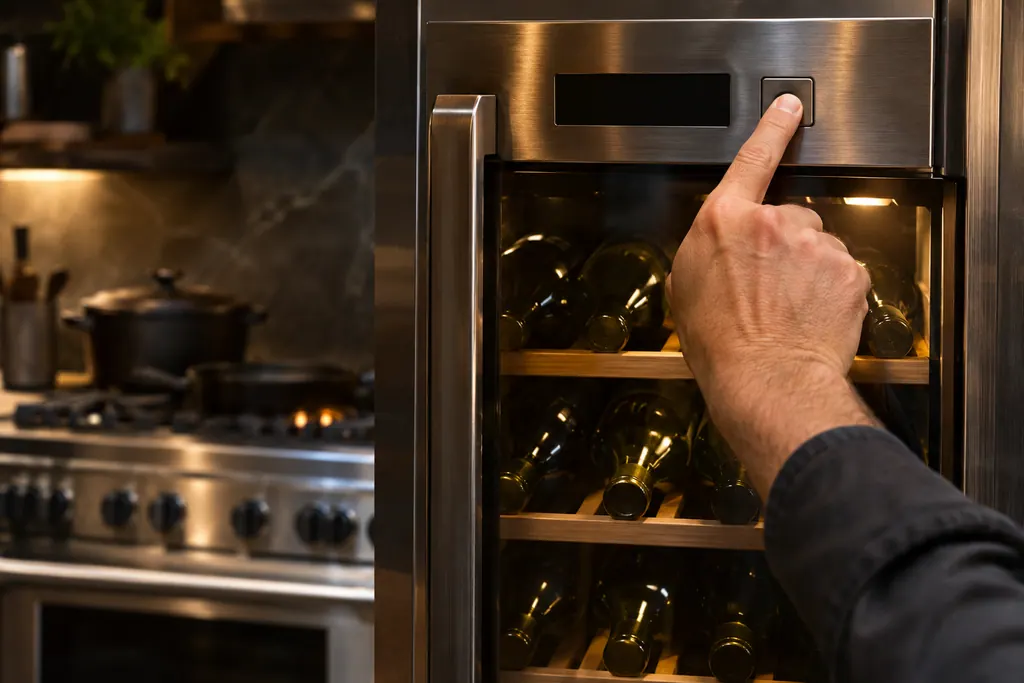
- Press and hold ENTER for 5 seconds to clear the message. 1
- The guide prints both 6 and 12 months for the interval. 1
What does CHECK COND. mean on a Viking wine column?#
It is a reminder to clean the condenser. The 7 Series FDWCIC7240 user guide lists it in its message table: every 6 months the display shows CHECK COND., you clean the condenser, and you press and hold ENTER for 5 seconds to reset. 1
Nothing in the table suggests a breakdown. It sits in the same list as real alarms such as Power Failure, Door open and the lower and upper temperature messages, which is why people mistake it for one. 1 The guide's name for it elsewhere is the Clean Condenser reminder, and the unit counts down to it.
| Display message | Guide's meaning | Owner action |
|---|---|---|
| Check condenser | Every 6 months, clean the condenser and hold ENTER 5 seconds 1 | Follow the steps below |
| Power Failure | Extended power interruption; starts up again by itself 1 | Press ALARM to stop the sound |
| Door open | Door open for a few minutes 1 | Close it |
| Lower or Upper too warm | See the troubleshooting chapter 1 | Check the condenser and the door |
| Lower or Upper too cold | Wait 12 hours; contact service if it persists 1 | Wait, then book |
| Error Code... | Functional problem 1 | Book a visit |
Why does the guide say both 6 and 12 months?#
Because it prints both. The message table and the care chapter say 6 months. The settings chapter says the recurring cleaning every 12 months is reminded by a sound and a display signal. The Maintenance screen counts 365 days to the next reminder. 1
We cannot tell you which is right for your unit from the text alone. The practical approach is to treat the message as the signal when it shows, and to check the condenser sooner in a dusty home. The guide notes that the filter and condenser must be cleaned periodically for the unit to run well. 1
How is the condenser cleaned on this model?#
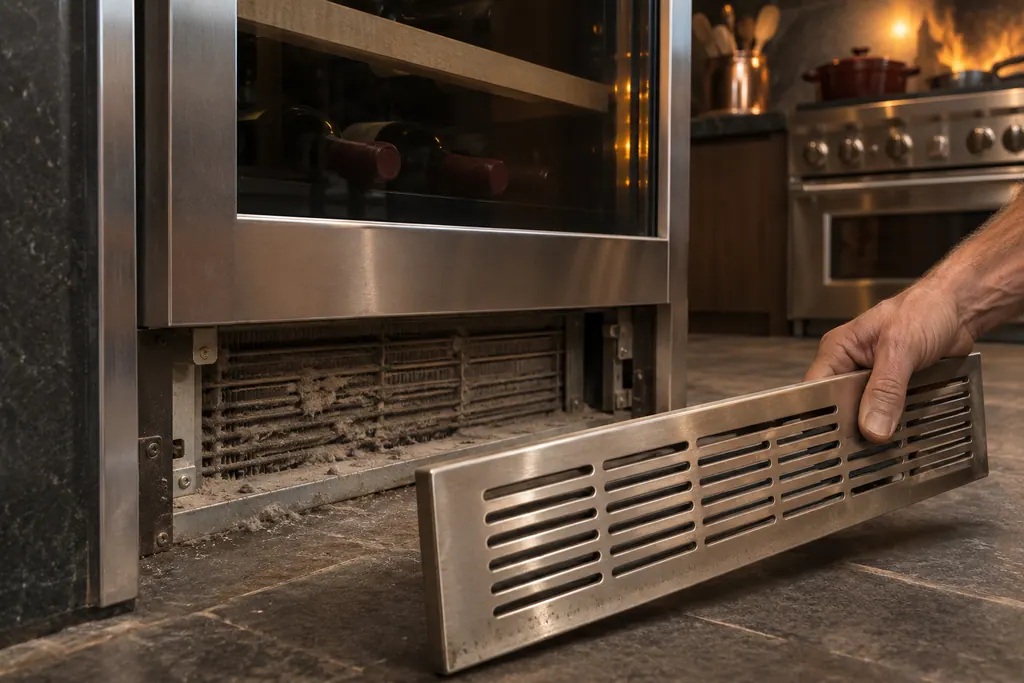
Switch the cellar off, wait about 30 minutes, remove the grille under the door and clean the dust off the condenser carefully, then restart. The guide gives these steps for the lower condenser, and warns that its edges are sharp. 1
- 1
- 2
- 3
- 4
- 5
- 6
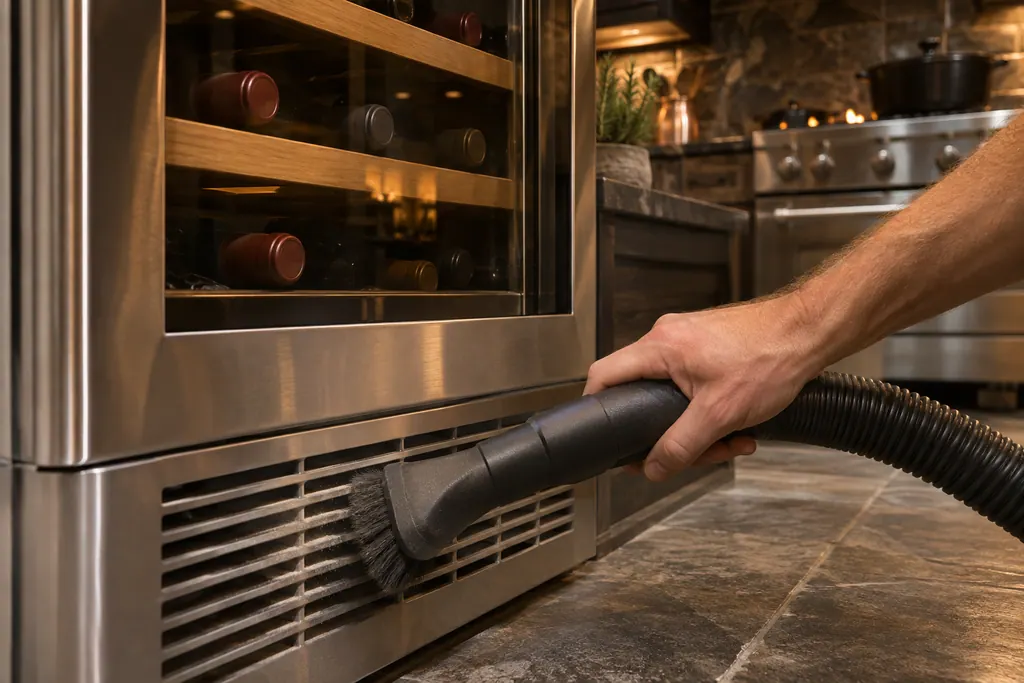
For the dust, the care chapter calls for a vacuum cleaner with a soft brush head at maximum power, swept along the vent slits. If dust has built up a lot, the ventilation grille can be removed for a more thorough cleaning of the filter. 1 The condenser sits behind the lower front ventilation grille. 1
How do I reset or switch off the reminder in the menu?#
Open Settings, scroll left twice, touch Maintenance and open the Clean Condenser screen. You can reset the countdown there or disable the reminder. The care chapter also says to touch OFF if you no longer want the cleaning signal. 1
The Maintenance screen shows the days left before the next cleaning. After you clean the condenser, touching RESET reactivates the warning signal for 6 months. 1 Two screens ask for confirmation: Enable reminder countdown timer? and Disable reminder? Switching the reminder off removes the prompt but does not remove the need to clean the condenser. The guide says the condenser must be cleaned for the unit to operate correctly. 1
Does a dirty condenser explain a warm cabinet?#
The troubleshooting list points that way. Under three headings (internal temperatures higher than normal, the appliance keeps running a long time, and the appliance does not work) it asks: is the condenser clean? 1
It also lists other things to rule out first: whether the unit is plugged in and the ON/OFF key is active, whether the temperature is set correctly, whether the door stood open for a long spell, and whether a lot of food went in recently. 1 During hot weather and high room temperature, the guide says it is normal for the compressor to run for long periods. 1
How do I read the other messages?#
Touch the ALARM button and the display shows the message with its error code for 3 seconds, then returns to the home screen. Press INFO to hold the message on screen for 30 seconds. With more than one message, they appear in order. 1
The table includes a Replace filter message that appears every 12 months after the reset, and the compartment temperature messages. For a lower or upper compartment that is too warm the guide points to its troubleshooting chapter; for one that is too cold it says to wait 12 hours and call service if it continues. 1 Our entries for Check condenser and Error Code... cover the two ends of that spectrum.
What about the other cleaning jobs?#
Clean the inside with lukewarm water and a little dishwashing liquid, rinse and dry at once. Avoid chlorine-based cleaners such as bleach, keep water off the electrical parts, lights and control panel, and never wash removable parts in a dishwasher. 1
Do not bring cold glass parts into contact with hot water, and nothing mechanical should be used to hurry a defrost. 1 The guide also notes that the doors are designed for an airtight close: if the door is hard to open, wait a few seconds for the pressure to balance. 1
What helps a technician when the message returns?#
Give the model, what the display says, how long since the condenser was cleaned, whether CHECK COND. returned after the reset, and what the temperatures are in each compartment.
- Does CHECK COND. come back after a reset?
- Is any compartment too warm or too cold?
- Did the cooling fans run a long time after a restock?
- Is there an Error Code... message?
Our wine cooler service page names the models we cover, and the temperature zones entry explains the two compartments.
Sources#
- User Guide / Wine Cellar / FDWCIC7240L - FDWCIC7240RViking Range, LLC (official manual PDF) · no edition code in the cached text · PDF p.17 (functions), p.22 (maintenance reminder), p.28 (ventilation grill, filter, condenser), p.29 (lower condenser), p.30 (troubleshooting), p.31 (message table)