Read the whole display
Give the model (column, FWUI5242G or earlier undercounter) and the exact message or letters shown.
Model-specific code library
We decode nine written messages of the 7 Series wine cellar column, HH, LL and two modes on the FWUI5242G undercounter cellar, and E2 on earlier undercounter units.
Check condenser, shown as CHECK COND., appears every 6 months on a Viking FDWCIC7240 wine column. Clean the condenser and press and hold ENTER for 5 seconds to reset it. It is upkeep, not a breakdown.
Read the Check condenser checks16 researched wine cellar codes. What a message means shifts from one Viking series to the next, so your own manual settles it.
Check condenser, shown as CHECK COND., appears every 6 months on a Viking FDWCIC7240 wine column. Clean the condenser and press and hold ENTER for 5 seconds to reset it. It is upkeep, not a breakdown.
Routine upkeepDemo Mode on the FDWCIC7240 wine column is a display setting for showrooms that fakes a working cellar. If the column is not cooling, switch Demo Mode off under Settings; the screen asks for a password in either direction.
NormalDoor open on a Viking FDWCIC7240 wine column appears once the door has stayed open for a few minutes. Close the door and the message clears. If it stays with the door shut, book a visit.
Close the doorThe dr symbol on the Viking FWUI5242G wine cellar is its door alert. It means the door was left ajar for over half an hour, and the unit beeps every minute until it is shut. Close the door and the alert ends.
Close the doorE2 on an earlier Viking Professional or Designer undercounter wine unit is printed as a condenser fan motor problem with high or low amps. It sits in a Service Diagnostics table for technicians. Book a visit.
Book a visitError Code... on a Viking FDWCIC7240 wine column marks a functional problem. The guide's only instruction is to get service, which for you means booking a visit with us. Note the characters after Error Code... and book a visit.
Book a visitHH on a Viking FWUI5242G undercounter wine cellar means the compartment temperature has been above its setting for an extended time. The manual points to its service department; with us, book a visit. Check the door and the setting, then book a visit.
Check, then bookLL on a Viking FWUI5242G undercounter wine cellar is the low temperature notification. The manual points to its service department; with us, book a visit. Check the setting, then book a visit.
Check, then bookLower too cold on a Viking FDWCIC7240 wine column says the lower compartment is too cold. Viking says to wait 12 hours. Book a visit if the message has not cleared by then.
Wait, then bookLower too warm on a Viking FDWCIC7240 wine column says the lower compartment is too warm. The guide points to chapter 11, Troubleshooting, and prints no cause. Check the door and the setting; if the warm reading holds, book a visit.
Check, then bookPower Failure on a Viking FDWCIC7240 wine cellar column reports an extended interruption of electrical power. Press the ALARM button to silence the sound. The column restarts on its own, so check the wine and the temperature setting.
Alarm, check wineReplace filter on a Viking FDWCIC7240 wine column asks you to replace the water filter cartridge. The message appears every 12 months after the reset. Fit a new cartridge, then reset the reminder.
Routine upkeepSabbath mode on a Viking FWUI5242G undercounter wine cellar makes the display and interior light go dark. The unit keeps running. It stays that way until you reset it. It is not an error.
Mode, not an errorShowroom mode on a Viking FWUI5242G undercounter wine cellar lights the display and interior light, but the unit does not cool. Hold the two keys for 5 seconds again to return to normal. It is not an error.
Mode, not an errorUpper too cold on a Viking FDWCIC7240 wine column says the upper compartment is too cold. Viking says to wait 12 hours. The printed description reads too warm, a typo in the guide; the action matches the too-cold rows.
Wait, then bookUpper too warm on a Viking FDWCIC7240 wine column says the upper compartment is too warm. The guide sends you to chapter 11, Troubleshooting, and gives no cause. Check the door; if the warm reading holds, book a visit.
Check, then bookE1 and E3 on the earlier units are not decoded, because the single-zone and dual-zone tables disagree. The drawer door-alert symbol was lost in the text we read.
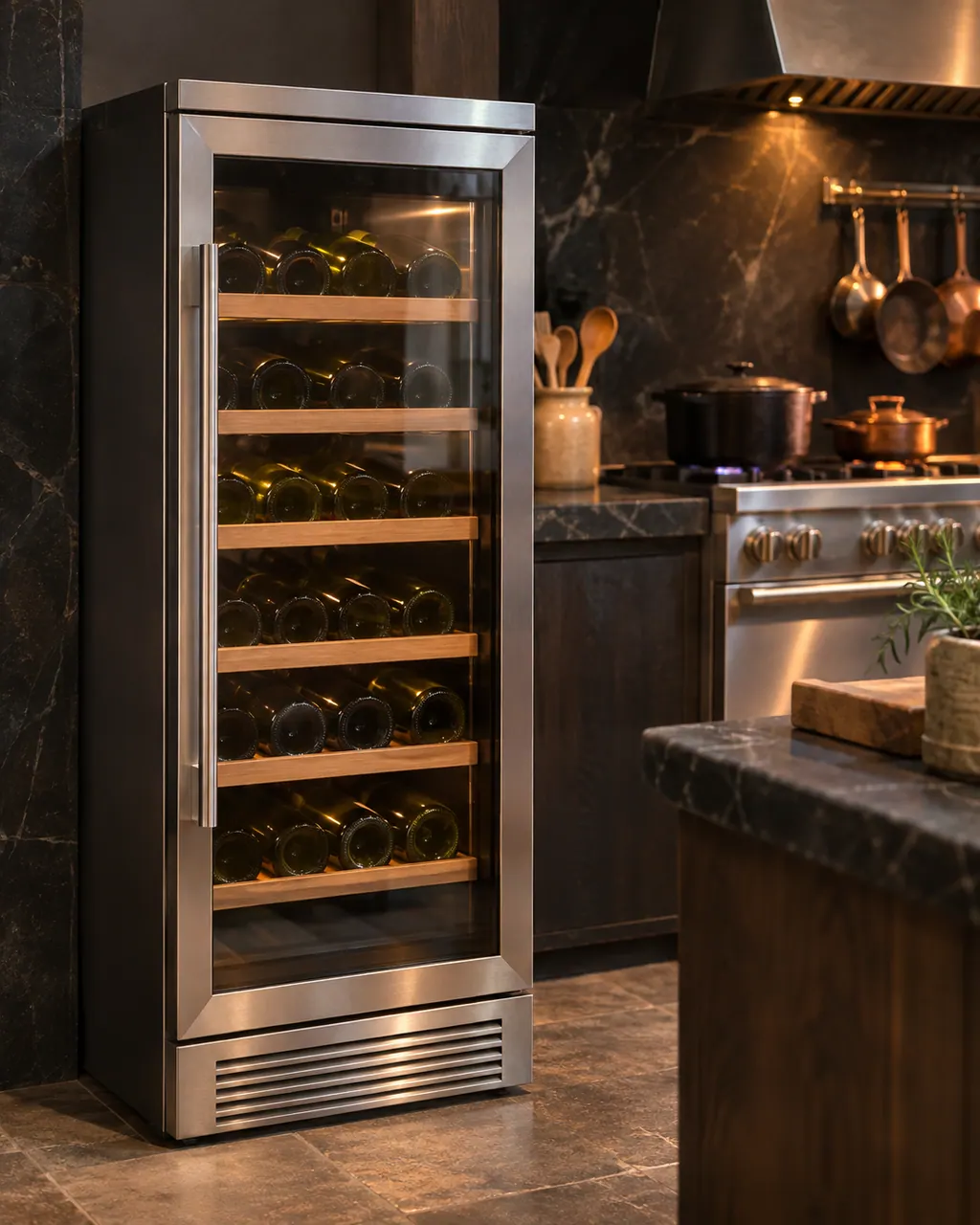
We decode nine written messages of the 7 Series wine cellar column, HH, LL and two modes on the FWUI5242G undercounter cellar, and E2 on earlier undercounter units.
E1 and E3 on the earlier units are not decoded, because the single-zone and dual-zone tables disagree. The drawer door-alert symbol was lost in the text we read.
Give the model (column, FWUI5242G or earlier undercounter) and the exact message or letters shown.
Leave the cooling system closed. If bottles are warming, move them somewhere cool while you wait for a visit.
A Viking wine cooler that runs warm is usually a control set too warm, a load that has not stabilized, a blocked front grille or a door gasket that is not sealing. Allow 24 hours after any change, clear the grille and check the gasket. Book a technician if it stays warm.
A noisy or vibrating Viking wine cooler is most often not level. Adjust the leveling legs, then check the floor. The guides also name a fan hitting an obstruction and, on the 7 Series, noise from the fans and compressor during defrost that is normal. Book a technician if the noise continues.
Rely on the guide for your precise series, and read how we research these pages.
E1 and E3 on the earlier units are not decoded, because the single-zone and dual-zone tables disagree. The drawer door-alert symbol was lost in the text we read.
Snap the whole wine-cooler display and the data plate. Note what the appliance was doing the moment the message came up, and do not borrow an explanation meant for some other product.
A phrase people once searched for is no substitute for the maker's own wording. When our wine-cooler documents leave a message undecoded, it stays listed by name and we point you to help without naming any part or cause.
Open a manufacturer document from this wine-cooler library and match the model on its cover to the plate on your appliance. A different series comes with its own guide.