What it means
CL blinking on the temperature display of a Viking 7 Series integrated refrigerator is a cleaning reminder for the condenser coil. Clean the coil, then press the up and down arrows together for 3 seconds to clear it.
Viking refrigerator CL / Maintenance reminder
CL blinking on the temperature display of a Viking 7 Series integrated refrigerator is a cleaning reminder for the condenser coil. Clean the coil, then press the up and down arrows together for 3 seconds to clear it.
Also shown as CL
CL blinking on the temperature display of a Viking 7 Series integrated refrigerator is a cleaning reminder for the condenser coil. Clean the coil, then press the up and down arrows together for 3 seconds to clear it.
Switch the main power off before you take off any panel, and keep the vacuum nozzle away from wiring.
CL comes back after you cleaned the coil and reset it.
Your Viking checklist, kept on this device only
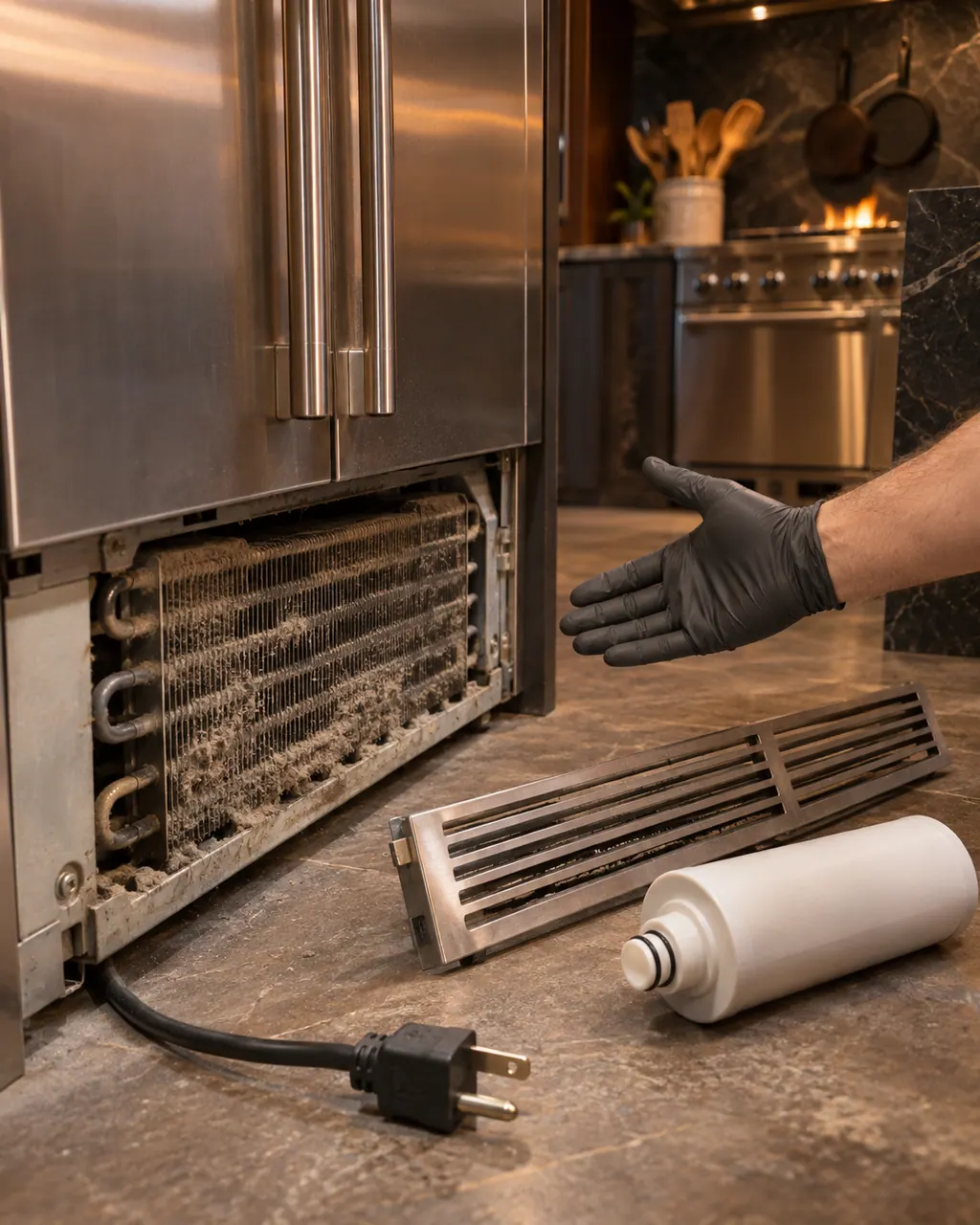
Remove the access panel as the manual describes.

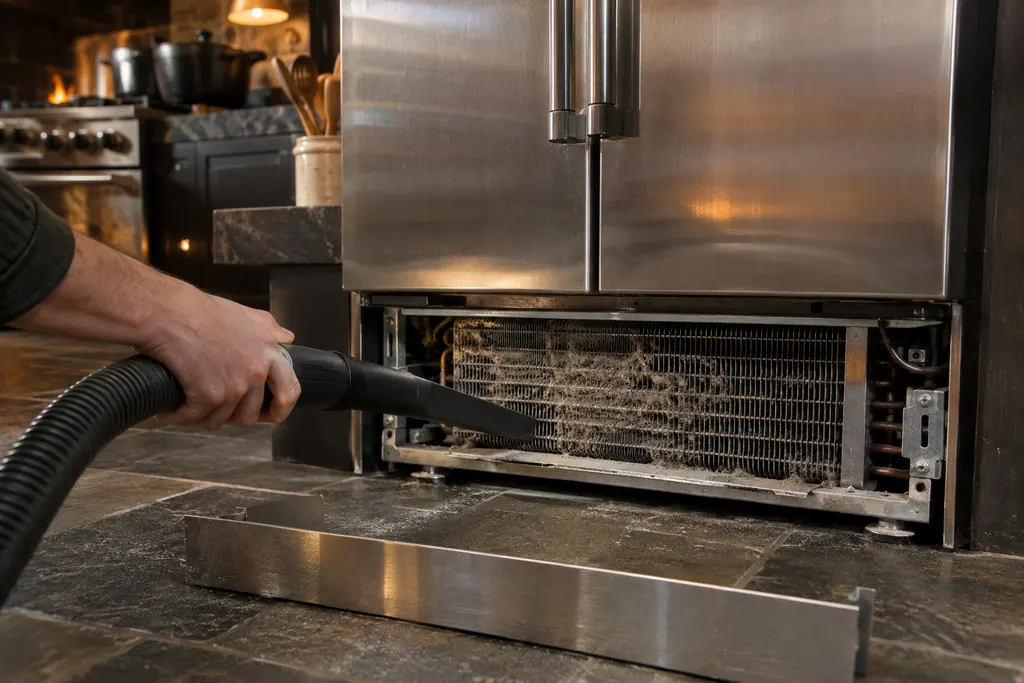
Use a soft brush or vacuum; do not use cleaners on the condenser.
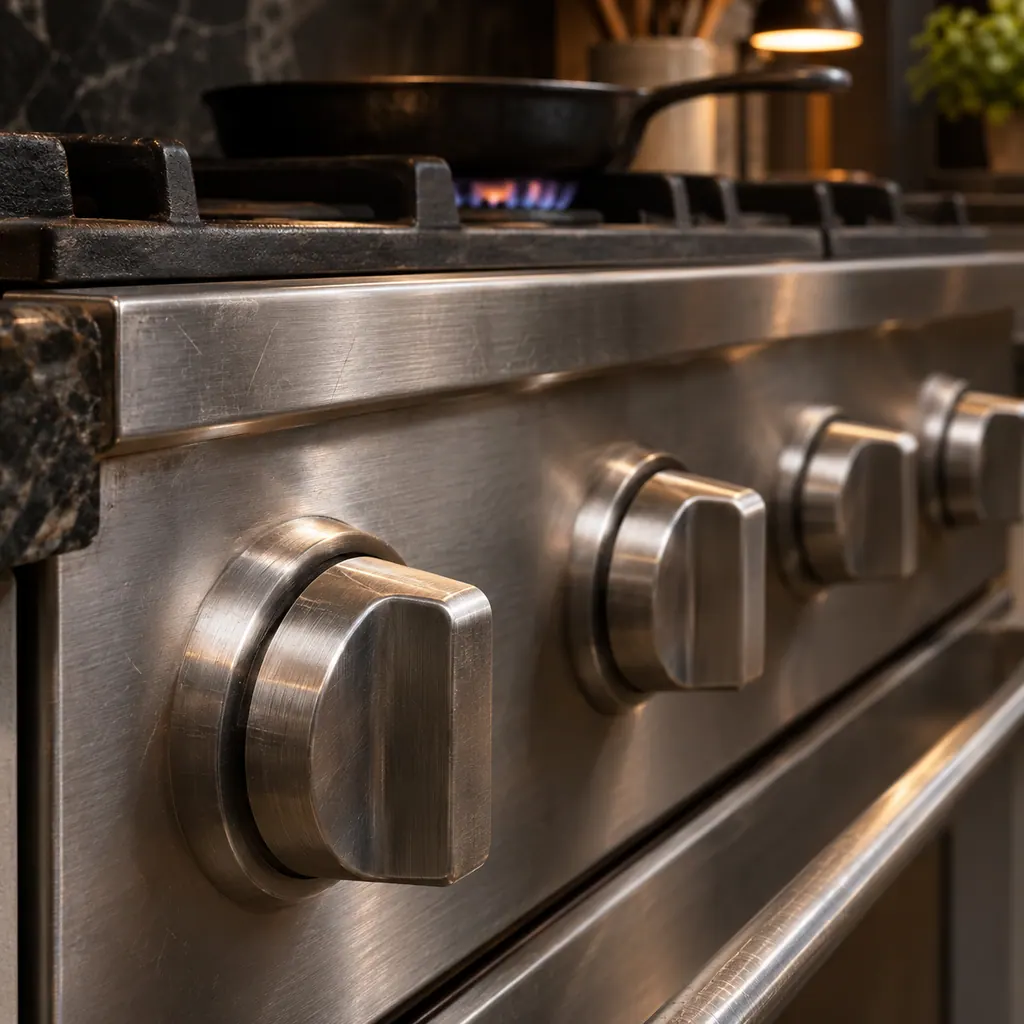
Put everything back.

Press the up and down arrows together for 3 seconds.
Pass along the model and the checks you ran, then open a visit request from this spot.
Book a visitA simplified sketch, because the inside of a Viking differs by series. Tap a highlighted part for its photo and the matching test.
Component reference
The condenser is the finned coil behind the kick plate that sheds heat from a Viking 7 Series integrated refrigerator.
Read the definitionThat you clean the condenser coil. The refrigerator temperature display blinks CL, and the troubleshooting table lists it as the Clean Condenser Coil Indicator.
Read the supporting manualIt recommends once every 6 months, and also right after construction or any work that produces a lot of dust near the unit.
Read the supporting manualTurn off the main power switch at the top of the unit behind the top access panel, remove the kick plate (two screws, slide it out through the key hole) and the access panel (two screws, pull to unsnap). Vacuum the front of the coil with a household vacuum extension, then refit both parts and switch power on.
Read the supporting manualCondenser fins may have sharp edges. It advises a vacuum rather than a duster, which may damage the fins.
Read the supporting manualManufacturer document
Viking Range, LLC (official manual PDF)
form 062222-000 (052518) / PDF p.13, p.17
Source: the Viking 7 Series integrated refrigerator and freezer use and care manual.
Press the up and down arrow keys together for 3 seconds after cleaning and switching the main power back on.
The manual says a duster may damage the fins and asks you to vacuum the dust completely out of the coil area.
The 7 Series integrated all refrigerators and all freezers in the 062222 manual, including the VRI7240 and VFI7180 and 7240.
Behind the header panel at the top, and the manual also describes it as left of center. It is covered under Settings and Functions; be sure it is back on after cleaning.
Viking codes, symptoms, parts, visits
Clean Condenser on a Viking VEIL integrated refrigerator is a recurring reminder, shown with a sound and a display signal. Clean the condenser, then reset the warning on the display. Viking prints 12 months in one place and 6 months in another.
Viking's refrigerator manuals print no leak entry, so this page covers the two sources they do describe: the defrost pan and the ice maker water line. Water in the defrost pan is normal in muggy weather, but the pan must be level so it does not overflow. For the ice maker, check the water line for leaks.
The condenser is the finned coil behind the kick plate that sheds heat from a Viking 7 Series integrated refrigerator. Dust and pet hair slow it down, and the temperature display blinks CL as a reminder. The 7 Series guide asks for a cleaning every 6 months by vacuuming the front of the coil.
Book a diagnostic for your series at the appliance itself.
Office particulars and the entry details to give us.