Inside the appliance
Water filter and the FILTER reminder. In plain English.
A Viking 7 Series integrated refrigerator holds its water filter in the bottom right corner behind the door. The FILTER button lights when it is time to change it. You push in and turn the cartridge a quarter turn to remove it, fit the cap on the new one, then press the button to reset.
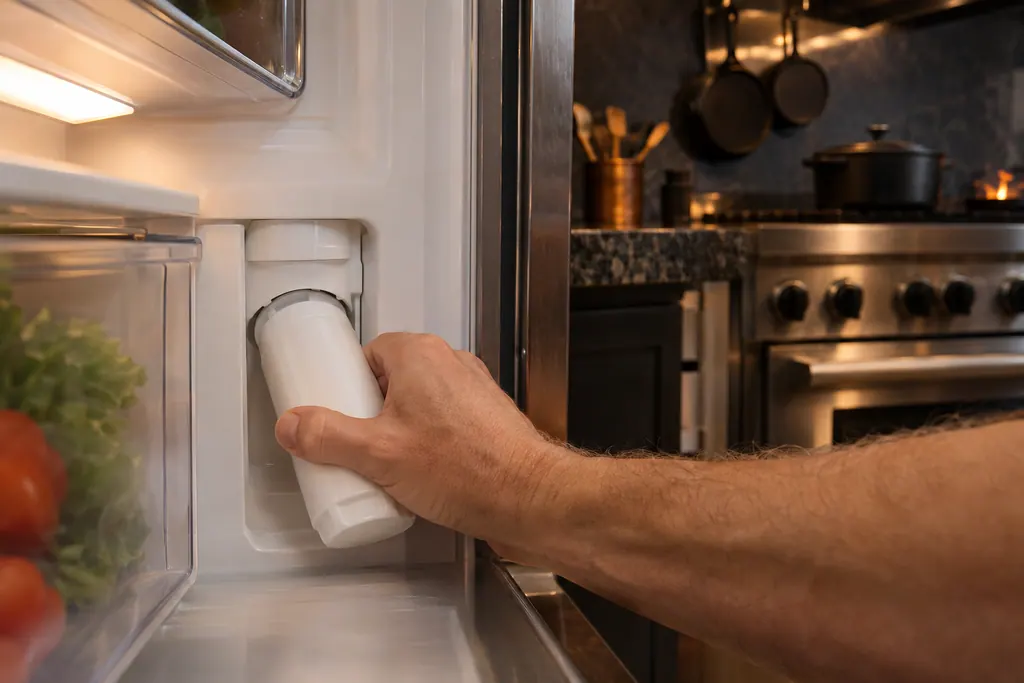
Where it fits.
Water filter and the FILTER reminder in the appliance
Bottom right corner inside the refrigerator, behind the door.
The photo shows the kind of component. It cannot tell you which replacement fits your series.
The signs that this system wants attention.
Water filter and the FILTER reminder trouble can turn up together with a drop in performance or a code that keeps coming back. Testing is required before anyone decides this component is to blame.
Owner care, within the model instructions.
Turn the appliance off and unplug it before any check you can make yourself. Beware of standing water and sharp edges. Never touch a wet plug or live wiring, take off service panels, or go beyond what your series' guide allows.
- 1
Watch for the FILTER button
The guide says the FILTER button illuminates when the cartridge is due and the icon shows only at that time (PDF p.7).
- 2
Find the cartridge
It sits in the bottom right corner behind the door, with a cap on its end for easy removal (PDF p.9).
- 3
Turn a quarter
Push in and turn 1/4 counterclockwise to take it out. Move the cap to the new filter, push in and turn 1/4 clockwise.
- 4
Reset the reminder
After the change, press the FILTER button to reset it. The guide names replacement filter RWFDISP.
Cleaning or replacement?
Leave internal testing to a technician.
The FILTER light stays on after a new cartridge is fitted and the button pressed.
Water stops flowing from the dispenser after a filter change.
You see Replace filter on a built-in unit and do not know which filter it means.
Arrange a diagnosticSee the neighboring components.
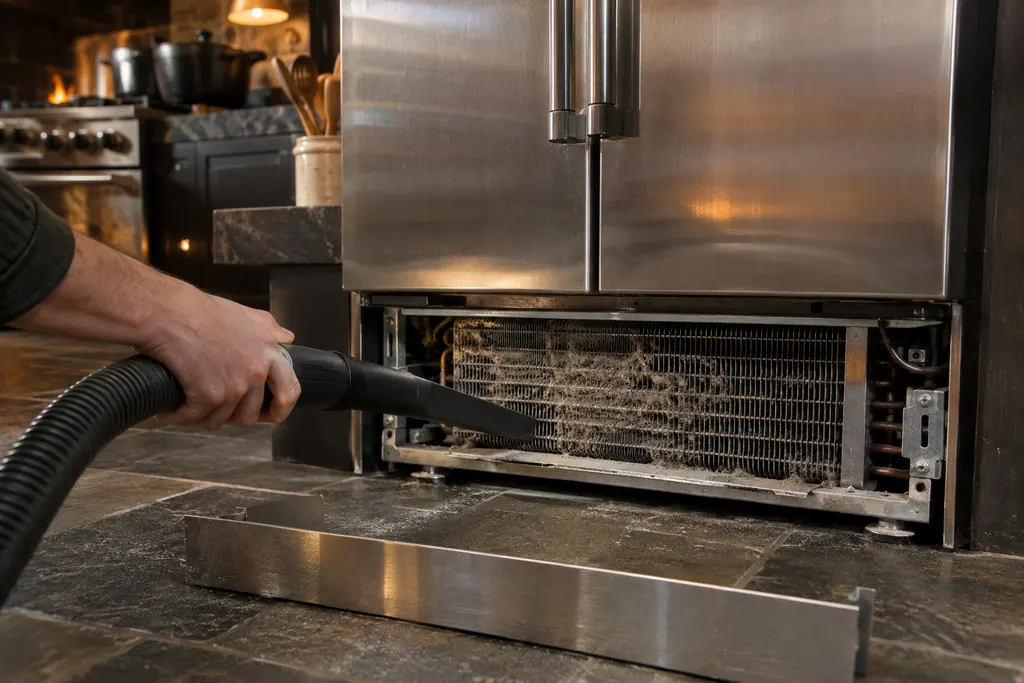
Condenser coil and the CL reminder
The condenser is the finned coil behind the kick plate that sheds heat from a Viking 7 Series integrated refrigerator. Dust and pet hair slow it down, and the temperature display blinks CL as a reminder. The 7 Series guide asks for a cleaning every 6 months by vacuuming the front of the coil.

Door gaskets
The gaskets are the soft seals around the doors of a Viking refrigerator or freezer. The 5 Series and 7 Series guides say to clean them every three months, the way you clean the interior, and to apply a light film of petroleum jelly so they stay pliable. A dirty or stiff gasket can leave the door slightly open.
Sources and model boundaries.
The Water filter and the FILTER reminder guidance rests on these references. Choose the manual that fits your own series.
- Use & Care MANUAL / 7 SERIES / Integrated All Refrigerator / Integrated All Freezer
Rely on the guide for your precise series, and read how we research these pages.
Where is the water filter on a Viking 7 Series refrigerator?
In the bottom right corner behind the door, according to the 7 Series integrated guide. The inside parts list also shows it behind an access panel.
How do I replace it?
Push in and turn the old cartridge 1/4 counterclockwise and pull it out. Move the cap to the new one, push in, turn 1/4 clockwise and release. Then press FILTER to reset.
Why is the FILTER button lit?
It lights when the filter change is due. The icon appears only at that time, and the button resets it afterward.
Does a new filter fix low water flow?
Not always. If the dispenser stays weak after a new cartridge is seated and the reminder reset, book a visit so a technician can find the cause.
Viking codes, symptoms, parts, visits
From the message to your next move.
Replace filter
Replace filter on a Viking VEIL integrated refrigerator asks you to replace the water filter cartridge. The message appears every 12 months after the last reset. Fit a new cartridge and reset the reminder.
Viking refrigerator leaking water
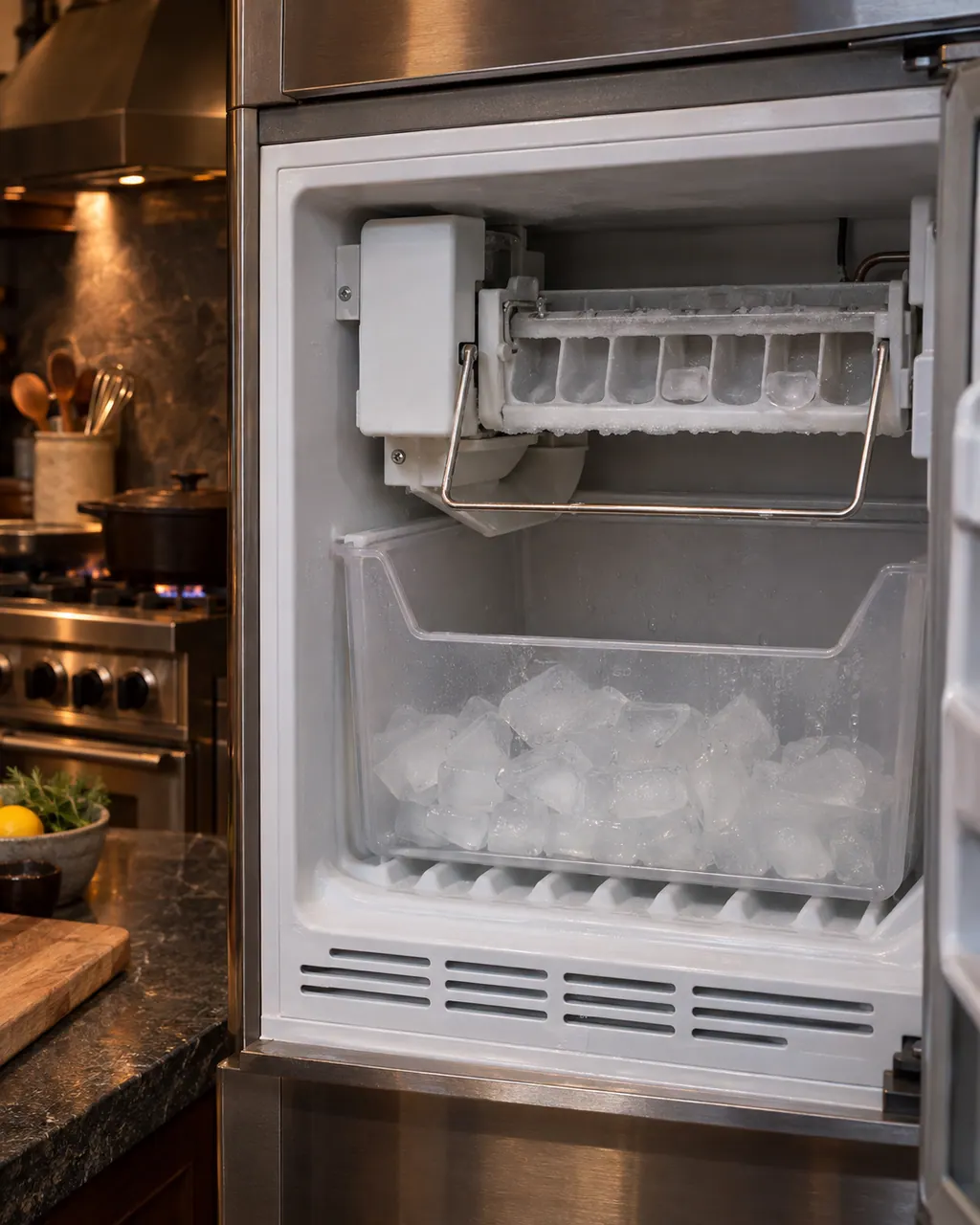
Viking's refrigerator manuals print no leak entry, so this page covers the two sources they do describe: the defrost pan and the ice maker water line. Water in the defrost pan is normal in muggy weather, but the pan must be level so it does not overflow. For the ice maker, check the water line for leaks.
Refrigerator repair
Book a diagnostic for your series at the appliance itself.
Find your metro
Office particulars and the entry details to give us.